You’ve got a problem. Marketing automation isn’t the competitive edge it used to be. The workflows you built last year are now table stakes. Your competitors are using them too. Everyone is stuck trying to automate emails. The real goal is about automating intelligence.
This is where most companies get it wrong. They chase flashy AI features without a strategy, ending up with expensive tools that don’t move the needle on revenue. They’re buying AI, not deploying an intelligent system. You and I are going to focus on the system.
I’ve been working with machine learning since 2016 and Generative AI since 2019, implementing these systems inside businesses to drive growth and scale. This guide cuts through the hype. We’ll focus on the platforms that form the core of a modern AI marketing engine—tools like Lindy for AI agents, and Gumloop, Zapier, Make, and N8N for the essential plumbing that connects everything.
We’re not just listing features. We’re talking about how these tools create a competitive advantage. How they help you outmaneuver the competition and dominate your market. Let’s build your intelligent growth engine.
1. Lindy
Lindy is a platform for building AI agents, or “Lindy’s,” that can execute complex, multi-step marketing tasks. This is a fundamental shift from simple “if/then” workflows to intelligent systems that can reason, adapt, and act on your behalf. Think of it as hiring a team of tireless, infinitely scalable digital marketing assistants.
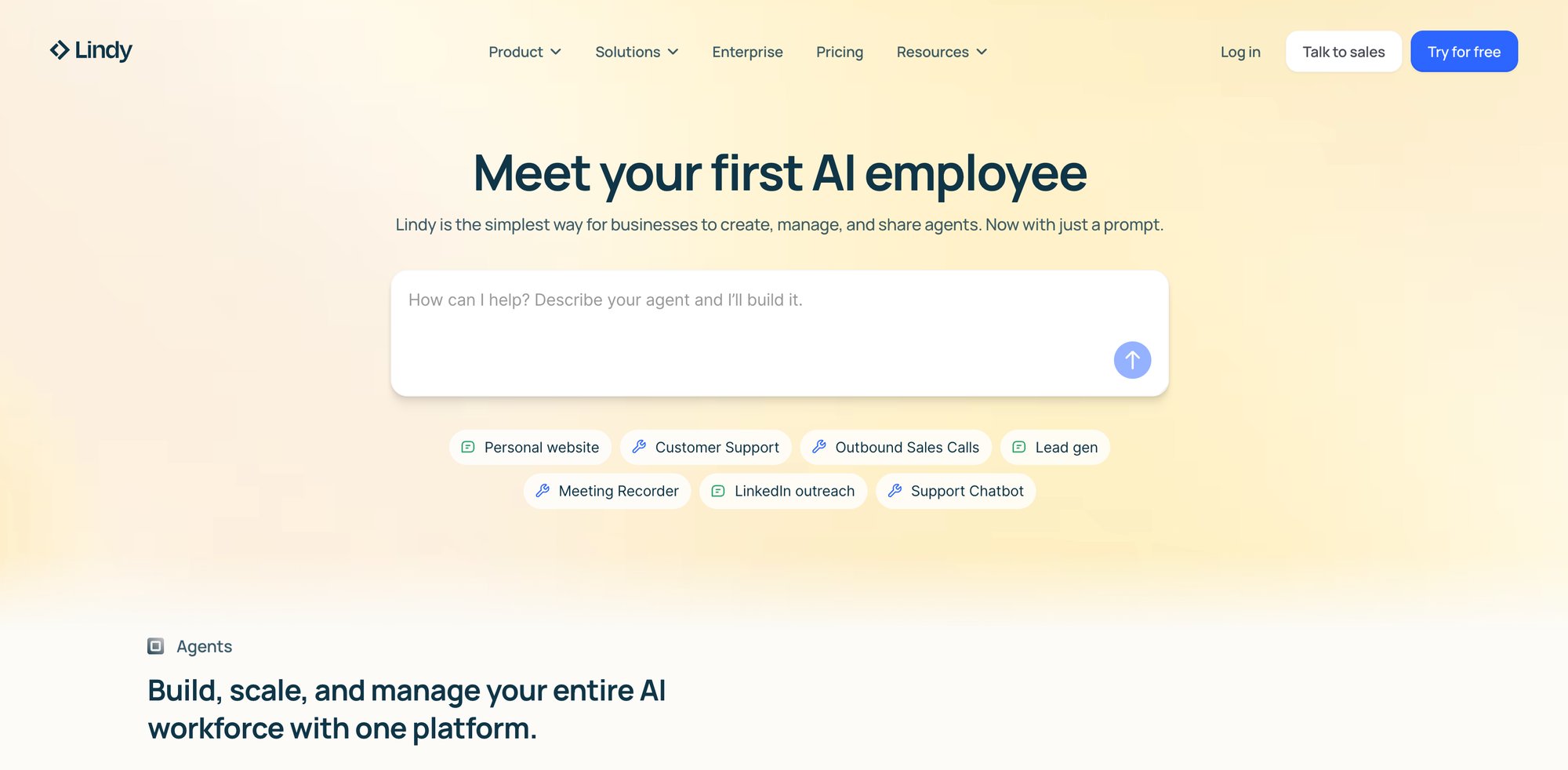
Its power lies in creating autonomous agents that connect to your existing tool stack—your CRM, email platform, and ad accounts. You can build a Lindy that monitors your sales pipeline and automatically generates hyper-personalized outreach emails for stalled deals, including relevant case studies it finds in your Notion database.
Use Cases & Implementation
-
Autonomous Lead Nurturing: Create an agent that takes a new lead, enriches it with data from Clearbit, analyzes their website for key pain points, and then drafts a completely bespoke outreach sequence. The sales rep just has to approve the final drafts.
-
Content Repurposing Engine: Build a Lindy that watches for a new blog post on your website. When it appears, the agent automatically generates five LinkedIn posts, three tweets, and a newsletter summary, then schedules them in Buffer.
-
Dynamic Ad Campaign Management: Design an agent to monitor Google Ads performance. If a campaign’s cost-per-acquisition (CPA) rises above a set threshold, the agent can automatically pause the low-performing ad sets and reallocate the budget.
My Take
Pros:
-
True Agentic Capability: Moves beyond linear workflows to enable complex, goal-driven automations that can make decisions.
-
Deep Integration: Connects seamlessly with a wide range of business tools, acting as a central brain for your operations.
-
Scalability: Allows you to build an army of digital workers to handle tasks that were previously impossible to automate effectively.
Cons:
-
Complexity: Building truly effective agents requires a solid understanding of your processes and a strategic approach. This isn’t a simple point-and-click tool.
-
Early Market: The concept of AI agents is still new for many businesses, meaning there’s a learning curve to maximizing their potential.
Website: https://www.lindy.ai
2. Gumloop
Gumloop is one of the more powerful platforms for building AI-native workflows, positioning itself as a direct competitor to Zapier but with a deeper focus on AI agents from the ground up. This is where you go when you need to construct sophisticated, multi-step AI automations that involve multiple models and complex logic, without requiring a team of developers.
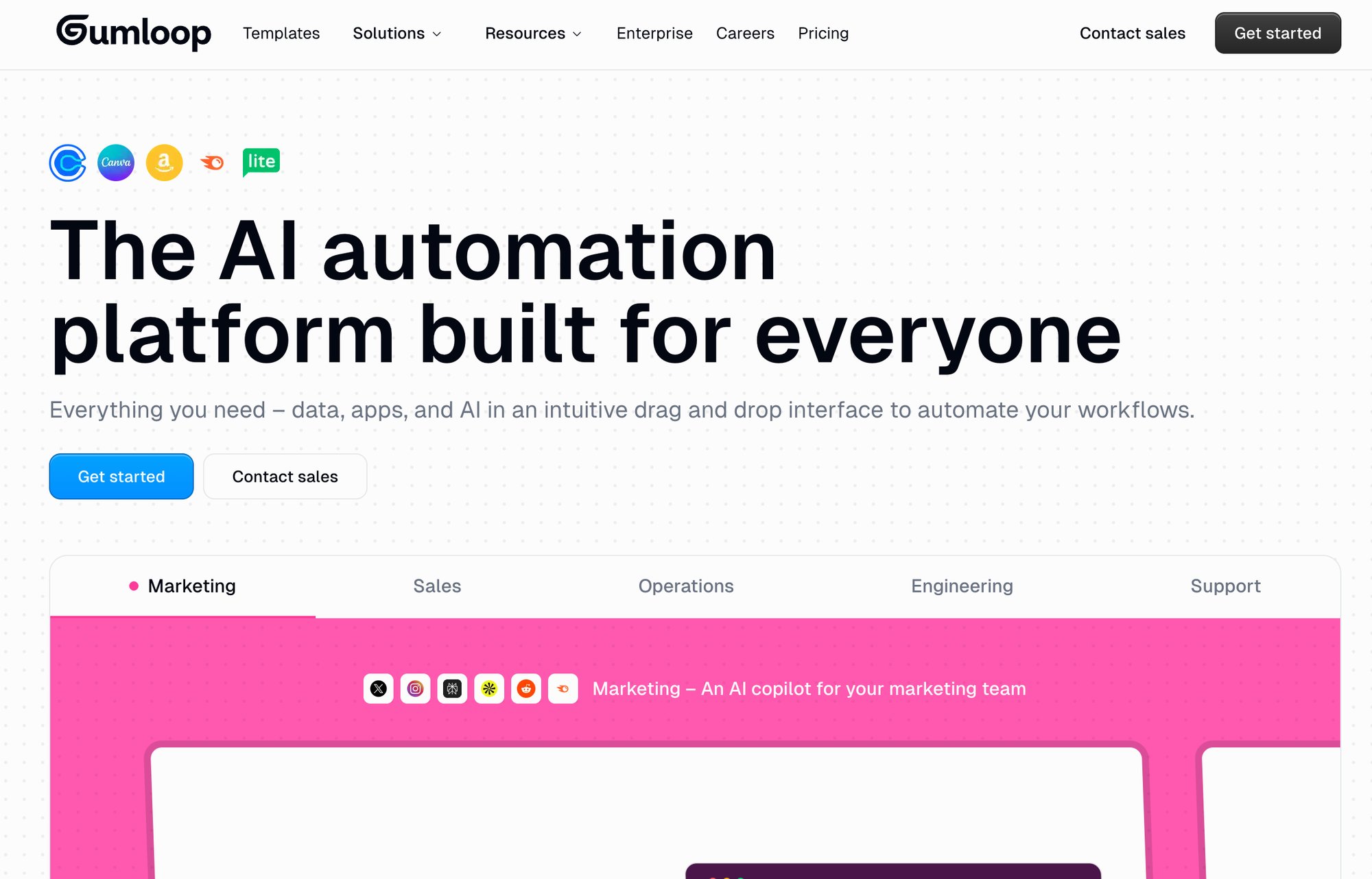
The key differentiator is its visual, no-code canvas designed specifically for chaining together LLM calls, conditional logic, and tool integrations. You can easily build a workflow that scrapes a competitor’s website, feeds the text to an AI to summarize their value proposition, compares it to your own, and then generates talking points for your sales team. This is about operationalizing competitive intelligence at speed.
Use Cases & Implementation
-
Intelligent Content Pipelines: Create a workflow that ingests a raw transcript from a podcast, uses one AI model to create a summary, another to extract key quotes, and a third to draft social media posts, before saving everything to Google Drive.
-
Automated Market Research: Build an agent that monitors specific subreddits or Twitter hashtags for mentions of your brand or competitors, uses AI to analyze sentiment, and posts a summary of key conversations to a dedicated Slack channel each morning.
-
Dynamic Email Personalization: Set up a flow where a new lead triggers a Gumloop agent to research the person on LinkedIn, identify their role and company priorities, and then use that data to inject a highly personalized opening paragraph into your welcome email.
My Take
Pros:
-
AI-First Design: The entire platform is built around orchestrating AI models, making it more intuitive for complex AI tasks than traditional automation tools.
-
No-Code Power: Empowers non-technical marketers to build the kind of sophisticated AI automations that would have previously required custom code.
-
Flexibility: Easily swap out different AI models (like Claude 3 for analysis and GPT-4 for creative writing) within the same workflow to optimize for cost and quality.
Cons:
-
Emerging Platform: As a newer player, its library of direct app integrations may be smaller than that of established giants like Zapier.
-
Focus on Logic: It’s an engine for building workflows, not a user-facing application. You still need to connect it to your other marketing tools for execution.
Website: https://www.gumloop.com
3. Zapier
Zapier is the undisputed heavyweight champion of no-code automation, the essential plumbing that connects thousands of different applications. While it started as a simple “if this, then that” tool, it has aggressively integrated AI, making it a powerful orchestrator for practical, everyday AI marketing tasks. For most businesses, this is the fastest way to start injecting AI into existing processes.
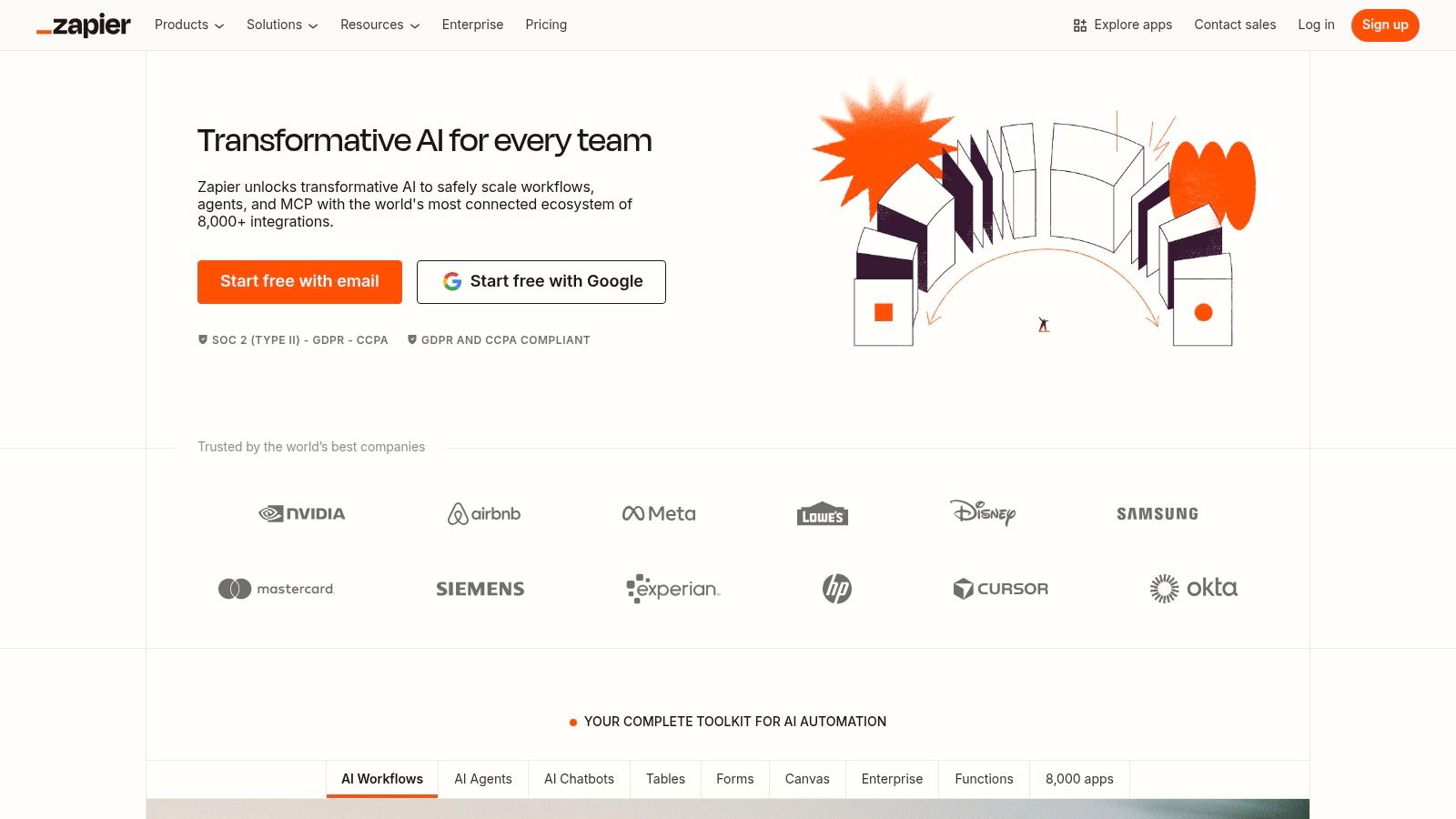
The power of Zapier is its unparalleled library of over 8,000 app integrations. With its built-in AI modules, you can create a “Zap” that triggers on a new lead in your CRM, sends the data to OpenAI to draft a personalized email, and then creates a draft in your Gmail. Its new AI agent features allow you to build more complex, conversational workflows that can interact with your tools to accomplish a goal you state in plain English.
Use Cases & Implementation
-
Intelligent Lead Routing: Automatically enrich new leads from your website with data from a tool like Clearbit, use an AI step to score their potential, and then route high-value leads directly into a sales rep’s Slack channel with a summary.
-
Content Operations: Create a workflow where a new blog post idea in a Trello card triggers an AI to draft an outline, which is then sent for approval. Once approved, another AI can generate social media posts and add them to a content calendar.
-
Connecting Your AI Stack: Zapier is the ideal no-code automation platform to act as the bridge between your generative AI tools (like Jasper) and your execution channels (like Mailchimp or HubSpot).
My Take
Pros:
-
Massive Integration Library: If a tool has an API, it probably connects to Zapier. This is its biggest competitive moat.
-
Ease of Use: It has a gentle learning curve, making it accessible for non-technical team members to build powerful automations.
-
Rapid Prototyping: You can build and test complex marketing automations in minutes, an invaluable advantage for agile teams.
Cons:
-
Task-Based Pricing: Costs are based on the number of “tasks” you run. High-volume workflows, like processing every website visitor, can become very expensive, very quickly.
-
Limited AI Complexity: While powerful for linear tasks, building truly agentic, multi-step reasoning workflows is more elegantly handled by specialized platforms like Lindy or Gumloop.
Website: https://zapier.com
4. Make
Make (formerly Integromat) is the power user’s alternative to Zapier. It offers a more visual and granular approach to building automations, which can be a massive advantage when orchestrating complex, multi-step AI marketing workflows. While Zapier excels at simple, linear connections, Make shines when you need to handle intricate data transformations, branching logic, and error handling.
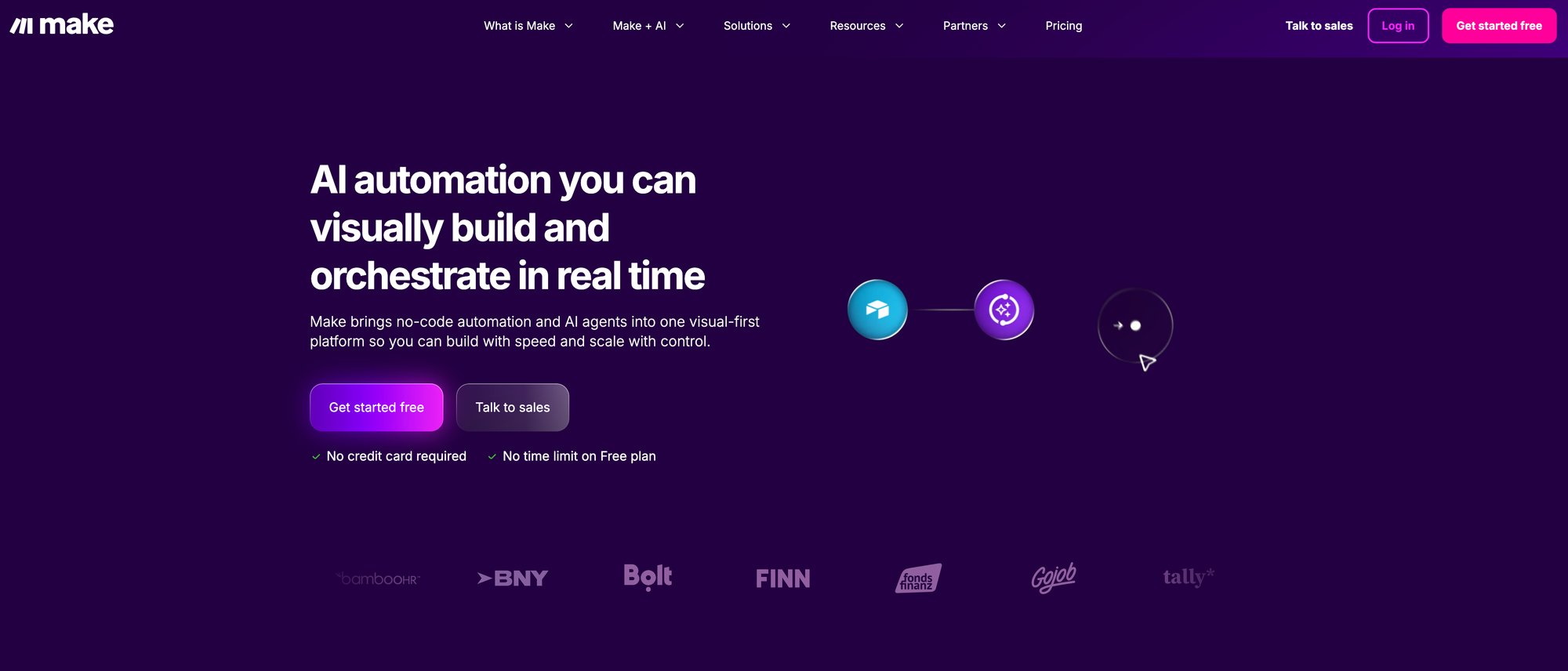
Its visual canvas allows you to literally see the data flowing between your apps and AI models. This makes it easier to debug complex scenarios and understand exactly what’s happening at each step. You can build a workflow that pulls customer feedback from multiple sources, sends each piece to an AI for sentiment analysis and topic tagging, and then routes the data to different destinations based on the results—all in one clear, visual scenario.
Use Cases & Implementation
-
Advanced Data Processing: Pull a list of new signups from your database, run a loop that enriches each one with social data via an API, then use conditional logic to add them to different email sequences based on their company size and industry.
-
AI-Powered Reporting: Connect to your Google Analytics account, pull weekly performance data, send it to an AI model with a prompt to “write a summary of key trends for a non-technical executive,” and post the result to Slack every Monday morning.
-
Multi-Step Content Creation: Design a scenario that takes a single keyword, uses one AI call to generate a blog post title, another to create an outline, and then iterates through the outline to generate a paragraph for each section.
My Take
Pros:
-
Visual Workflow Builder: The intuitive drag-and-drop interface makes it easier to build and manage complex, multi-path automations.
-
Granular Control: Offers more advanced features like routers, iterators, and aggregators, giving you precise control over data flow.
-
Cost-Effective at Scale: Its operations-based pricing model can be significantly more affordable than Zapier’s task-based model for high-volume workflows.
Cons:
-
Steeper Learning Curve: The added power and flexibility come with more complexity. It takes longer to master than Zapier.
-
Fewer App Integrations: While its library is large and growing, it doesn’t match the sheer breadth of Zapier’s thousands of integrations.
Website: https://www.make.com/en
5. n8n
n8n (Nodeless Nodes) is the open-source and self-hostable powerhouse in the AI automation space. This is the platform for teams that demand maximum control, flexibility, and data privacy. Unlike purely cloud-based services like Zapier or Make, n8n can be run on your own servers, ensuring that sensitive customer data never leaves your infrastructure. This is a critical advantage for companies in regulated industries or those with strict data governance policies.
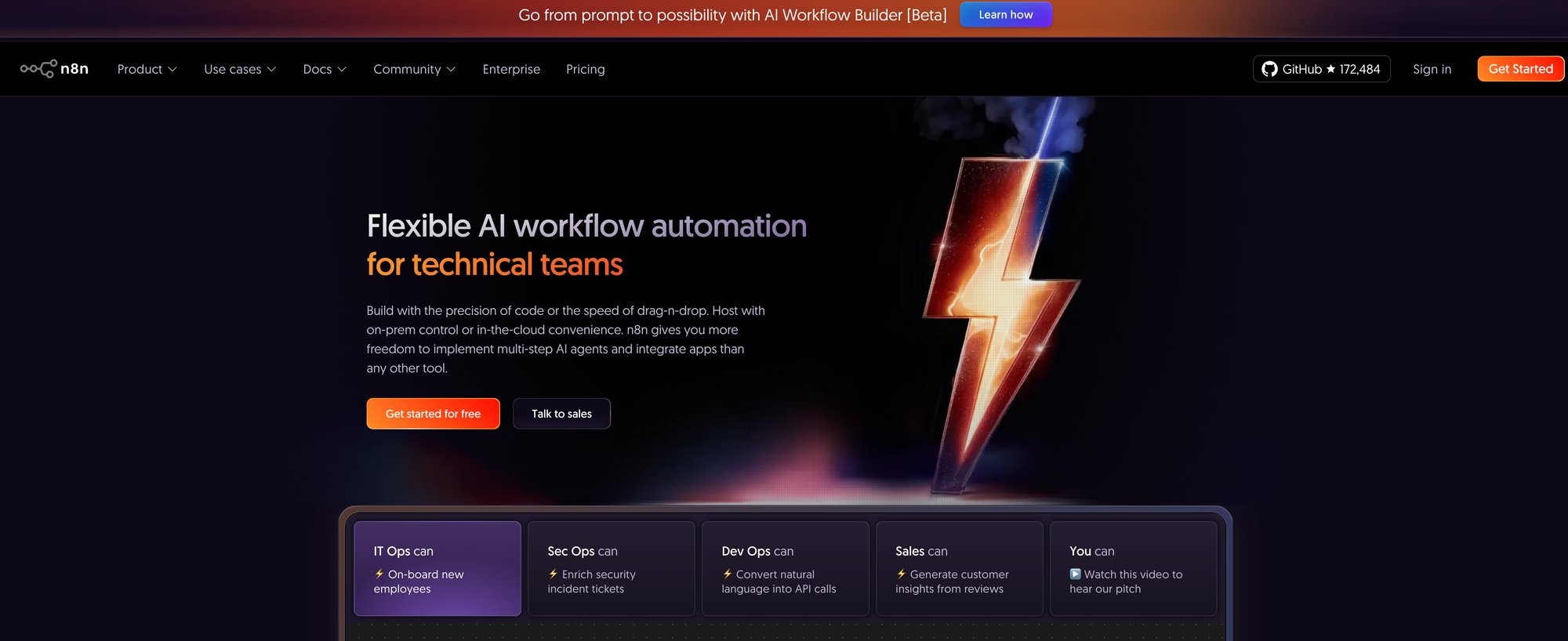
The platform’s strength is its node-based visual workflow editor, which feels familiar to developers but is accessible to technical marketers. It allows for complex branching, merging, and custom code execution within your automations. You can build a workflow that connects directly to your internal production database (something you’d never expose to a cloud service), pulls user data, and then uses that data to power a personalized AI-driven email campaign.
Use Cases & Implementation
-
Secure Data Handling: Automate processes involving sensitive customer PII (Personally Identifiable Information) by keeping the entire workflow within your own firewalled environment.
-
Custom Integrations: Build automations that connect to your proprietary internal tools or any service with an API, even if it’s not officially supported. The ability to write custom JavaScript or Python code within a node offers limitless flexibility.
-
Cost-Controlled AI Operations: For high-volume AI tasks, self-hosting n8n means you only pay for your server costs and the raw API calls to your AI model provider. This eliminates the platform fees charged by other services, leading to massive savings at scale.
My Take
Pros:
-
Data Privacy & Control: The self-hosting option is a game-changer for data security and compliance.
-
Extensibility: The open-source nature and ability to write custom code means you’re never limited by the platform’s built-in features.
-
Cost-Effective: The free, self-hosted version offers incredible power with no licensing fees, making it an unbeatable value proposition.
Cons:
-
Requires Technical Expertise: Setting up, maintaining, and scaling a self-hosted n8n instance requires technical knowledge (or a willingness to use their paid cloud version).
-
Community-Based Support: While the community is active, you won’t get the same level of dedicated, enterprise-level support as you would with a purely commercial SaaS product unless you’re on a paid plan.
Website: https://n8n.io
6. ActiveCampaign
ActiveCampaign has built its reputation on giving SMBs access to incredibly powerful and granular automation workflows that were once reserved for enterprise budgets. They’ve been a go-to for anyone who needs to build sophisticated funnels that combine email, CRM, and site messaging. Now, they’re layering in AI to make those campaigns smarter and faster to build.
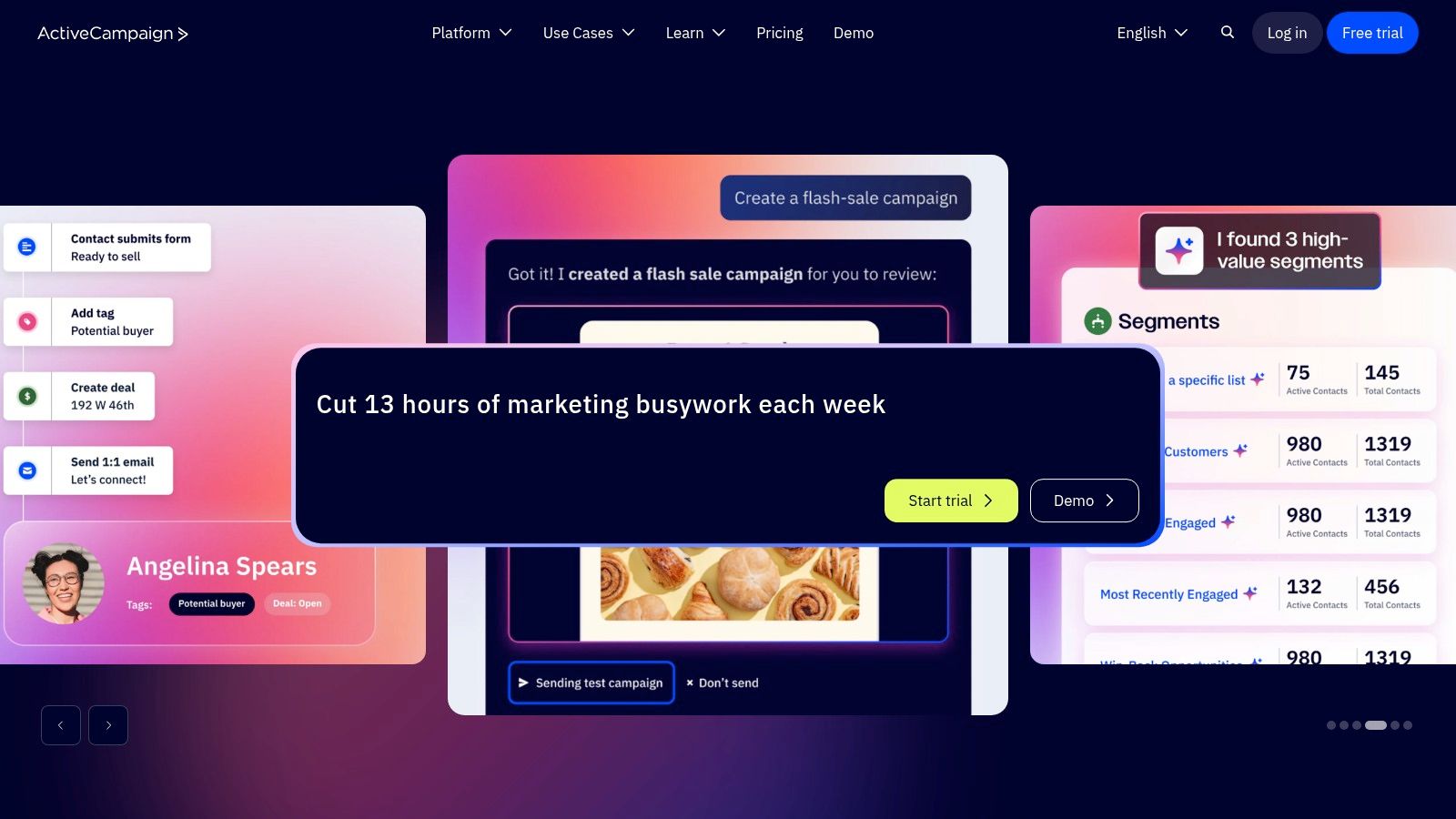
Their approach to AI is practical and embedded directly into the campaign creation process. You’ll find AI-powered copy and subject line suggestions right inside the email builder. On higher-tier plans, their Predictive Sending feature analyzes individual open times to deliver emails when each contact is most likely to engage. This focus on optimizing the core email channel makes it one of the more grounded ai marketing automation tools for businesses where email is the primary revenue driver.
Use Cases & Implementation
-
Email Copy & Subject Lines: Use the AI assistant to quickly generate multiple variations for A/B testing subject lines or to write body copy for a new nurture sequence. It’s an effective way to overcome writer’s block.
-
Predictive Sending Optimization: Enable this feature (Pro plan and above) to let the algorithm determine the optimal send time for each contact in your list, maximizing open rates for your most important campaigns.
-
Workflow Logic: While the workflow builder itself isn’t generative AI, its power lies in using site tracking and event data to create highly conditional, intelligent automations that feel personalized to the user’s journey.
My Take
Pros:
-
Powerful Automations: The visual workflow builder is best-in-class for its price point, allowing for complex and granular journey mapping.
-
Balanced Platform: It strikes an excellent balance between marketing automation and a functional, light-sales CRM, making it a great all-in-one for many small businesses.
Cons:
-
Tiered AI Access: Core AI features like Predictive Sending are locked behind more expensive plans, which might be a hurdle for new businesses.
-
Add-on Costs: The total cost of ownership can increase significantly when you add necessary extras like SMS credits or their transactional email service, Postmark.
Website: https://www.activecampaign.com
7. Braze
If your world is mobile-first consumer apps, especially in media or e-commerce, Braze is a name you must know. This isn’t a general-purpose marketing platform; it’s a high-octane engine built for real-time, cross-channel engagement at massive scale. BrazeAI embeds predictive and generative capabilities directly into its powerful orchestration tool, Canvas Flow, turning it into one of the most sophisticated ai marketing automation tools for consumer brands.
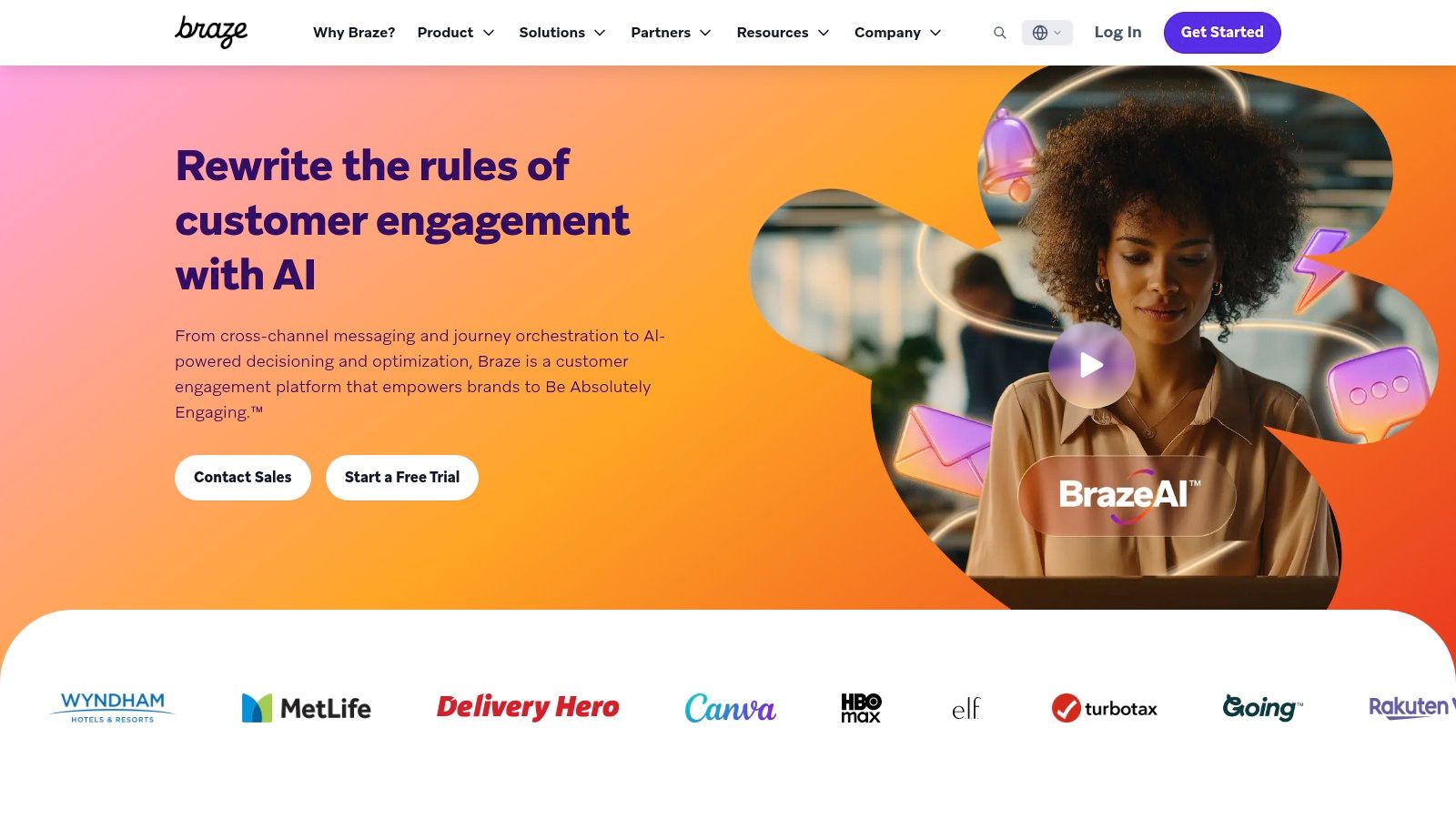
The core magic happens in how Braze handles decisioning. You can use its AI to determine the best time, channel, or even content for each individual user in real-time. With its acquisition of OfferFit, Braze is pushing into agentic decisioning, where the system autonomously experiments and learns to optimize offers and messages for each user. This is about moving beyond simple A/B tests to a state of constant, automated 1:1 optimization across push notifications, in-app messages, and email.
Use Cases & Implementation
-
Predictive Pathing: In your user journeys, use the AI-powered “Personalized Paths” feature to dynamically send users down the most effective branch based on their predicted behavior, like likelihood to churn or purchase.
-
AI-Powered Recommendations: Seamlessly embed AI-driven product or content recommendations directly into your emails, push notifications, or in-app messages to drive engagement and revenue.
-
Agentic Offer Optimization: For high-volume businesses, leverage the AI to self-optimize which promotion or offer is sent to which user segment, continuously learning and improving campaign ROI without manual intervention.
My Take
Pros:
-
Best-in-Class Orchestration: Unmatched for managing complex, high-volume journeys for mobile-centric consumer applications.
-
Advanced 1:1 Decisioning: The platform excels at fast experimentation and moving towards true, AI-driven personalization at the individual level.
-
Robust Channel Support: Deep, native support for mobile channels like push notifications, in-app messages, and SMS is a core strength.
Cons:
-
High Cost & Complexity: No public pricing, but it’s an enterprise-grade platform with a price tag and implementation effort to match.
-
Requires Team Maturity: To get the most out of Braze, you need a strong product, data, and engineering team to manage the integration and strategy.
Website: https://www.braze.com
8. Iterable
Iterable is where enterprise-level, multi-channel communication meets practical AI. This platform is built for brands that engage with customers across email, SMS, push, and in-app messages and need sophisticated tools to orchestrate those conversations. Their AI is less about one-off content generation and more about optimizing the entire customer journey, from message timing to the copy that drives action.
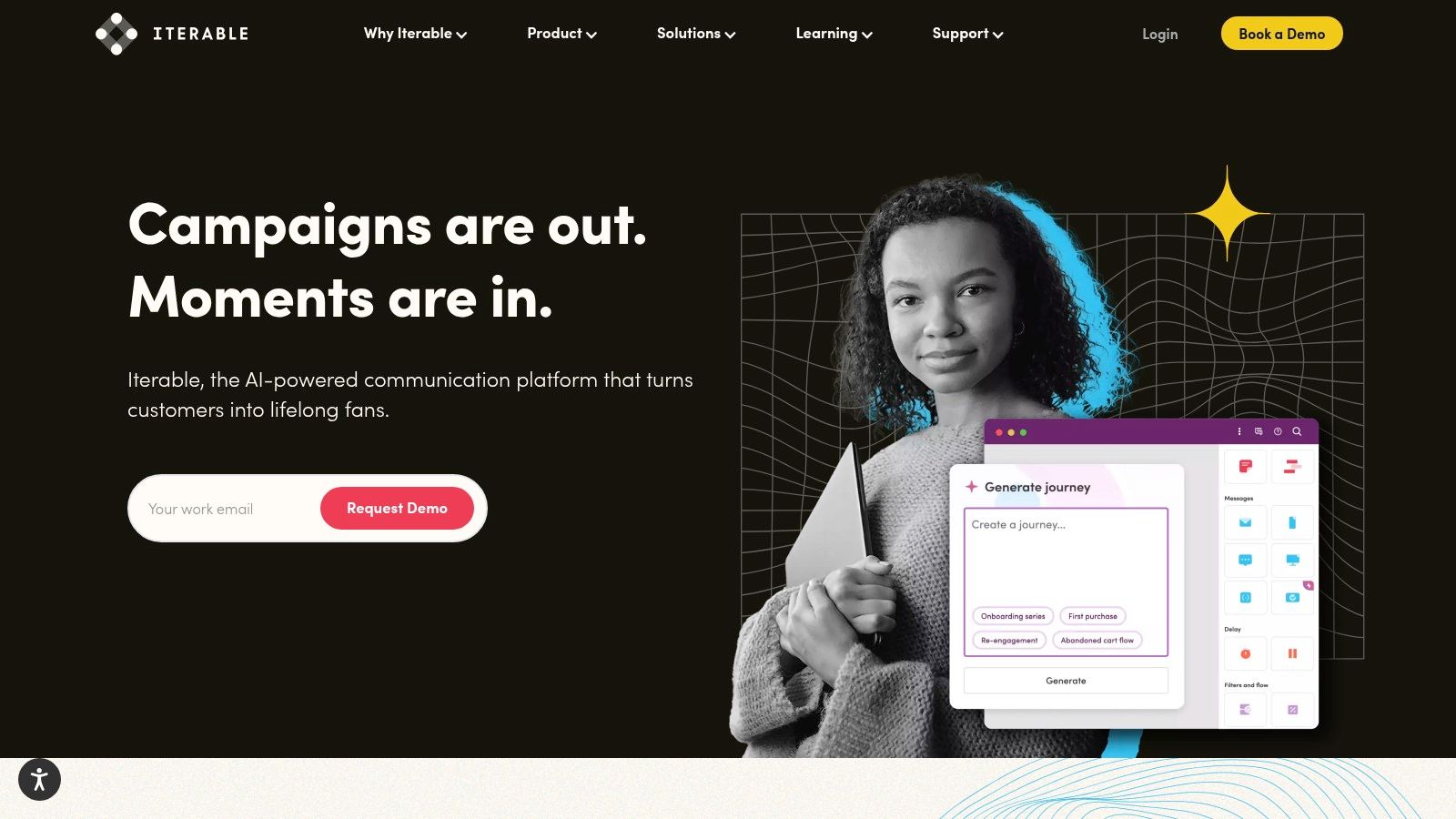
What I find compelling is the balance they strike between AI-driven suggestions and marketer control. With features like Copy Assist for messaging and Journey Assist, which lets you build complex workflows using natural language prompts, they accelerate the tedious parts of campaign creation. Yet, you always retain the final say. Their Brand Affinity AI is particularly powerful, moving beyond simple segmentation to identify which users are most loyal and why, which is a game-changer for retention strategies.
Use Cases & Implementation
-
Journey Building: Use Journey Assist to describe a welcome series or a re-engagement campaign in plain English. The AI will then map out the workflow with the correct triggers and message types, which you can then fine-tune.
-
Copy Optimization: Leverage Copy Assist to generate multiple versions of an email subject line or a push notification for A/B testing, helping you quickly identify the most effective messaging.
-
Predictive Optimization: The platform’s predictive goals can automatically optimize send times, channels, and message frequency for individual users, aiming to maximize conversions while minimizing unsubscribes.
My Take
Pros:
-
Balanced AI Control: Offers a strong mix of AI-driven guidance without taking away the marketer’s strategic control.
-
Modern Cross-Channel Support: Deeply integrated support for email, SMS, push, and in-app messaging makes it a true omnichannel hub.
-
User-Friendly Interface: The UX is clean and modern, simplifying the management of complex, multi-step customer journeys.
Cons:
-
Opaque Pricing: There’s no public pricing list. Costs are custom and typically factor in sends, profiles, and events, making it a better fit for larger businesses.
-
Data-Dependent: To get the best results from its optimization and affinity features, you need several months of historical customer data.
Website: https://www.iterable.com
9. Customer.io
Customer.io is built for technical marketers and product-led growth companies that need granular control over their event-driven messaging. Their AI integration focuses on making complex tasks simpler, not just generating generic copy. It’s a platform designed for teams that live and breathe user behavior data and need a powerful engine to act on it in real-time.
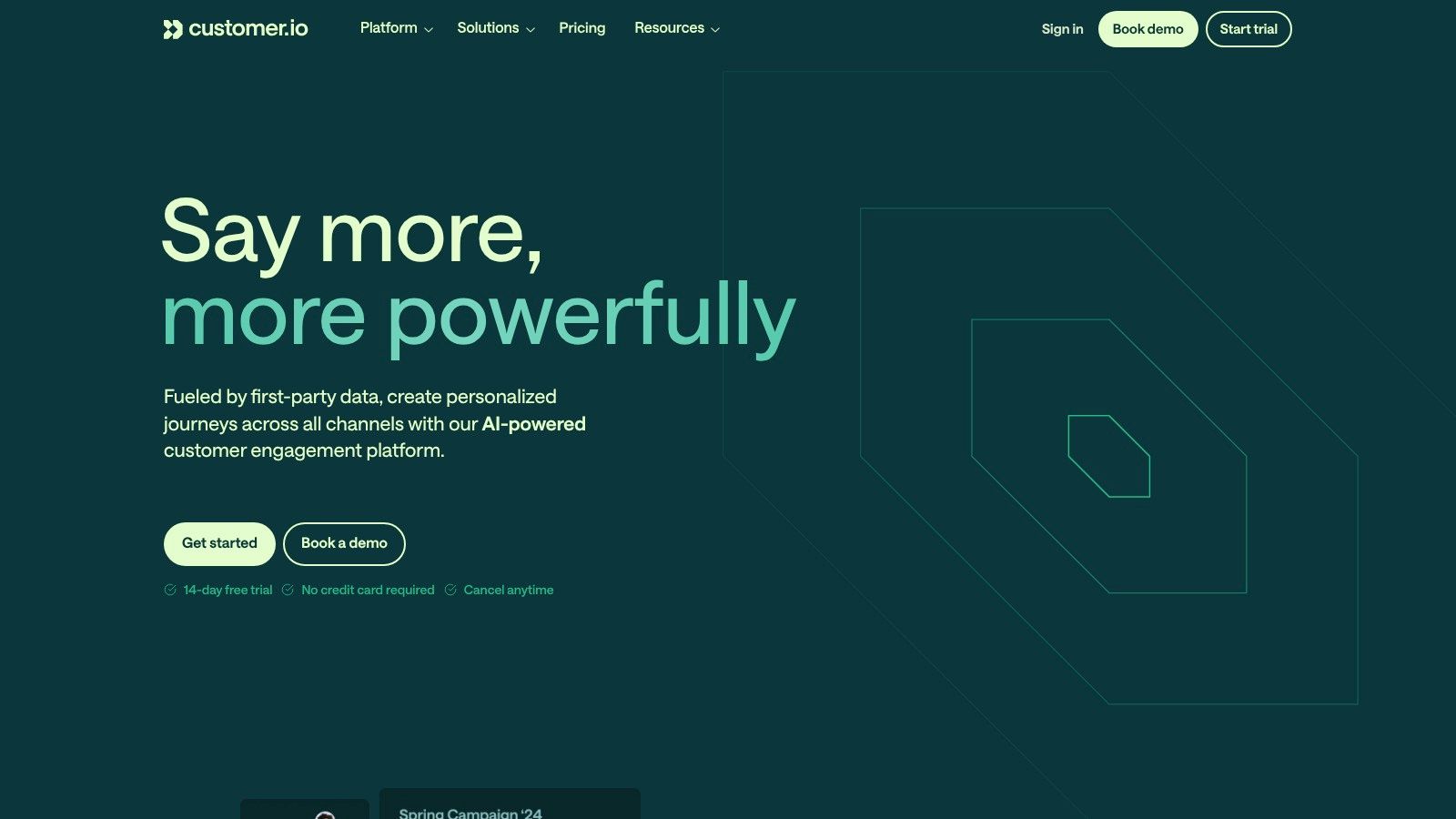
What makes this platform stand out among other ai marketing automation tools is its developer-first approach. The AI features are practical workflow enhancers. For example, you can use natural language to prompt for a user segment, like “users who signed up in the last 30 days but haven’t created a project,” and it will build the logic for you. It also offers AI-powered content analysis and send-time recommendations, grounding its AI in your actual user data to improve engagement.
Use Cases & Implementation
-
AI-Assisted Segmentation: Instead of manually building complex audience rules, describe your target segment in plain English. This dramatically speeds up campaign creation, especially for non-technical team members.
-
Behavior-Triggered Messaging: Use their visual workflow builder to create sophisticated messaging sequences based on user actions (or inactions). Let AI suggest the next best message or channel based on similar user paths.
-
Analytics Summaries: Leverage AI to get quick, human-readable summaries of your campaign performance data, identifying key trends and takeaways without needing to dig through dashboards yourself.
My Take
Pros:
-
Granular Control: The platform offers incredible flexibility for those comfortable with event-based data and APIs, backed by strong developer documentation.
-
Competitive Entry Pricing: For growth-stage companies, the initial pricing tiers are very accessible compared to larger, all-in-one suites.
Cons:
-
High Configuration Need: This is not a plug-and-play solution. It requires more technical setup and configuration to get the most out of it.
-
Tiered Advanced Features: Key features like premium integrations and advanced compliance options (e.g., HIPAA) are reserved for higher-priced plans.
Website: https://customer.io
10. HubSpot Marketing Hub
HubSpot has been a dominant force in marketing automation for years, and now they’re weaving AI directly into the fabric of their platform. Their approach isn’t about flashy, standalone AI gadgets; it’s about embedding AI assistants where you already work. This makes it one of the fastest ways to integrate AI into your daily marketing tasks without adopting a completely new, unproven tool.
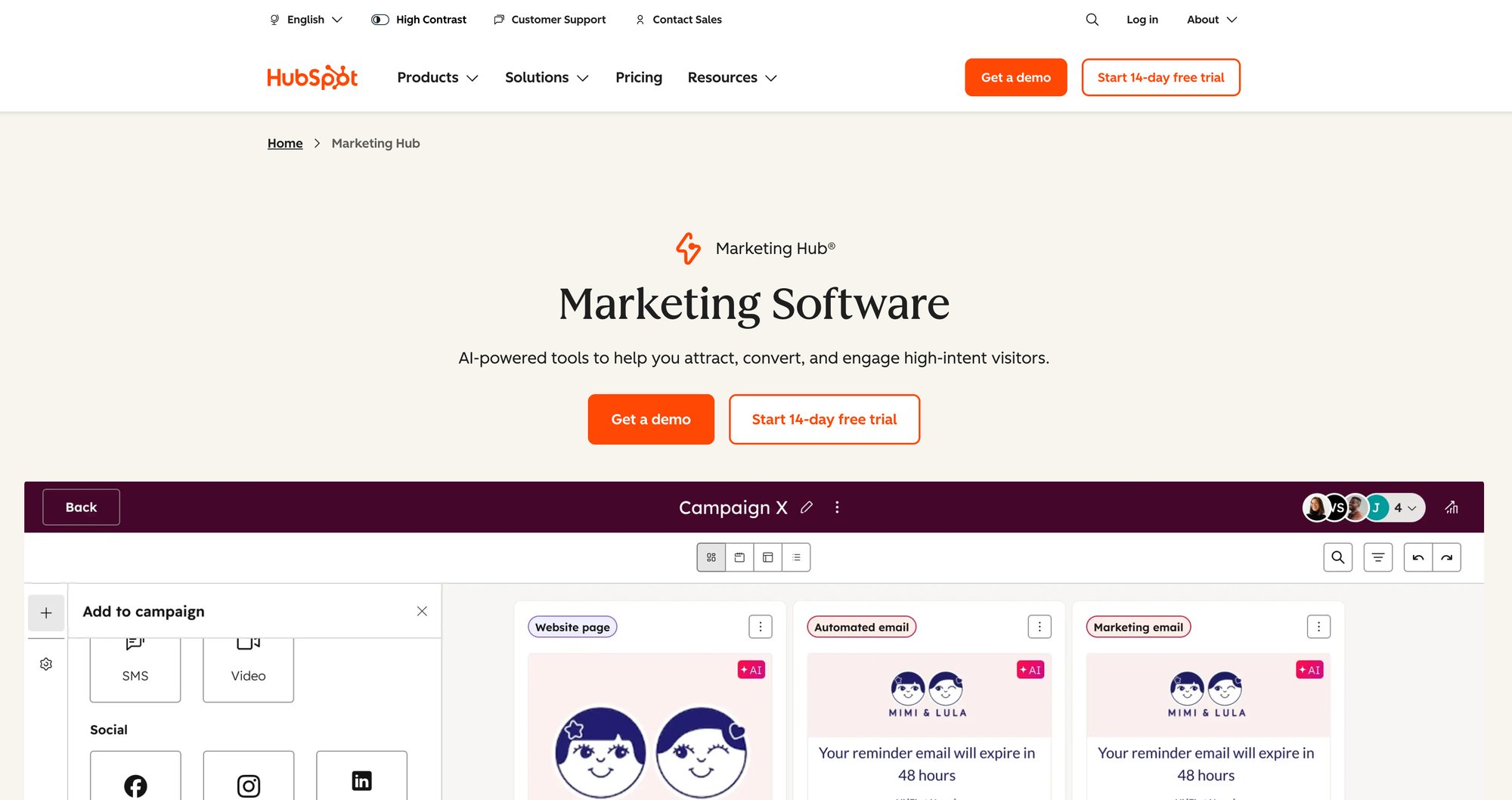
The core strength here is the tight integration between their CRM and the new AI features, which they call Breeze AI. You can generate blog post drafts, create email subject lines, build landing page copy, and even produce images directly within the respective editors. For a team that needs to move fast, this eliminates the context-switching of jumping between different AI tools and your marketing platform. You’re building campaigns and content in one unified environment, which is a massive workflow accelerator.
Use Cases & Implementation
-
Content Generation: Use the AI assistant to instantly create first drafts for blog posts, website pages, and email campaigns. This is less about perfect copy and more about overcoming the blank page to get a solid B- draft you can refine.
-
Campaign Orchestration: Let AI help brainstorm campaign angles or generate social media copy to support a new product launch, all tied back to the same campaign in HubSpot.
-
Lead Scoring & Workflows: While not a “generative” feature, the platform’s ability to use data to trigger complex workflows and score leads is a classic application of AI in marketing that HubSpot has refined over years. The practical ways of how to use AI for marketing often start with this kind of foundational automation.
My Take
Pros:
-
Unified Stack: The seamless connection between marketing activities and the native CRM is its biggest competitive advantage.
-
Scalability: You can start with their impressive free tools and scale up to enterprise-level features without a painful migration.
-
Ecosystem: HubSpot’s massive partner network and free HubSpot Academy resources provide a significant support system.
Cons:
-
Onboarding Costs: The mandatory onboarding for Pro and Enterprise tiers is a significant, and sometimes unexpected, upfront investment.
-
Contact-Based Pricing: Your costs will scale directly with the size of your contact list, which can become expensive quickly for high-growth companies.
Website: https://www.hubspot.com/products/marketing
11. Jasper
While many tools on this list handle the “automation” part of marketing, Jasper has carved out a niche as a pure-play AI content engine. It’s not a journey builder or a CRM. Instead, it’s a dedicated platform designed to produce high-quality, on-brand marketing content at a massive scale, which you then feed into your other automation platforms. This focus makes it one of the most powerful content layers for any serious marketing team.
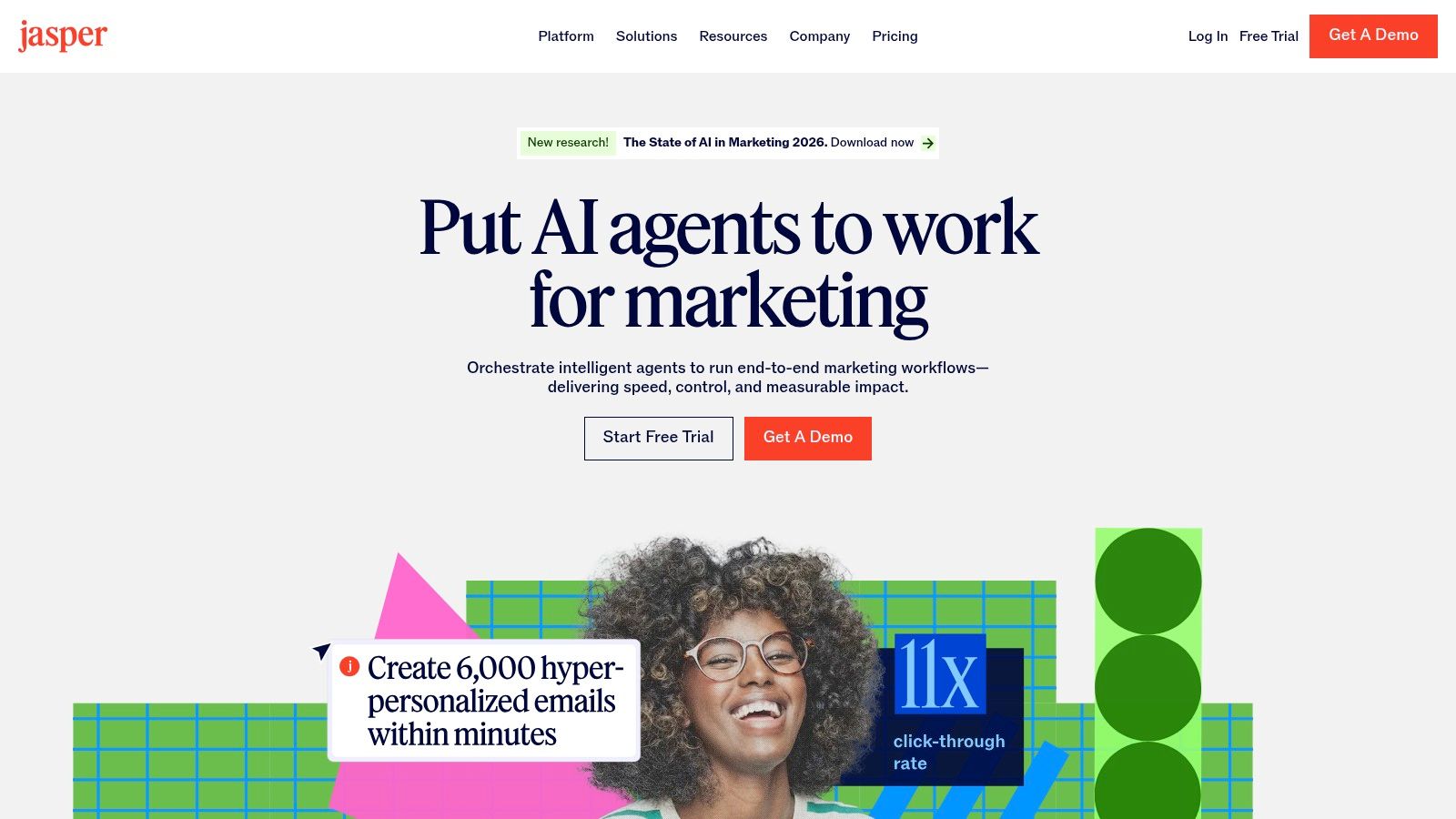
Jasper’s strength lies in its campaign-level thinking and robust brand controls. Using features like Brand Voice and Knowledge, you can train the AI on your style guides, product catalogs, and audience personas to ensure every piece of copy is consistent. This is a huge leap from generic prompting. Its “Canvas” feature allows you to orchestrate entire multi-asset campaigns, from ad copy and landing pages to email sequences, all within a single collaborative workspace.
Use Cases & Implementation
-
Campaign Content Generation: Use the Canvas to generate all the copy variants for a new product launch. Create Google Ads headlines, Facebook ad copy, landing page sections, and a 5-part email nurture sequence in one go.
-
Brand Consistency: Onboard your entire marketing team and lock in your Brand Voice. This ensures that even junior members or freelancers can produce content that sounds like it came directly from your core team. For a deeper dive into the fundamentals, check out this quick primer on ChatGPT for copywriting.
-
Custom AI Tools: For teams on the Business tier, the no-code AI App Builder is a game-changer. You can create your own internal tools, like a “Customer Testimonial to Social Post Converter” or a “Feature-to-Benefit Rewriter,” tailored to your specific workflows.
My Take
Pros:
-
Robust Brand Control: The Brand Voice and Knowledge features are best-in-class for maintaining messaging consistency at scale.
-
Team Collaboration: Designed from the ground up for marketing teams, with excellent workflows and enterprise-grade governance and security options.
-
Marketing-Specific Tooling: The templates and workflows are purpose-built for marketers, which speeds up content creation significantly.
Cons:
-
Not a Standalone MA Tool: It’s a content engine, not an orchestration platform. You must pair it with a CRM or marketing automation tool to deploy and automate campaigns.
-
Higher Price Point: It’s a premium tool priced for businesses, which may put it out of reach for solo entrepreneurs or very small teams.
Website: https://www.jasper.ai
12. Comparison Marketplaces (G2 & Capterra)
Sometimes the best tool isn’t a specific platform but a map of the entire landscape. Before you commit to any of the powerful ai marketing automation tools in this list, your due diligence should start on marketplaces like G2 and Capterra. These platforms provide an essential, ground-level view of what actual users are experiencing, which is invaluable for cutting through vendor hype.
The primary value here is the aggregation of verified reviews and side-by-side feature comparisons. You can filter tools by company size, industry, and specific features, allowing you to create a relevant shortlist in minutes. Instead of relying on a single demo, you can get a broad consensus on a tool’s strengths, weaknesses, and a more realistic picture of its implementation challenges and customer support quality.
Use Cases & Implementation
-
Vendor Shortlisting: Use the category pages and filters to quickly identify the top 5-10 potential tools that fit your specific business needs and budget. This is your first-pass filter.
-
Feature Validation: Cross-reference the features a vendor advertises on their site with what users are actually talking about in reviews. This helps you identify which features are core to the product versus those that are just marketing bullet points.
-
Price Benchmarking: While not always perfectly up-to-date, G2 and Capterra provide pricing tiers and user comments on cost, helping you benchmark what you should expect to pay for a given solution.
My Take
Pros:
-
Broad Market Coverage: Discover emerging and established vendors you might have otherwise missed.
-
Unbiased User Feedback: Verified user reviews offer a crucial reality check on a tool’s day-to-day performance and support.
-
Quick Alternatives Analysis: Easily find and compare direct competitors to any tool you’re considering.
Cons:
-
Sponsored Placements: Be aware that some vendor listings and category rankings are influenced by paid placements.
-
Information Lag: Pricing and feature sets can be outdated; always verify critical details directly on the vendor’s website.
Websites: https://www.g2.com/categories/marketing-automation and https://www.capterra.com/marketing-automation-software/
Top 12 AI Marketing Automation Tools Comparison
| Product | Best for | Key features | AI & automation strengths | Pricing & scale |
|---|---|---|---|---|
| Lindy | Autonomous AI Agents | Multi-step reasoning, agentic workflows, deep integrations | Builds cognitive digital workers that can make decisions and act | Enterprise quotes; complexity requires strategic implementation |
| Gumloop | No-code AI Workflows | Visual AI canvas, multi-model chaining, conditional logic | AI-native design for orchestrating complex LLM-based tasks | Freemium model; scales with usage and advanced features |
| Zapier | Connecting Everything | 8,000+ app integrations, simple "Zap" builder, AI actions | Unmatched connectivity for injecting AI into any existing process | Task-based pricing; can become expensive at high volume |
| Make | Visual Automation Power Users | Visual data flow, routers/iterators, advanced error handling | Granular control for complex data manipulation in AI workflows | Operations-based pricing; more cost-effective for complex tasks |
| n8n | Open-Source & Self-Hosted | Node-based editor, custom code nodes, data privacy via self-hosting | Ultimate flexibility and security for custom/sensitive AI automations | Free self-hosted; paid cloud/enterprise plans available |
| ActiveCampaign | SMBs and mid-market funnels | Visual automations + CRM tasks, site tracking, large integrations catalog | AI subject lines, copy suggestions, predictive sending (Pro+) | Mid‑market pricing; AI and SMS/email add‑ons on higher tiers |
| Braze | Mobile‑first consumer apps & media | Canvas Flow, personalized paths, item recommendations, in‑app support | BrazeAI for predictive/generative/agentic decisioning | No public pricing; typically expensive and implementation‑heavy |
| Iterable | Enterprise multi‑channel messaging | Generative Copy Assist, Journey Assist, send/channel optimization, experimentation | Explainable AI, NL‑prompted journey builder and brand affinity labels | No public list pricing; best with months of historical data |
| Customer.io | Product‑led growth & developer teams | Event‑driven visual workflows, templates, HIPAA option, privacy controls | AI segment prompting, template suggestions, direct LLM integrations | Competitive entry pricing; more configuration than all‑in‑one suites |
| HubSpot Marketing Hub | Unified marketing + CRM teams | AI writing & image gen across email/pages/blog, workflows, lead scoring, native CRM | Breeze AI assistants for content, campaign orchestration, journey analytics | Free → Enterprise; contact‑based pricing, Pro/Enterprise onboarding costs |
| Jasper | Content teams & creative ops | Long‑form Canvas, brand voice/knowledge, AI App Builder, collaboration | Strong brand control, multi‑asset campaign generation, governance | Content engine priced separately; pairs with MA/CRM for orchestration |
| Comparison Marketplaces (G2 & Capterra) | Vendor shortlisting & benchmarking | Reviews, category pages, side‑by‑side comparisons, buyer's guides | Market roundups and feature filters to discover AI/MA vendors | Free to use; some listings sponsored and info may lag vendors |
The Real Competitive Edge Isn't the Tool—It's Your System
We’ve just dissected a dozen powerful AI marketing automation tools. You've seen the agentic power of Lindy, the workflow flexibility of Make, and the raw connectivity of Zapier. It’s easy to look at this list and think the next step is simply to pick one and plug it in.
That would be a mistake. A very expensive one.
The real competitive advantage isn't found inside any single platform. It’s not about Lindy's AI versus Gumloop's. The enduring moat, the kind that lets you dominate a market, is built by how you architect these tools into a single, intelligent system.
From Disconnected Tools to a Cohesive AI Engine
Most businesses buy tools. They end up with a fragmented stack where data is siloed and automations are brittle. One tool handles email, another handles ads, and a third tries to make sense of the analytics. It's a digital Frankenstein's monster, not a growth engine.
Your goal is different. You need to build a 'bionic' marketing system. This system doesn't just automate repetitive tasks; it automates intelligence. It connects the dots between a customer interaction in Braze, a support ticket automated by Zapier, and a content recommendation generated by Jasper. This is where the magic happens.
An intelligent system learns. It uses feedback from one campaign to optimize the next. It ingests customer data and, through carefully engineered context, provides your AI agents with a deep understanding of your brand voice and your ideal customer’s pain points. This creates a flywheel effect where your marketing gets smarter, more personalized, and more effective with every single interaction.
The Human Element: Architecture and Strategy
This is where the real work begins, and it's not about picking the shiniest new tool. It’s about being the architect of your growth system. You and I know that the most powerful AI marketing automation tools are only as effective as the strategy guiding them.
Consider these critical questions before you invest a single dollar:
-
What is my single source of truth for customer data? Your AI is only as good as the data it’s fed. If your data is messy or incomplete, your AI’s outputs will be garbage. You need a clean, unified customer profile to power intelligent personalization.
-
How will I engineer context? An AI tool like Jasper doesn’t inherently know your brand’s unique value proposition or your audience's secret desires. You must build a system to provide that context, ensuring every piece of content is on-brand and on-point.
-
What are my feedback loops? How will your system learn from what works and what doesn't? This means connecting performance data back to your content generation and campaign deployment tools, creating a closed-loop system that continuously improves.
The platforms we've covered, from agent builders like Lindy to nimble connectors like Make, are just the building blocks. The real differentiation comes from your blueprint. Your competitors are busy chasing features. You should be focused on building an uncopyable system. This is how you move from simply using AI to weaponizing it for market dominance.