Everyone’s talking about AI. Most of it is noise. Your competitors are busy installing shiny new tools, hoping for a magic button that prints money. They’re missing the point entirely.
I’ve been working with machine learning since 2016 and Generative AI since 2019. I’ve seen this pattern before. Companies that win aren’t the ones with the flashiest tech, but the ones that build smarter, faster systems. The real leverage is the workflow.
This is where the right ai workflow automation tools become your engine for building what I call ‘bionic’ systems inside your business. Forget about just ‘saving time.’ You and I are here to build systems that capture market share, increase revenue, and make your competition irrelevant. A key area for this is your go-to-market strategy; leverage AI marketing automation to create these intelligent, responsive systems.
This guide cuts through the marketing fluff. We’re going to break down the tools that actually get the job done. For each one, I’ll give you an honest assessment of its strengths, best use cases, and critical limitations. Let’s start building your competitive edge.
1. Zapier
Zapier is your fastest path from an idea to a live automation. Period. If you’re a non-technical founder or marketer, this is where you start. It’s the original “if this, then that” tool, connecting thousands of apps so they can talk without you writing code.
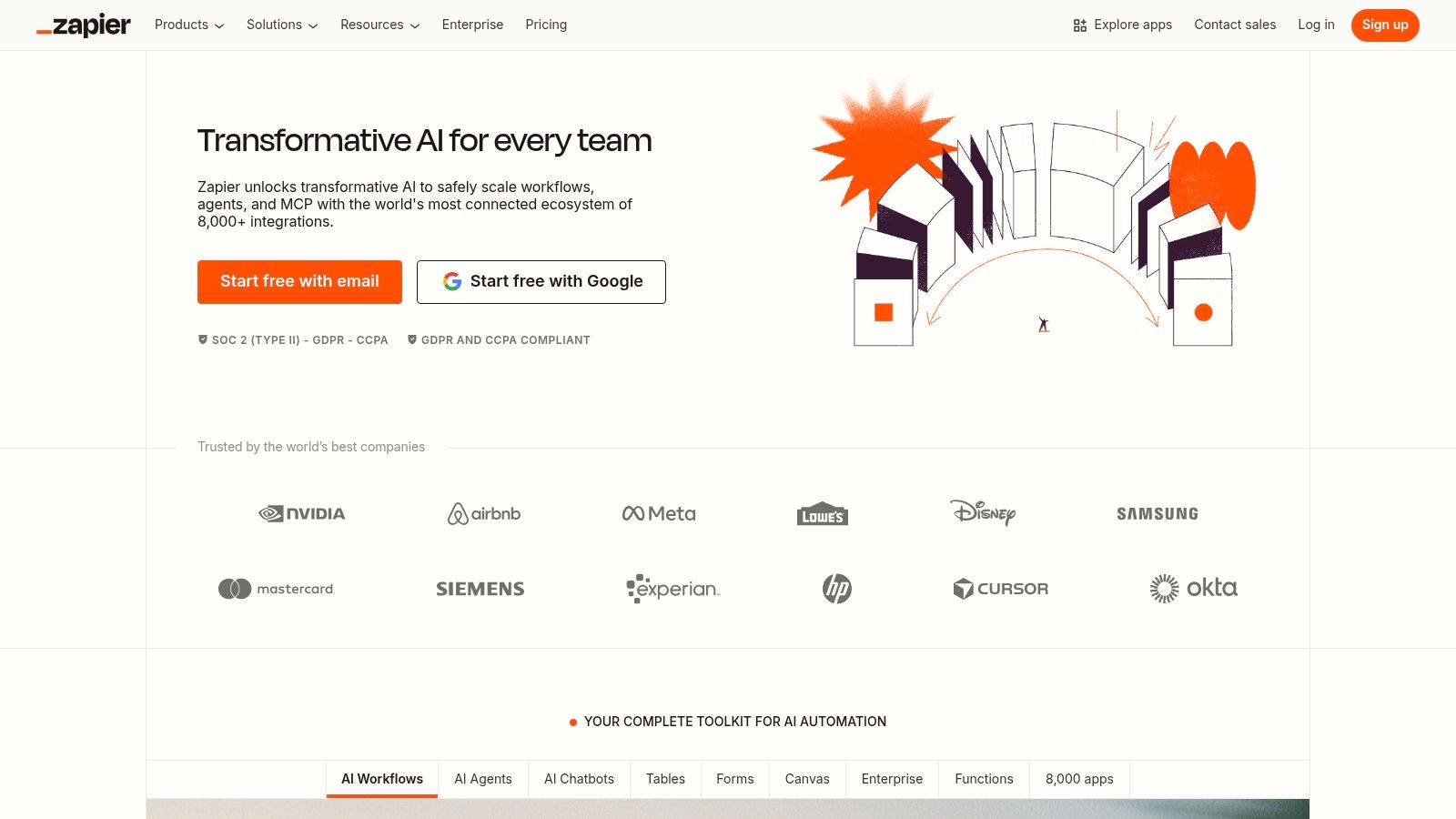
Its real power now lies in its built-in AI steps. You can trigger a workflow when a new lead comes in, then have an AI step summarize the lead’s request, classify their intent, and draft a personalized email. This is how you start turning manual processes into an automated sales machine. You then route this into your CRM or a Slack channel using Zapier’s other connections.
Key Details & Use Cases
-
Best For: SMBs and growth teams needing rapid, code-free automation for marketing, sales, and operations.
-
Core AI Features: Built-in steps for text generation (drafting emails, social posts), text summarization, and data extraction from unstructured text.
-
Pricing: Starts with a free plan for 100 tasks/month. Paid plans begin at $19.99/month (billed annually) for more tasks and multi-step Zaps.
-
Pro Tip: Start with their massive template library. You can find a pre-built “Zap” for your exact use case and customize it in minutes. For those looking to dive deeper into its connectivity, you can find more details on Zapier integrations here.
The downside? Its task-based pricing gets expensive as your volume scales. Complex logic becomes cumbersome, forcing you into workarounds. Still, for its accessibility and speed, it’s an indispensable part of the modern ai workflow automation tools stack.
Website: https://zapier.com
2. Make (formerly Integromat)
Where Zapier is about speed, Make is about control. If you’ve ever felt constrained by a simple “if this, then that” model, Make is your playground. It’s a visual canvas where you build intricate automations that branch, loop, and handle errors with precision.
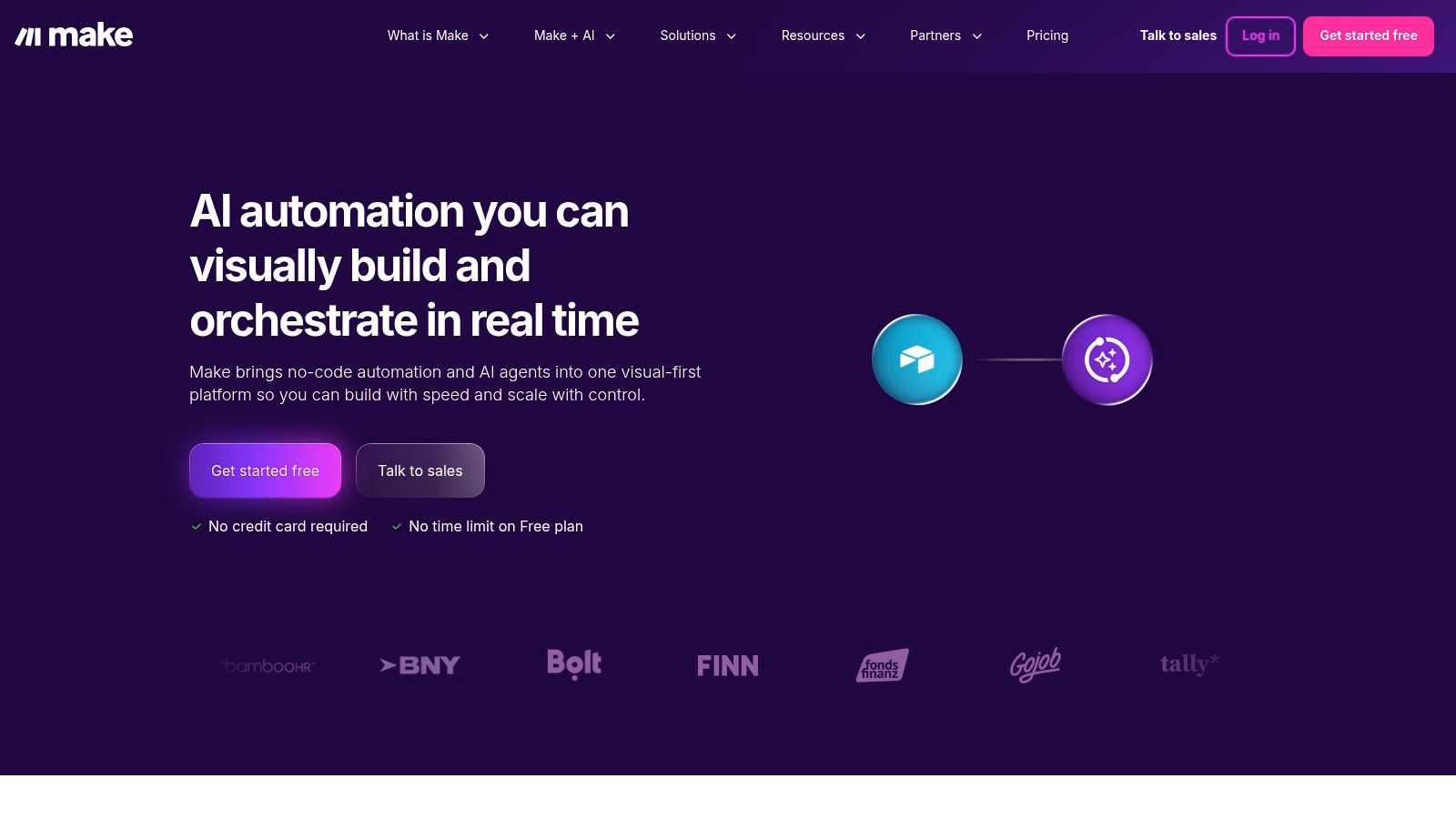
Make shines when you need to process data, not just pass it between apps. You can iterate through a list of new signups, have an AI module enrich each contact with company data, then use a router to send high-value leads down one path while routing smaller leads to a different nurture sequence. This granular control is essential for building sophisticated ai workflow automation tools that can truly adapt.
Key Details & Use Cases
-
Best For: Marketing ops, ecommerce, and SaaS teams who need to build complex, data-intensive workflows with conditional logic.
-
Core AI Features: Native modules for connecting to OpenAI and other AI services, allowing you to insert custom prompts for classification, text generation, and analysis.
-
Pricing: Starts with a free plan for 1,000 operations/month. Paid plans begin at $9/month (billed annually) for 10,000 operations.
-
Pro Tip: Map out your entire process on a whiteboard first, then build it module by module in Make. Use its error handling routes to create resilient automations that can retry failed steps or notify you when something breaks.
The main challenge? The learning curve is steeper than Zapier’s. Understanding the operations-based pricing and concepts like iterators takes time. But for those who invest the effort, the payoff is unparalleled control and cost-efficiency at scale.
Website: https://www.make.com
3. n8n
If you’re a more technical founder or have a dev team that cringes at vendor lock-in, n8n is your answer. It’s an open-source platform that gives you total control, allowing you to self-host your automations on your own infrastructure or use their cloud. This is for teams that want to own their stack. End-to-end.
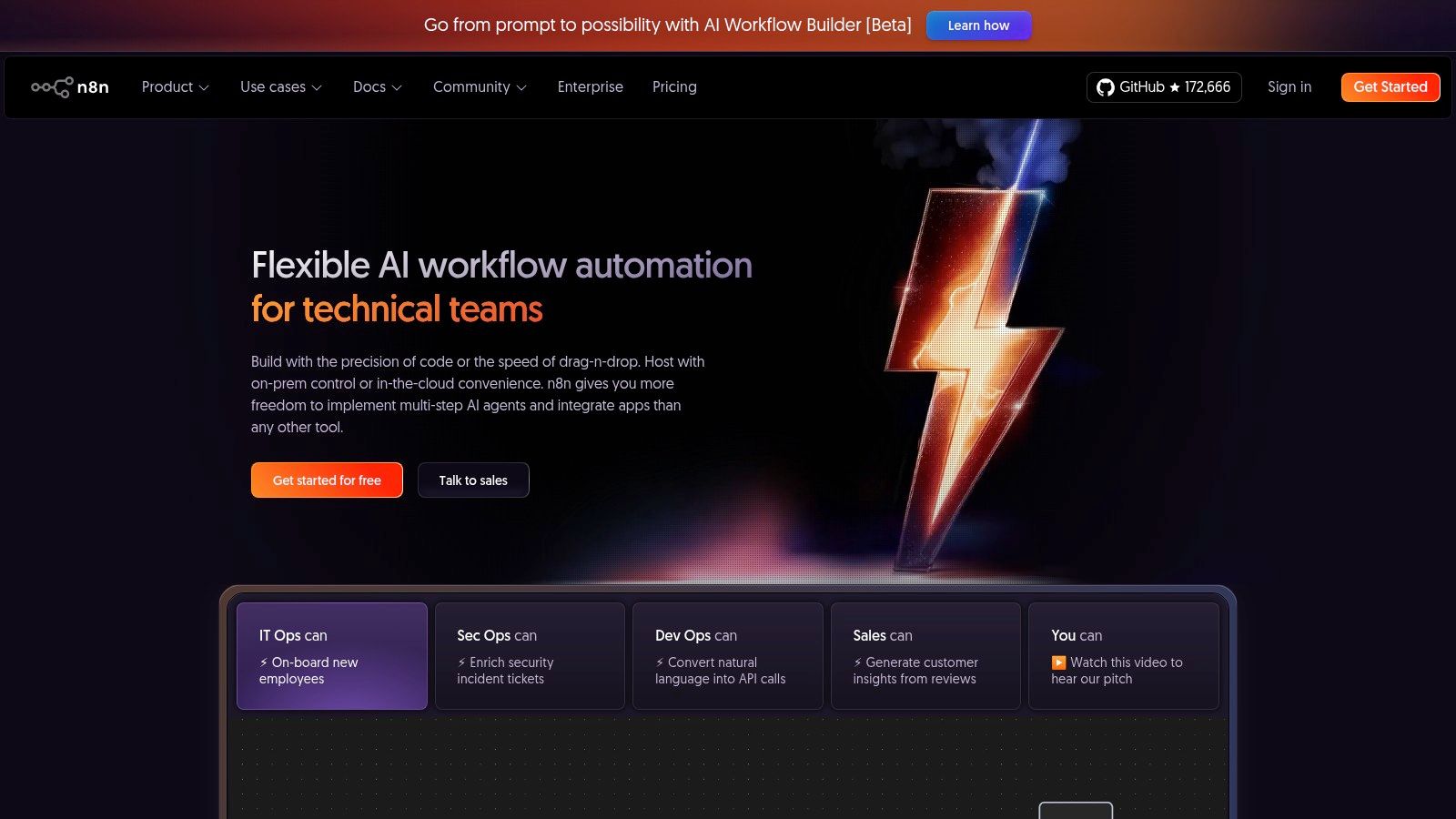
The power here is its extensibility. While it has a visual workflow builder, it also features powerful code nodes, letting you drop in custom JavaScript to handle logic that no-code tools can’t touch. Their new AI Workflow Builder lets you describe your goal in plain English, and n8n scaffolds the entire workflow for you. A massive head start.
Key Details & Use Cases
-
Best For: Technical teams, developers, and businesses that require data sovereignty, custom logic, and the ability to self-host.
-
Core AI Features: An AI Workflow Builder that generates workflows from text prompts, plus native integrations with major LLMs.
-
Pricing: A generous “source-available” free self-hosted tier. Cloud plans start at €20/month for 2,500 executions.
-
Pro Tip: Leverage the self-hosting option on a small server to get unlimited executions for a fixed cost. This completely changes the ROI calculation compared to per-task tools when you start scaling high-volume AI processes.
The trade-off is the initial setup curve. If you self-host, you are responsible for maintenance and updates. For building complex, mission-critical ai workflow automation tools that you fully control, however, n8n is in a class of its own.
Website: https://n8n.io
4. Pipedream
Pipedream is what happens when you give an automation platform to a developer. If you’ve ever felt constrained by no-code logic and wished you could just write a few lines of Python or Node.js to solve a problem, this is for you. It’s built for technical teams who need speed and power.
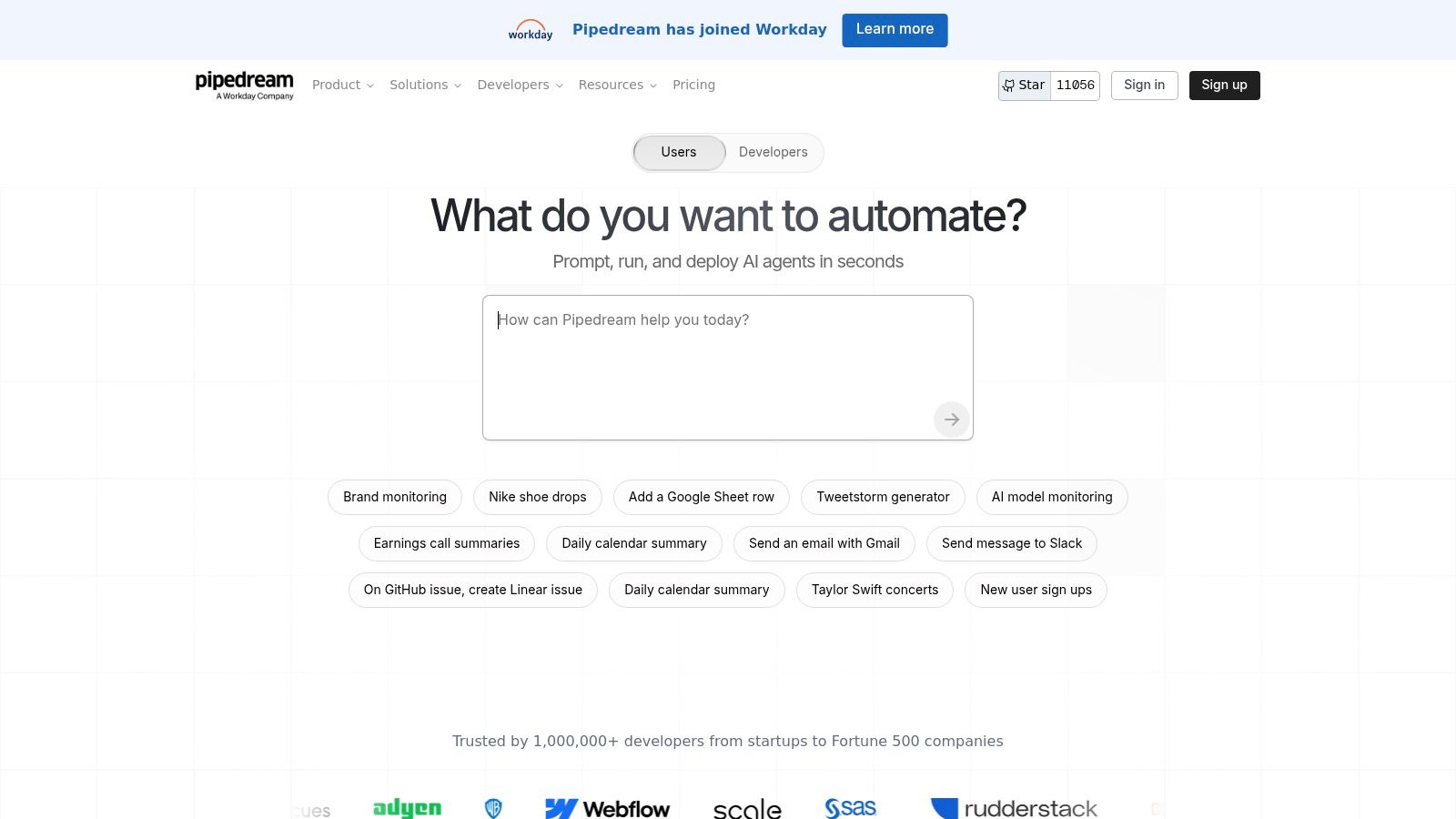
This platform excels at creating complex API mashups and data transformations. You can pull data from a webhook, run it through a custom Python script that calls a machine learning model, format the output, and then push it into your data warehouse. This code-first approach makes it one of the most flexible ai workflow automation tools available.
Key Details & Use Cases
-
Best For: Engineering, data, and technical growth teams needing to build custom, event-driven automations with code-level control.
-
Core AI Features: While not having built-in AI steps, its power is in its native ability to integrate directly with any AI API (OpenAI, Anthropic, etc.) using Node.js or Python.
-
Pricing: Features a generous free tier for development. Paid plans are based on compute credits, starting at $29/month.
-
Pro Tip: Use the event sources and real-time trigger functionality to build powerful, responsive systems. You can create workflows that listen for specific events and kick off complex AI-driven processes instantly.
The main trade-off is the learning curve. You and your team need to be comfortable with code to unlock Pipedream’s full potential. For the right team, however, its power and flexibility are unmatched.
Website: https://pipedream.com
5. Workato
When your automations need to grow up, you move to an enterprise-grade platform like Workato. This isn’t just about connecting A to B; it’s about building complex, cross-departmental workflows with the governance and security a scaling business demands. Think of it as the central nervous system for your entire company’s operations.
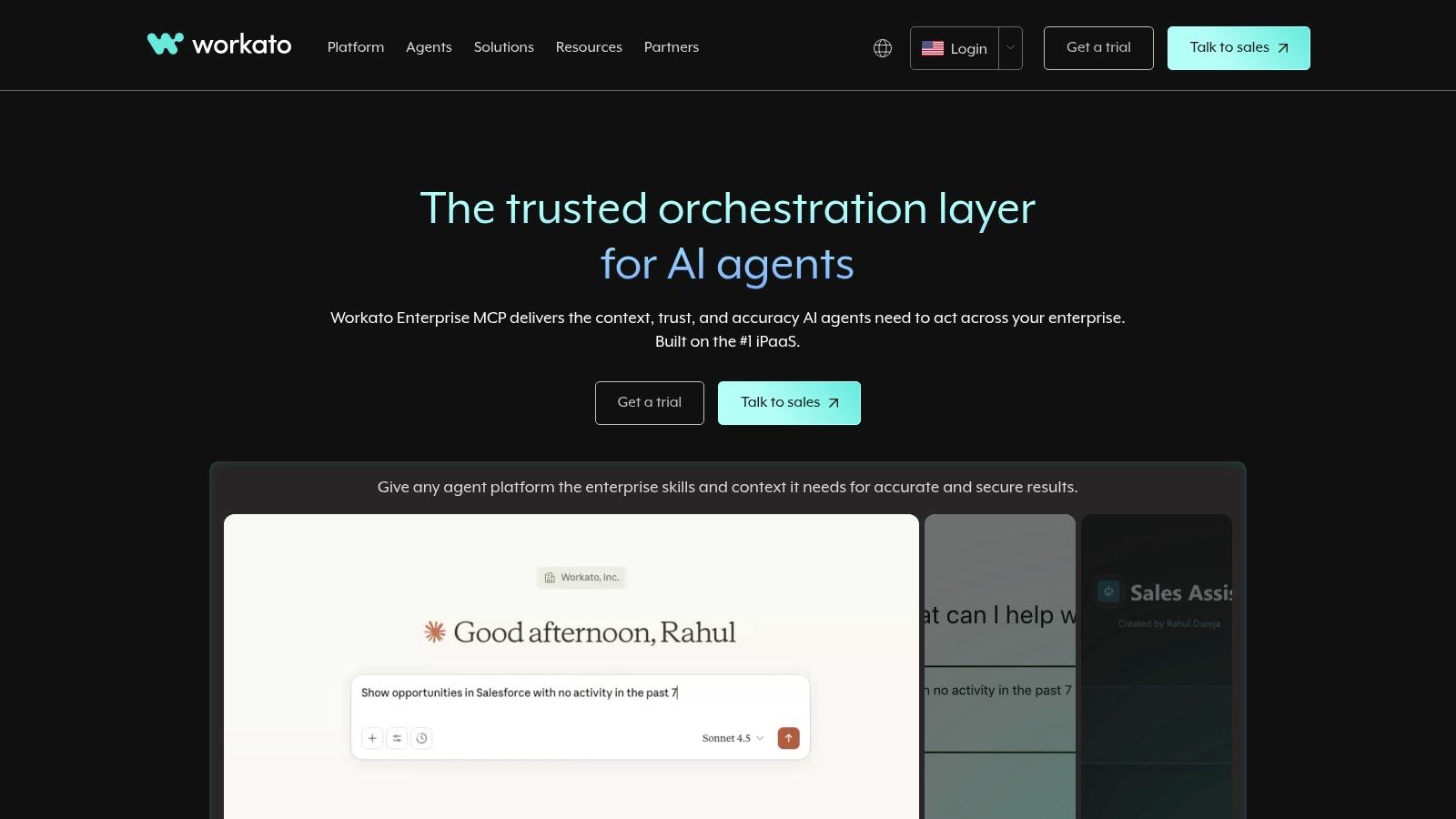
Workato’s AI, branded as Copilots, is woven into the entire platform. The AI helps you build the automation itself by suggesting steps, mapping fields, and even generating the required formulas. This dramatically lowers the technical barrier to creating sophisticated RevOps workflows that might involve your CRM, ERP, and billing systems all in one go.
Key Details & Use Cases
-
Best For: Mid-market to enterprise companies needing a scalable and secure automation backbone.
-
Core AI Features: AI Copilots that assist in building workflows (“recipes”), writing formulas, and managing integrations. It also includes an SDK for creating custom connections.
-
Pricing: Pricing is premium and tailored to enterprise needs. You’ll need to contact their sales team for a custom quote.
-
Pro Tip: Leverage the “environments” feature (dev, staging, prod) from day one. This lets you build and test complex automations without risking disruption to live business operations, a critical best practice.
The downside is the price point and complexity; it’s overkill for a small startup. But for organizations where ai workflow automation tools must be reliable, auditable, and immensely powerful, Workato is a top-tier contender.
Website: https://www.workato.com
6. Microsoft Power Automate
If your business lives in the Microsoft ecosystem, Power Automate is your native-tongue automation solution. It’s designed to connect Office 365, Teams, SharePoint, and Dynamics 365. Think of it as Microsoft’s answer to the broader automation market, but with a home-field advantage.
Where it shines for AI is its deep integration with the Copilot ecosystem and AI Builder. You can create flows that trigger from a new email in Outlook, use an AI model to extract invoice numbers, update a record in Dynamics 365, and post a summary to a Teams channel. It also includes desktop-based Robotic Process Automation (RPA) for automating legacy applications that don’t have APIs.
Key Details & Use Cases
-
Best For: Enterprises and SMBs heavily invested in the Microsoft 365 and Dynamics ecosystems.
-
Core AI Features: AI Builder for sentiment analysis, object detection, and form processing. Integrates with Azure AI services and Copilot for generative AI tasks.
-
Pricing: Various licensing models. Premium plans with RPA and AI credits start around $15 per user/month.
-
Pro Tip: Use the process mining and task mining features to identify your biggest automation opportunities. Let the platform show you where your team is spending the most repetitive manual effort.
The primary limitation is its Microsoft-centric universe. The experience is smoothest when you stay within their product family. The licensing can also be a maze of per-user, per-flow, and add-on costs. It’s a powerful player, but only if you’re already on Team Microsoft.
Website: https://powerautomate.microsoft.com
7. UiPath
When your automations need to interact with legacy systems, virtual desktops, or applications without APIs, that’s where UiPath comes in. This is an enterprise-grade Robotic Process Automation (RPA) platform designed to mimic human actions on a computer. A digital workforce.
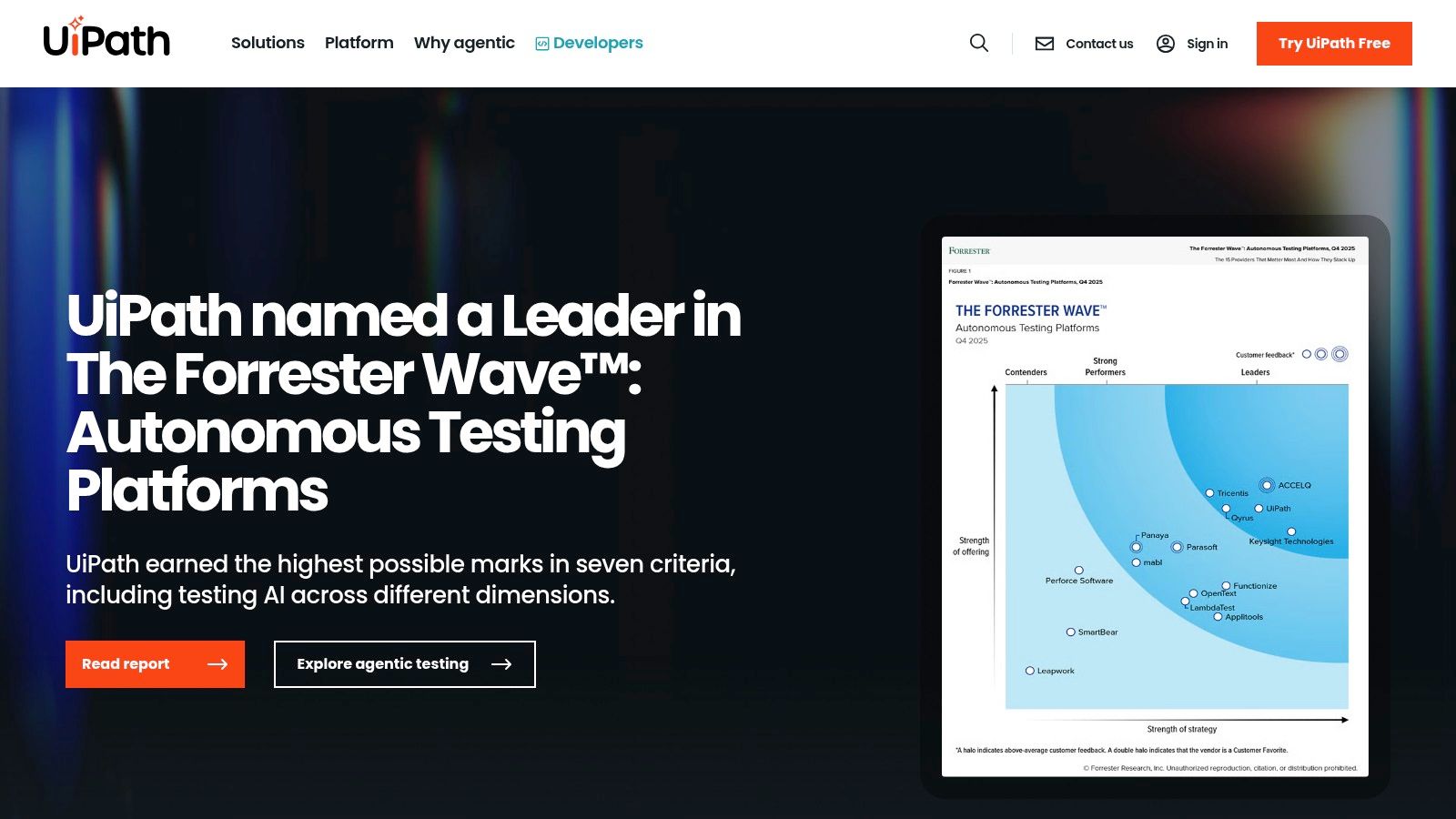
It becomes powerful by combining this RPA foundation with machine learning models. You can have a UiPath bot “watch” an inbox, use an AI model to extract invoice data from a PDF, enter that data into an old-school accounting system, and then notify the finance team in Slack. It’s one of the most robust ai workflow automation tools for bridging modern AI with the realities of established enterprise software.
Key Details & Use Cases
-
Best For: Enterprises needing to automate complex, high-volume processes across finance, HR, and IT, especially with legacy systems.
-
Core AI Features: Document understanding (intelligent OCR), process and task mining to discover automation opportunities, and a marketplace for pre-built AI components.
-
Pricing: Offers a free community edition. Enterprise pricing is quote-based and varies significantly based on the number of bots.
-
Pro Tip: Use their Process Mining tool first. It analyzes user logs to show you exactly where the bottlenecks and repetitive tasks are, giving you a data-backed roadmap for what to automate for the highest ROI.
The biggest hurdle is the learning curve. Mastering the full platform requires a more technical, developer-like mindset. The pricing structure is also a significant investment, making it less suitable for small teams or simple tasks.
Website: https://www.uipath.com
8. Automation Anywhere
When your automation needs to go beyond connecting SaaS apps and start interacting directly with legacy systems and virtual desktops, you’ve entered the realm of RPA. Automation Anywhere is a titan in this space, merging traditional RPA with the intelligence of generative AI agents. This isn’t for simple tasks; it’s for enterprise-grade process automation.
Think of it as deploying digital workers, or bots, that can perform complex tasks across different applications just like a human would. An AI agent could extract invoice data from an email, log into a legacy accounting system, enter the data, and then notify the finance team. This combination of RPA and AI is what makes it one of the more powerful ai workflow automation tools for large-scale operations.
Key Details & Use Cases
-
Best For: Enterprises needing to automate complex processes involving legacy systems, virtual desktops, and unstructured data.
-
Core AI Features: Generative AI-powered agents for process discovery and execution, data extraction from documents, and intelligent decision-making within workflows.
-
Pricing: Pricing is not public and is quote-based, tailored for enterprise-level deployments.
-
Pro Tip: Leverage their “Agentic App Store” to find pre-built bots for common tasks like invoice processing or customer onboarding. This can dramatically shorten your implementation time and show a quicker ROI.
The primary drawback is its complexity and cost. This is not a tool you spin up on a Friday afternoon. It typically requires a dedicated implementation plan and specialized skills. However, for organizations where process efficiency can save millions, its enterprise-grade capabilities are unmatched.
Website: https://www.automationanywhere.com
9. Bardeen
If your team lives in the browser, Bardeen is a tool you need to look at. It’s a browser-first automation platform that lets you build powerful playbooks to scrape data, enrich leads, and move information from a webpage directly into your other apps. No server setup required.
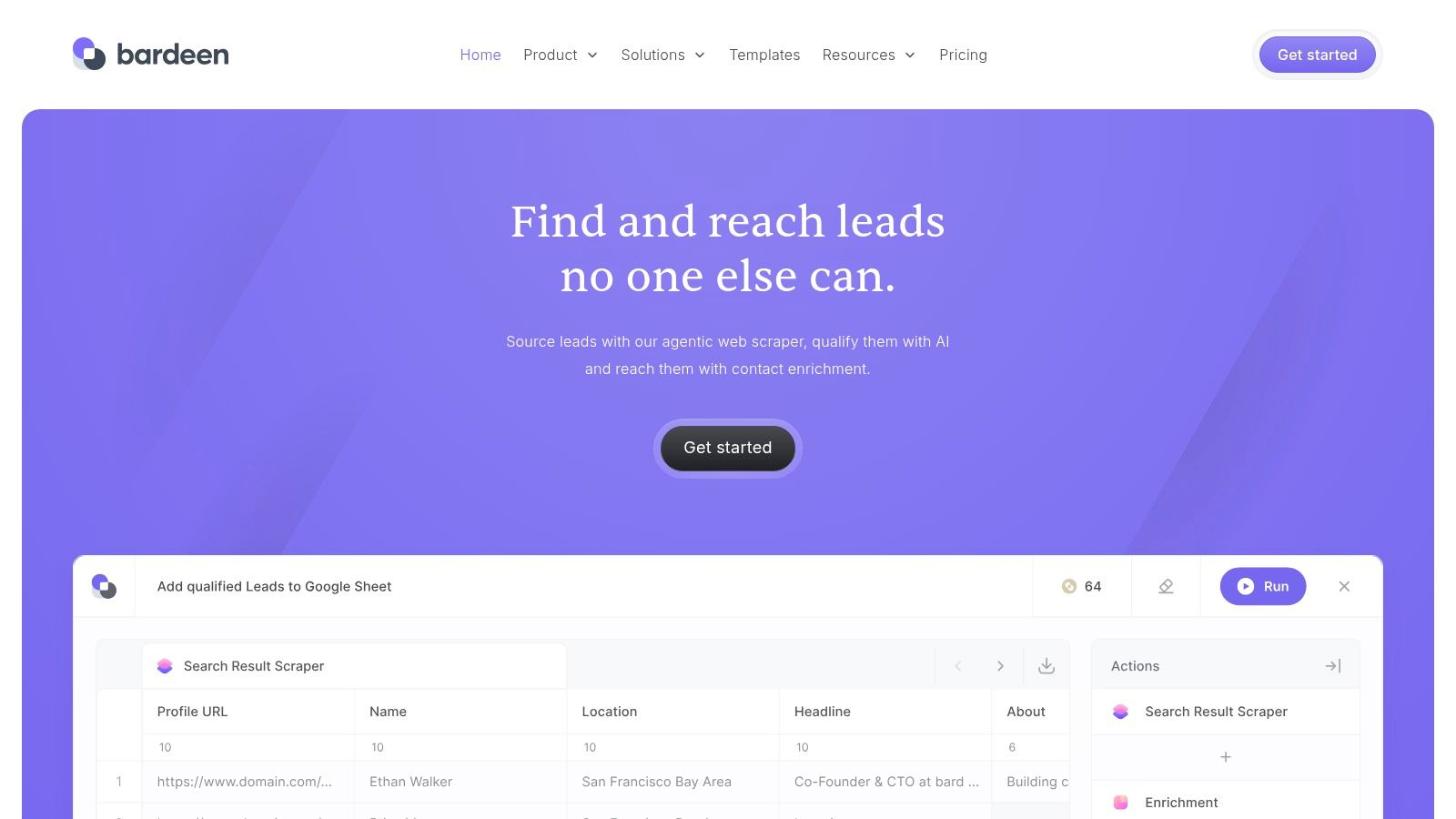
What I find most effective is how it combines web scraping with AI actions. You can trigger a playbook to scrape a list of conference attendees, then have Bardeen’s AI find their company domains, classify their industry, and draft a personalized outreach email. You can run these automations in the cloud on a schedule, essentially creating always-on agents for prospecting.
Key Details & Use Cases
-
Best For: Sales Development Reps (SDRs), marketers, and researchers who need to automate prospecting and lead enrichment from websites.
-
Core AI Features: AI-powered steps for data enrichment, text classification, and research. Includes a custom scraper builder to pull structured data from any website.
-
Pricing: Offers a generous free plan. Paid plans start at $10/user/month (billed annually) for more credits.
-
Pro Tip: Master the scraper tool. Once you learn to define the data you want from a page, you can connect it to any of their AI “magic commands” to build incredibly potent lead-sourcing workflows that run on autopilot.
The main limitation is that its backend integrations are lighter than a full iPaaS like Make or Zapier. But for rapid deployment of browser-based ai workflow automation tools, Bardeen offers a unique and powerful way to turn the web into your database.
Website: https://www.bardeen.ai
10. Relay.app
Relay.app is built for teams who need AI and human collaboration in the same workflow. You can build powerful automations that pause for a human to approve something, add context, or make a decision before the AI takes the next step. It’s designed for marketing and operations from the ground up.
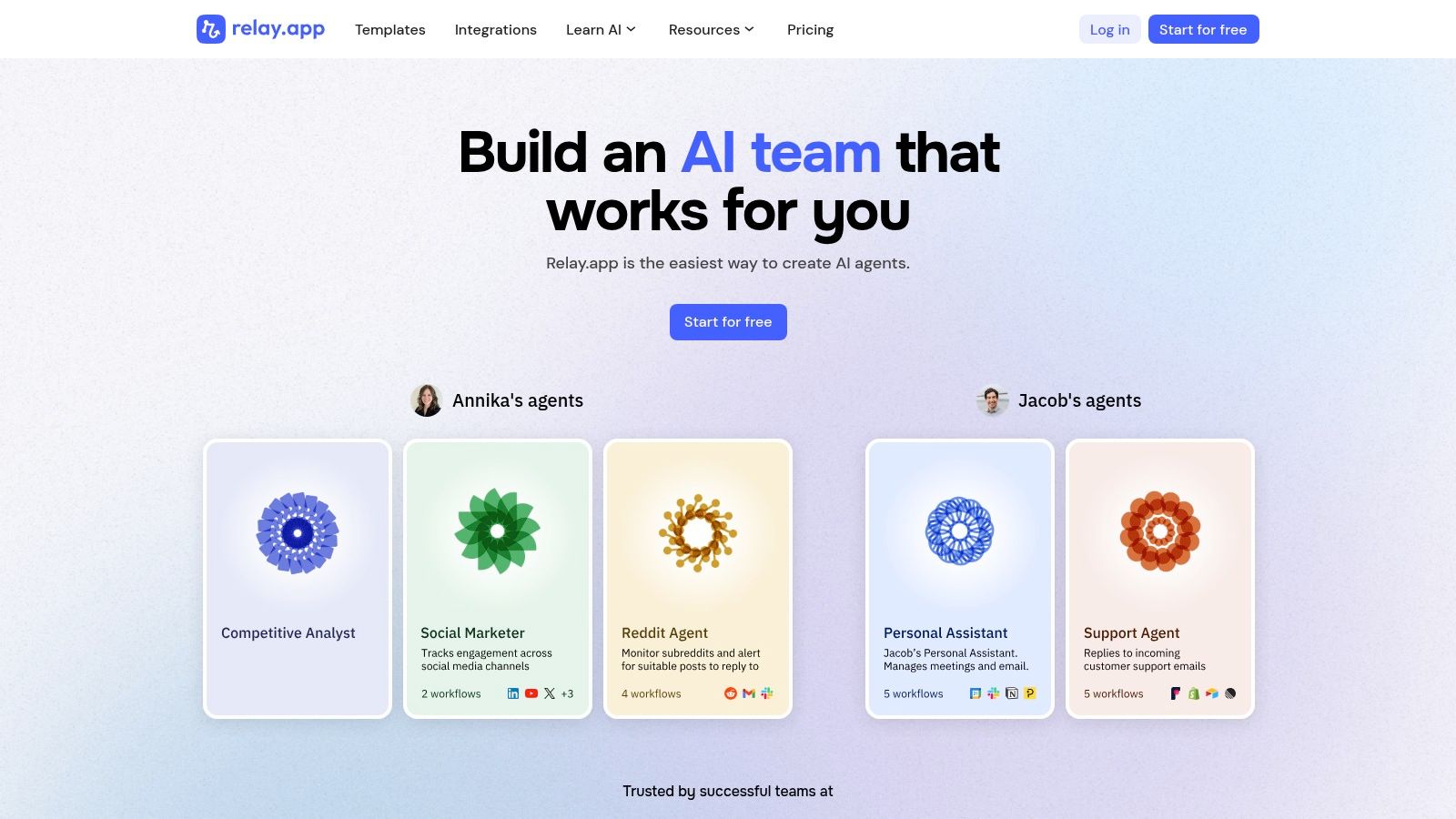
This “human-in-the-loop” capability is its killer feature. Imagine a workflow that scrapes a new competitor announcement, uses GPT-4 to analyze the strategic threat, and then pauses to ask you for approval before drafting a counter-messaging brief for your team. That’s the kind of hybrid intelligence Relay.app excels at, making it a standout among ai workflow automation tools for its practical, team-centric design.
Key Details & Use Cases
-
Best For: Marketing and ops teams that require manual review, approvals, or data enrichment within their automated processes.
-
Core AI Features: Natively integrates with GPT, Claude, and Gemini. Generous AI credits are included in every plan.
-
Pricing: Features a simple pricing model with a free plan. Paid plans start at $20/month, and all plans include all features.
-
Pro Tip: Use the “Assign Task” step to create a simple, repeatable process for content review. Have an AI generate a first draft, then automatically assign it to an editor in Relay.app to review and approve before it’s sent to your CMS.
The main drawback is its integration library is smaller than giants like Zapier or Make, though it’s growing quickly. For teams that value a clean UX, collaborative features, and the critical ability to blend AI speed with human judgment, Relay.app is a powerful choice.
Website: https://www.relay.app
11. Parabola
If your biggest headache is messy, siloed data from a dozen different sources, Parabola is your answer. It’s built for operations and e-commerce teams that live in spreadsheets but aren’t engineers. Think of it as a visual data assembly line where you can pull, clean, enrich, and push data without writing SQL.
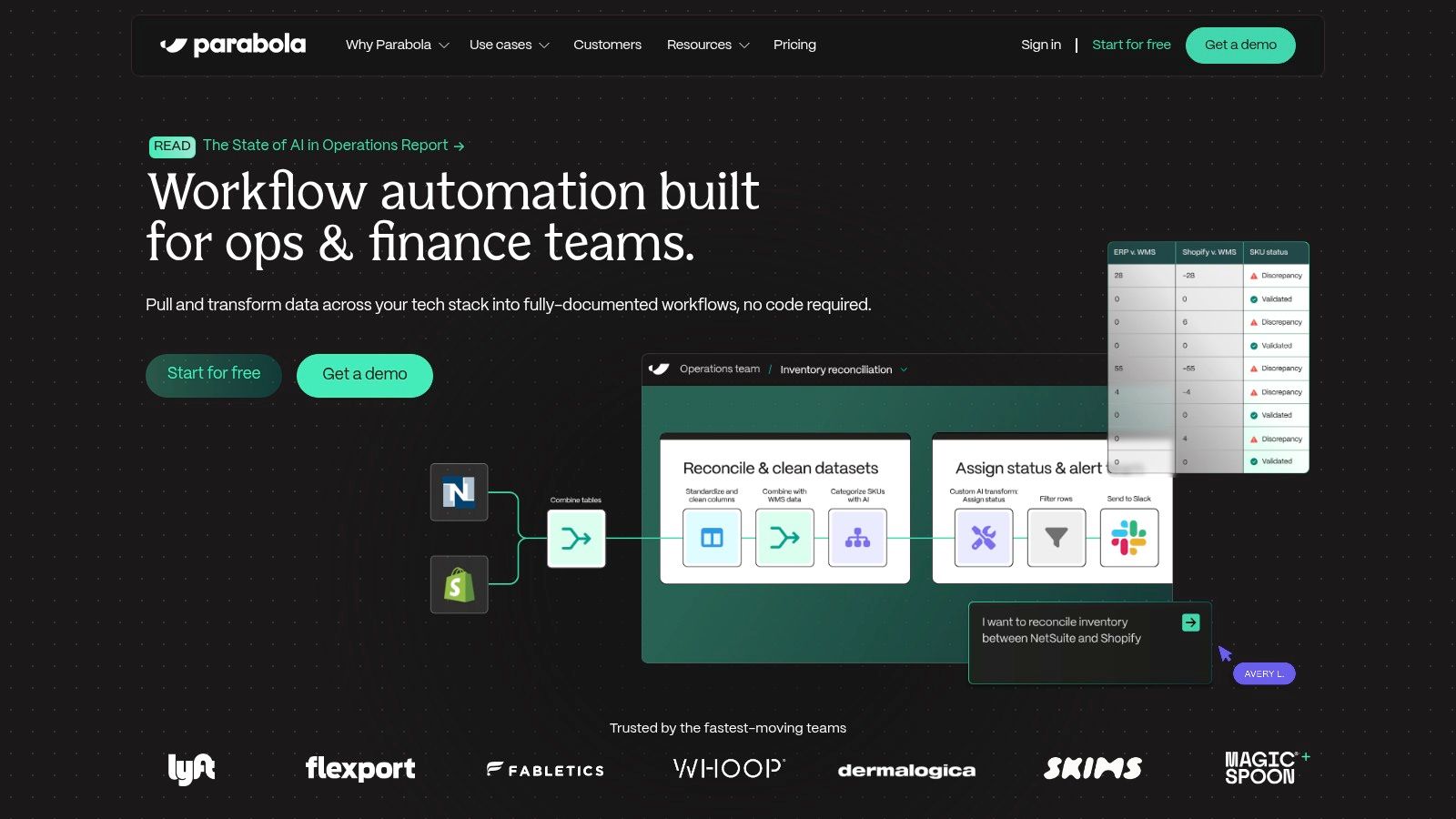
The magic happens when you drop in their AI steps. You can ingest a messy CSV of customer feedback, use an AI step to categorize each entry by sentiment and topic, merge it with Shopify order data, and then push a daily summary report to Slack. It transforms data grunt work into a scheduled, automated flow.
Key Details & Use Cases
-
Best For: E-commerce and SaaS operations teams who need to automate complex data reporting and enrichment without technical resources.
-
Core AI Features: AI-powered steps for data categorization, text extraction, summarization, and transformation directly within your data flows.
-
Pricing: Has a free plan. Paid plans start at $80/month (billed annually) based on a credits model that accounts for flow runs and AI usage.
-
Pro Tip: Use the versioning feature heavily. As you build more complex data flows, you can easily experiment and roll back to previous working versions if a change breaks your logic.
The main limitation is that Parabola isn’t a full-blown iPaaS like Zapier; it’s hyper-focused on data-centric tasks. The credits-based model also means heavy AI usage can consume your monthly allowance quickly. Be mindful of your scheduling.
Website: https://parabola.io
12. AWS Marketplace (AI agents / intelligent automation)
When your company runs on AWS, the last thing you want is a messy procurement process for a new AI tool. AWS Marketplace is your fast lane to acquiring and deploying AI capabilities without the typical vendor onboarding headache. It’s less a single tool and more a curated, procurement-friendly catalog of ai workflow automation tools that plug directly into your existing cloud environment.
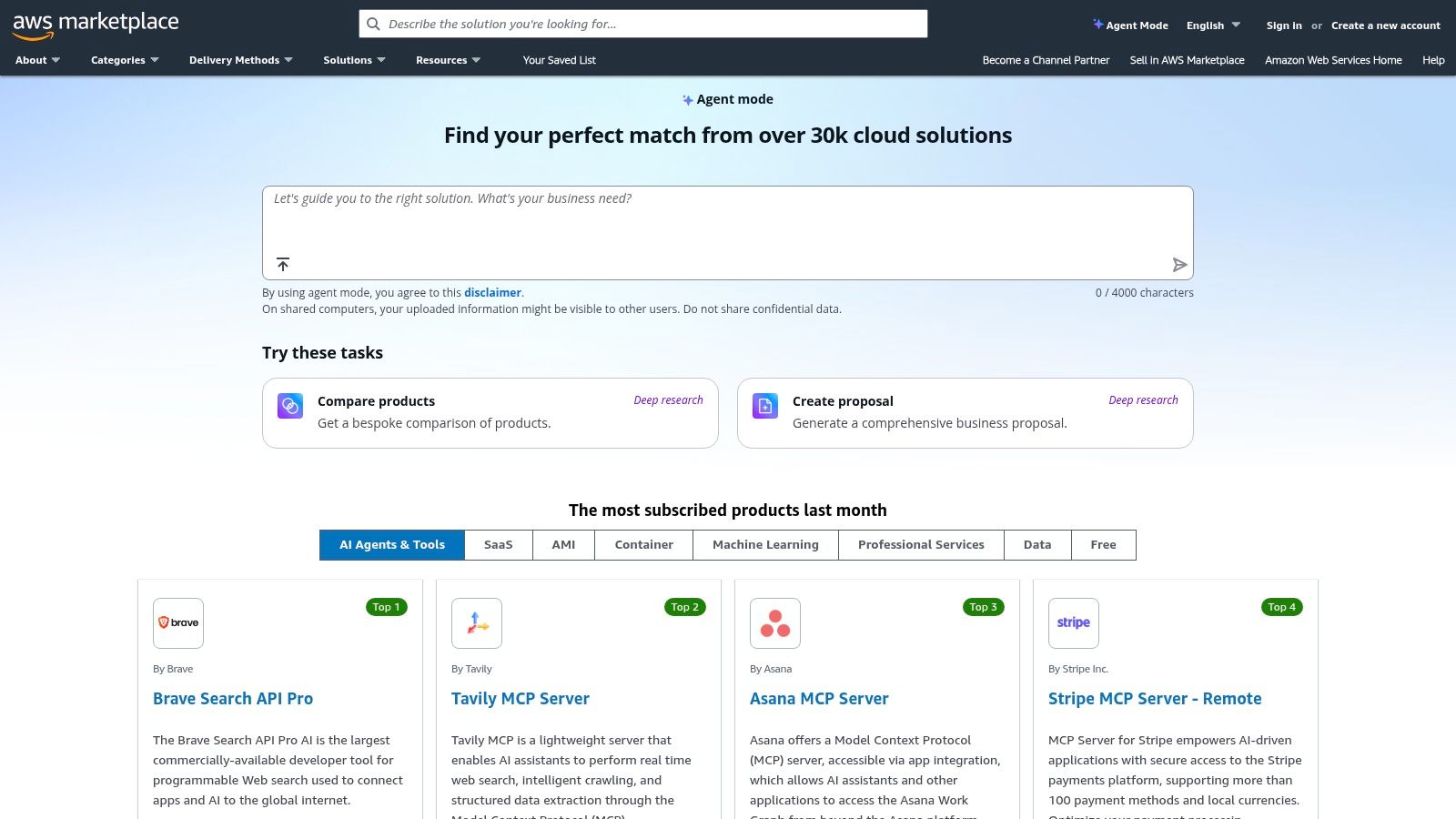
Think of it as an enterprise app store. Instead of managing a dozen separate contracts and invoices, everything gets consolidated into your monthly AWS bill. This dramatically simplifies things for your IT and finance teams, letting you deploy new tech faster.
Key Details & Use Cases
-
Best For: Companies already invested in the AWS ecosystem that need a streamlined, secure way to procure and deploy third-party AI and automation solutions.
-
Core AI Features: Provides access to a wide range of third-party tools, including intelligent document processing, RPA bots, and ready-to-deploy AI agents.
-
Pricing: Varies significantly by listing. Some are SaaS subscriptions, others pay-per-use. All are billed through your AWS account.
-
Pro Tip: Use “Private Offers” to negotiate custom pricing and terms directly with vendors. This is a powerful feature for larger commitments and can unlock significant savings compared to public list prices.
The main downside is that its value is almost entirely tied to your existing AWS footprint; it offers little benefit otherwise. You also need to do your own due diligence on each listing. Still, for an AWS-native company, it removes immense friction from adopting new AI tools.
Website: https://aws.amazon.com/marketplace
Top 12 AI Workflow Automation Tools Comparison
| Tool | Core features | Target audience | Ease of use / UX | Pricing model |
|---|---|---|---|---|
| Zapier | 7,000+ integrations, visual builder, Tables & Interfaces, AI steps | SMBs & growth teams needing quick automations | Very user-friendly; large template library | Task-based pricing (can get expensive at scale) |
| Make (Integromat) | Drag-and-drop canvas, routers/iterators, webhooks, AI modules | Data-heavy marketing ops, ecommerce, SaaS | Visual but steeper learning for complex scenarios | Credits-based usage (good value at mid/high volumes) |
| n8n | Open-source, self-host or cloud, code nodes, AI Workflow Builder | Developer/infra teams wanting extensibility & on‑prem control | More technical; requires setup if self-hosting | Per-execution pricing; predictable for technical teams |
| Pipedream | Inline Node/Python code, event sources, secrets, real-time triggers | Product, data, and growth teams that want code + connectors | Developer-first; great for prototyping | Pay-for-compute (credits); generous free tier |
| Workato | Recipe builder, environments, AI Copilot, enterprise RBAC | Large orgs / RevOps needing governance at scale | Enterprise UX; benefits from admin expertise | Premium enterprise pricing (usually custom quotes) |
| Microsoft Power Automate | Cloud flows, desktop RPA, Dataverse & Copilot integration | Teams entrenched in Microsoft 365 / Dynamics | Integrated for MS users; licensing complexity | Flexible licensing (per-user, per-bot, pay-as-you-go) |
| UiPath | Studio builders, orchestration, marketplace, attended/unattended bots | Enterprise RPA for finance, IT, back-office automation | Feature-rich but steeper learning curve | Enterprise pricing (varies by tier; higher for small teams) |
| Automation Anywhere | Cloud RPA + generative AI agents, app store, orchestration | Large enterprises seeking agentic process automation | Mature enterprise tools; implementation often required | Enterprise quotes; typically not publicly listed |
| Bardeen | Browser-first playbooks, scraper builder, AI enrichment, cloud runs | Marketers, SDRs, and GTM teams for prospecting/research | Very easy for non-technical users; quick setup | Credits-based model with monthly free credits |
| Relay.app | Multi-step flows, human-in-the-loop steps, included AI credits | Marketing & ops teams needing approvals + AI actions | Clean UX for teams; collaborative workflow focus | Simple pricing (all features available per plan) |
| Parabola | Visual data flows, AI steps, scheduling, Tables | Ecommerce & SaaS ops focused on data transformation | Friendly for non-engineers handling messy data | Credits tied to flow runs and AI usage |
| AWS Marketplace (AI agents) | Vendor listings, private offers, seller-managed SaaS, in‑VPC deploy | IT/procurement-led teams buying vetted automation solutions | Marketplace UX; procurement-friendly billing | Consolidated AWS billing; pricing varies by listing |
How to Choose: Your First Three Steps
You've seen the landscape of ai workflow automation tools. It's crowded. The gap between choosing the right tool and choosing one that just burns cash is massive. Analysis paralysis is your enemy here.
The goal isn't to find the "perfect" tool for your entire business overnight. It's to find the right first tool to solve a specific, high-value problem and build momentum. Your competitors are likely still manually copying data. You can build an automated system that enriches a new lead and triggers a personalized outreach sequence in under 60 seconds. That's how you win.
1. Start with a Single, High-Impact Workflow
Don't try to boil the ocean. Identify a single workflow that is repetitive, time-consuming, and directly tied to revenue.
A great starting point is lead management. Can you automate the enrichment of that lead, score it based on their company size, and then route it to the correct salesperson in Slack with a pre-written summary? A client of mine did this and saw their lead response time drop from 3 hours to under 5 minutes, resulting in a 22% increase in qualified meetings.
This is a perfect first project. Its impact is easy to measure, and you can build it on a platform like Zapier or Make in an afternoon. Prove the ROI here, and you'll get the buy-in to go bigger.
2. Match the Tool to the Task (and the Team)
The tools we've covered serve different masters. Your choice depends entirely on the task's complexity and who will be building the automation.
If your marketing team needs to connect standard SaaS apps, stick with Zapier, Make, or Relay.app. If your task involves transforming large datasets before they enter your CRM, Parabola is built for that exact purpose.
When you need enterprise-grade orchestration or are automating legacy desktop software, you bring in heavy hitters like Workato or UiPath. And if you have developers ready to build, n8n or Pipedream gives them the power they need. Never choose a tool based on its feature list; choose it based on your immediate problem and your team's skills.
3. Plan for Scale, But Build for Now
Your first automation is just the beginning. The real power is unlocked when you start connecting these individual workflows into a cohesive, intelligent system. Your lead enrichment workflow can trigger a customer onboarding sequence, which in turn can trigger a data-sync to your analytics platform.
As you build, keep the big picture in mind. Are you creating data silos or a unified data flow? Using a platform with robust API access and a strong integration library is crucial for future-proofing your stack. The ultimate objective is to create a "bionic" organization where AI handles repetitive tasks, freeing up your team to focus on strategy.
Building these intelligent systems is the core of what I do. If you're ready to move beyond simple zaps and construct the strategic AI and automation architecture that will dominate your market, we should talk. As a Fractional CAIO, I partner with businesses like yours to design and implement the ai workflow automation tools and frameworks that drive scalable growth.