
You’re trying to grow, but you’re drowning in manual work. Follow-up emails, social media, lead nurturing. It’s a constant grind pulling you away from the real work of strategy and growth.
I skipped the generic feature tour. I focus on what actually drives revenue.
In this guide, you and I will dissect each platform. You’ll get an honest assessment of key features, ideal use cases, and, most important, the limitations. My goal is to equip you with a toolkit that lets you reclaim your time and grow sales. Let’s get to it.
Before diving into complex automation, many businesses first need to organize their customer data effectively. Exploring the best free CRM for small business options is a foundational step that can pay dividends later.
1. HubSpot Marketing Hub
With HubSpot you buy into a whole ecosystem. HubSpot built its entire growth suite around a native CRM, creating a single source of truth for your customer data. This integration is its key competitive advantage.
This unified data model means your automations are smarter. A workflow can trigger personalized emails based on website activity, then create a task for a sales rep once a lead hits a certain score. It transforms marketing automation from a simple email scheduler into a core driver of your revenue operations.
Key Features & Use Case
-
The native CRM is the foundation. Use it to build rich customer profiles and segment audiences with precision. This is how you run highly targeted campaigns.
-
The visual workflow builder gives you a drag-and-drop interface for creating omni-channel sequences. It is perfect for nurturing leads from initial contact to sales hand-off without writing a line of code.
-
HubSpot Academy and the app marketplace are genuinely best-in-class. You can solve almost any marketing challenge through a native feature or an integration.
Pros & Cons
| Pros | Cons |
|---|---|
| All-in-One Platform: Unifies marketing, sales, and service data. | Escalating Costs: Can get expensive as your contact list grows. |
| Excellent Onboarding: HubSpot Academy is a massive free educational resource. | Gated Features: Advanced automation is locked in higher-priced tiers. |
| Strong Integration Marketplace: Connects to hundreds of other business tools. | Learning Curve: While easy to start, mastering the full suite takes time. |
My Take
HubSpot is one of the best marketing automation tools for small business if your goal is long-term, scalable growth where marketing and sales alignment is critical. Start with the free tools to get your data organized. As you grow, the ability to layer in more sophisticated AI-powered workflows and reporting becomes invaluable. The platform excels at turning disparate customer touchpoints into a coherent, automated journey.
Website: https://www.hubspot.com/products/marketing
2. Mailchimp (Intuit Mailchimp)
Mailchimp made email marketing accessible to everyone. Its strength lies in simplicity. It provides a direct, user-friendly path from a signup form to your first automated welcome series.
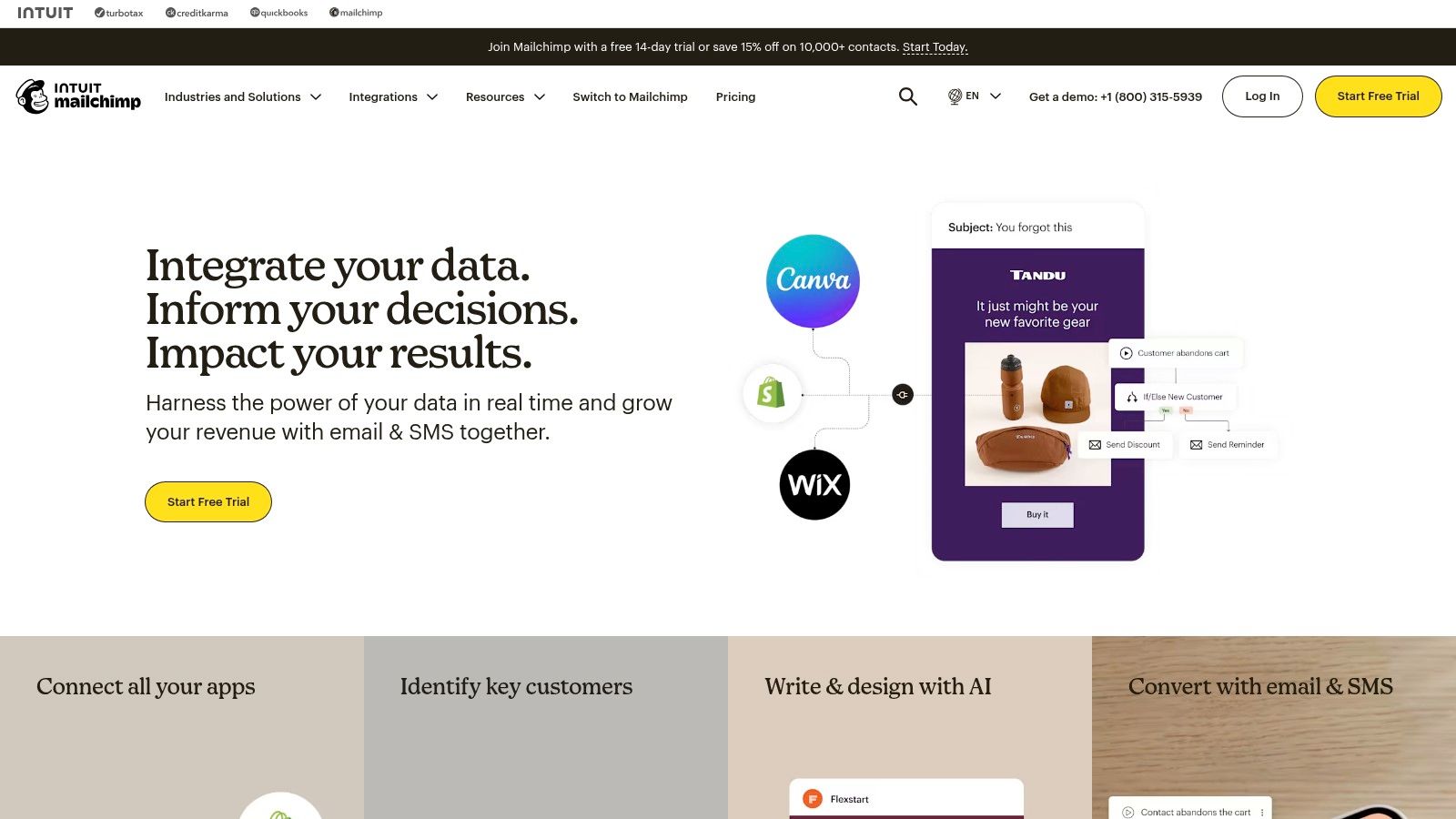
The "Customer Journey" builder offers pre-built templates for common scenarios like abandoned carts or re-engagement campaigns. This removes the guesswork for new marketers. Where other tools can feel overwhelming, Mailchimp feels like a guided experience, making it a fantastic entry point into marketing automation.
Key Features & Use Case
-
The Customer Journey Builder gives you visual, template-driven automation flows. It is ideal for setting up foundational sequences like welcome emails and post-purchase follow-ups without a steep learning curve.
-
Deep e-commerce integrations connect it to platforms like Shopify and WooCommerce so you can trigger automations based on purchase behavior.
-
The AI content assistant, a built-in "Content Optimizer", analyzes your copy and suggests improvements. This helps you craft more effective campaigns faster.
Pros & Cons
| Pros | Cons |
|---|---|
| Extremely Low Learning Curve: You can get your first campaign out in under an hour. | Costs Rise with Scale: Can become pricey as your audience grows. |
| Excellent Template Library: High-quality, mobile-responsive email designs. | Limited Advanced Automation: Lacks the complex logic of more advanced tools. |
| Strong Brand Recognition: A massive library of third-party integrations is available. | Analytics Gated: More insightful reporting is reserved for premium plans. |
My Take
Mailchimp is one of the best marketing automation tools for small business when your primary need is straightforward, powerful email communication. I recommend it for founders and e-commerce stores that need to get started today. Its simplicity is its biggest asset. You may outgrow its automation capabilities, but it provides an unparalleled on-ramp to building an audience and driving initial sales.
Website: https://mailchimp.com
3. ActiveCampaign
If HubSpot is the all-in-one ecosystem, ActiveCampaign is the specialist’s choice for pure automation power. It delivers enterprise-grade automation logic at a price point accessible to small businesses. That's its competitive edge.
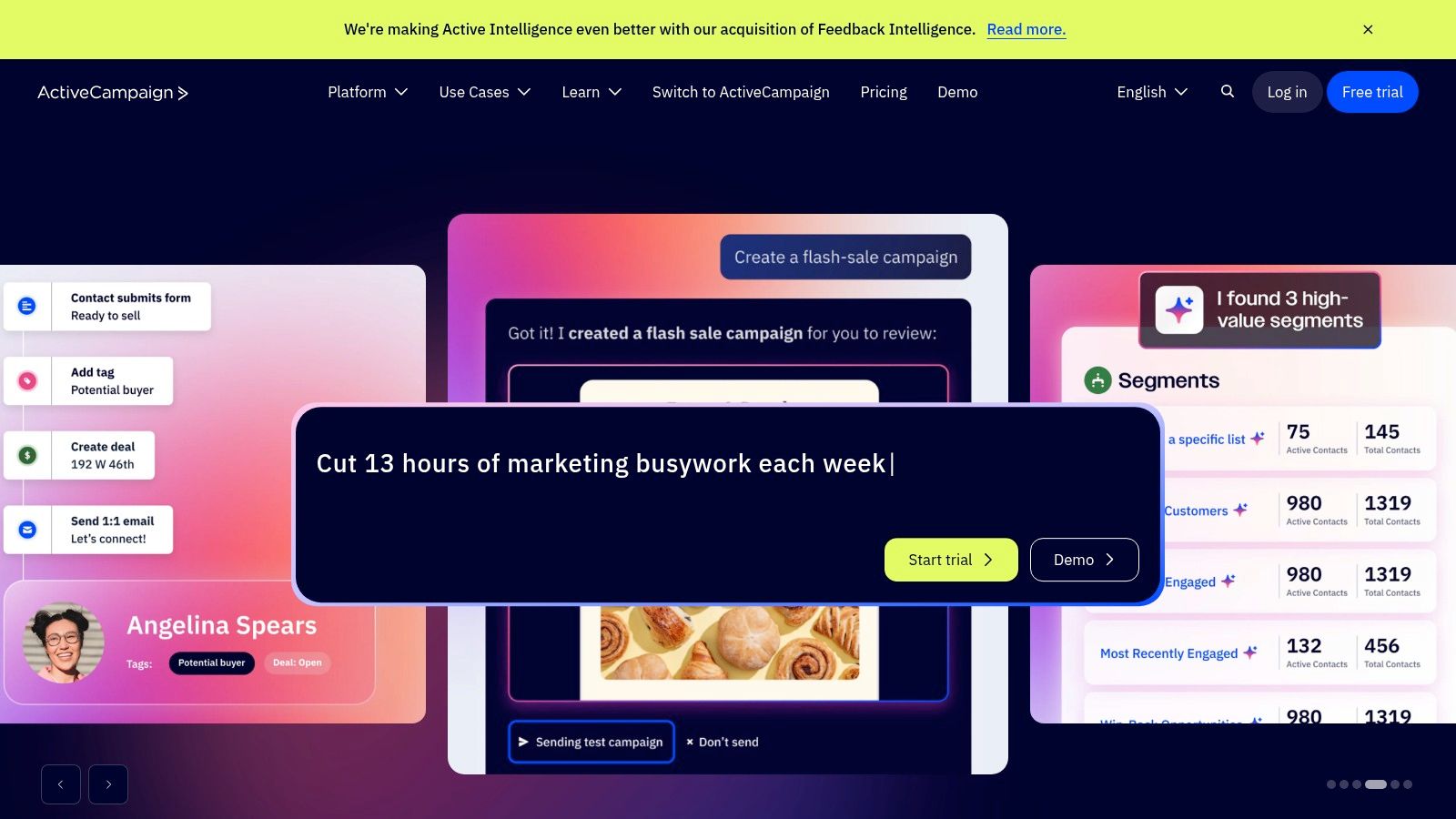
This focus on advanced automation means you can build workflows that other platforms lock behind their most expensive plans. You can use conditional logic ("if/else"), set goals within a workflow, and split-test entire automation paths. This allows you to move beyond basic sequences into truly dynamic customer experiences that adapt in real-time.
Key Features & Use Case
-
The visual automation builder lets you build complex workflows with branching logic and multiple triggers. It is ideal for creating deeply personalized lead nurturing sequences based on site visits or email engagement.
-
The integrated CRM scores leads automatically based on their actions. You can assign them to sales reps when they reach a "hot" threshold, so no handoff from marketing to sales gets missed.
-
The template library offers over 850 pre-built automation "recipes" for everything from abandoned cart reminders to re-engagement campaigns, dramatically speeding up implementation.
Pros & Cons
| Pros | Cons |
|---|---|
| Powerful Automations for the Price: Access to advanced logic is unparalleled in its tier. | UI Can Be Complex: The depth of features can feel overwhelming for beginners. |
| Excellent Deliverability: Strong reputation for ensuring your emails reach the inbox. | Contact-Based Pricing: Costs scale as your list grows, requiring careful list management. |
| 1,000+ Integrations: Connects with virtually any other tool in your marketing stack. | Learning Curve: Takes time to master the more advanced automation capabilities. |
My Take
ActiveCampaign is the right call when your primary goal is building complex, intelligent customer journeys on a budget. The platform’s power lies in its "if this, then that" logic. It excels at lead nurturing and customer retention where personalization is key. It's the tool I recommend when a business has outgrown simpler email platforms and needs serious automation horsepower.
Website: https://www.activecampaign.com
4. Brevo (formerly Sendinblue)
Most platforms make you pay for the contacts you store. Brevo flips that model, focusing instead on how much you send. This makes it an incredibly cost-effective entry point for businesses with a large but less frequently engaged audience.
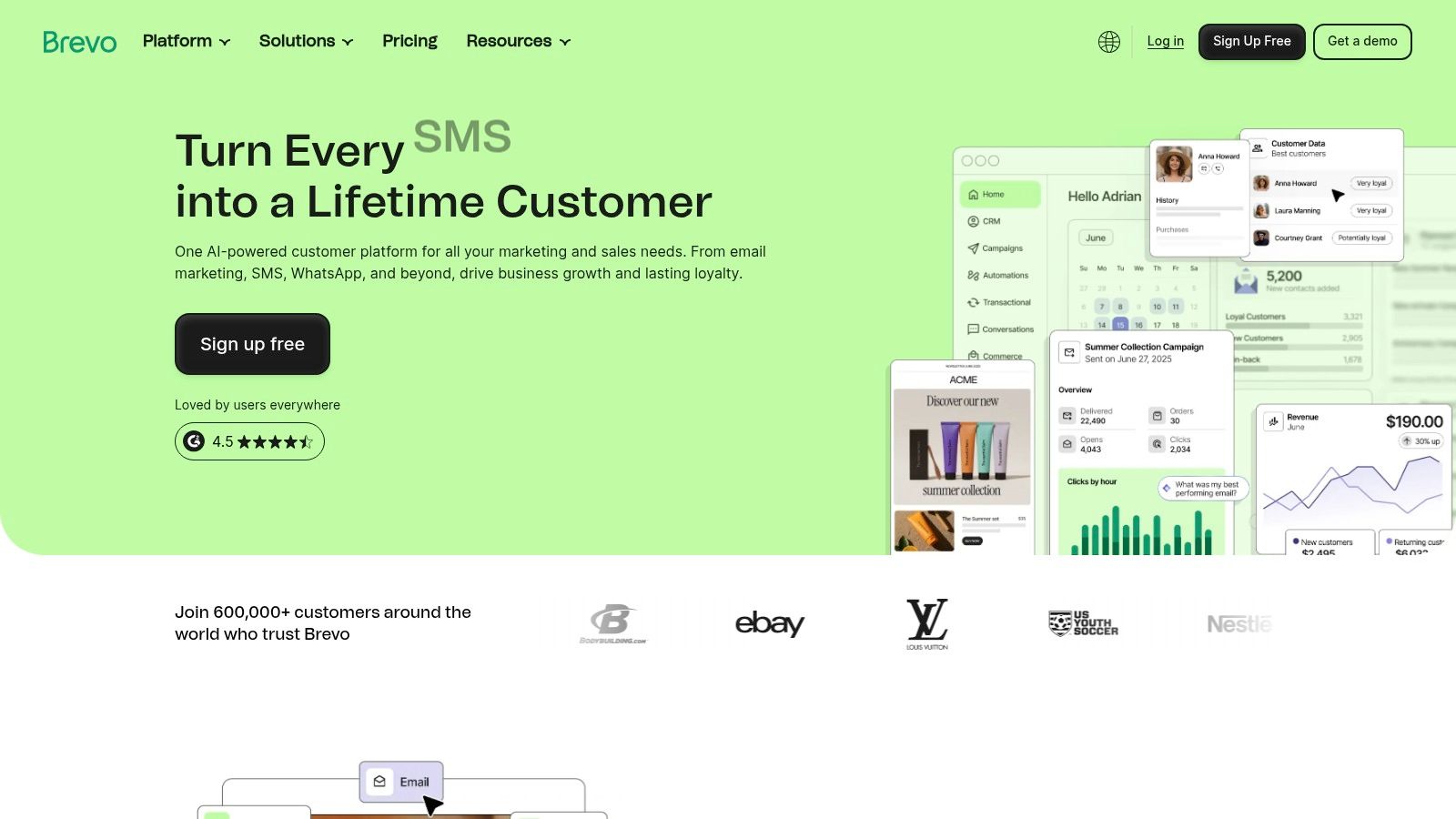
The platform has expanded well beyond just email. You can now manage email, SMS, WhatsApp campaigns, and even live chat from one unified inbox. This multi-channel approach allows you to build simple but effective automations that meet customers where they are, while keeping costs predictable.
Key Features & Use Case
-
You can send email, SMS, and WhatsApp messages from one platform. This is ideal for e-commerce businesses running flash sales or appointment-based services sending reminders.
-
The free plan is generous and pricing is based on sends. The free tier includes up to 300 emails per day and unlimited contacts. This model is perfect for businesses testing automation without financial risk.
-
A basic CRM lets you manage customer relationships and send critical transactional messages like order confirmations through the same system.
Pros & Cons
| Pros | Cons |
|---|---|
| Pricing based on monthly sends with unlimited contacts. | Advanced features are on higher tiers. |
| All-in-one communication suite (Email, SMS, Chat). | Feature depth is limited compared with premium competitors. |
| Excellent free plan for getting started. | Automation builder is less powerful than more specialized platforms. |
My Take
Brevo is one of the most practical marketing automation tools for small business when your primary concern is budget control. If you need a reliable engine for email, SMS, and chat that won't punish you for growing your contact list, this is your platform. You pay for what you use. While it may not have the deep ecosystem of a HubSpot, it provides the core channels you need to build automated sequences that drive sales without breaking the bank. A workhorse, not a show horse.
Website: https://www.brevo.com
5. Klaviyo
If you're running an ecommerce business, your automation exists to drive revenue. Klaviyo is built with this singular focus. It delivers a tool finely tuned for direct-to-consumer brands, with deep integrations into Shopify, WooCommerce, and BigCommerce.
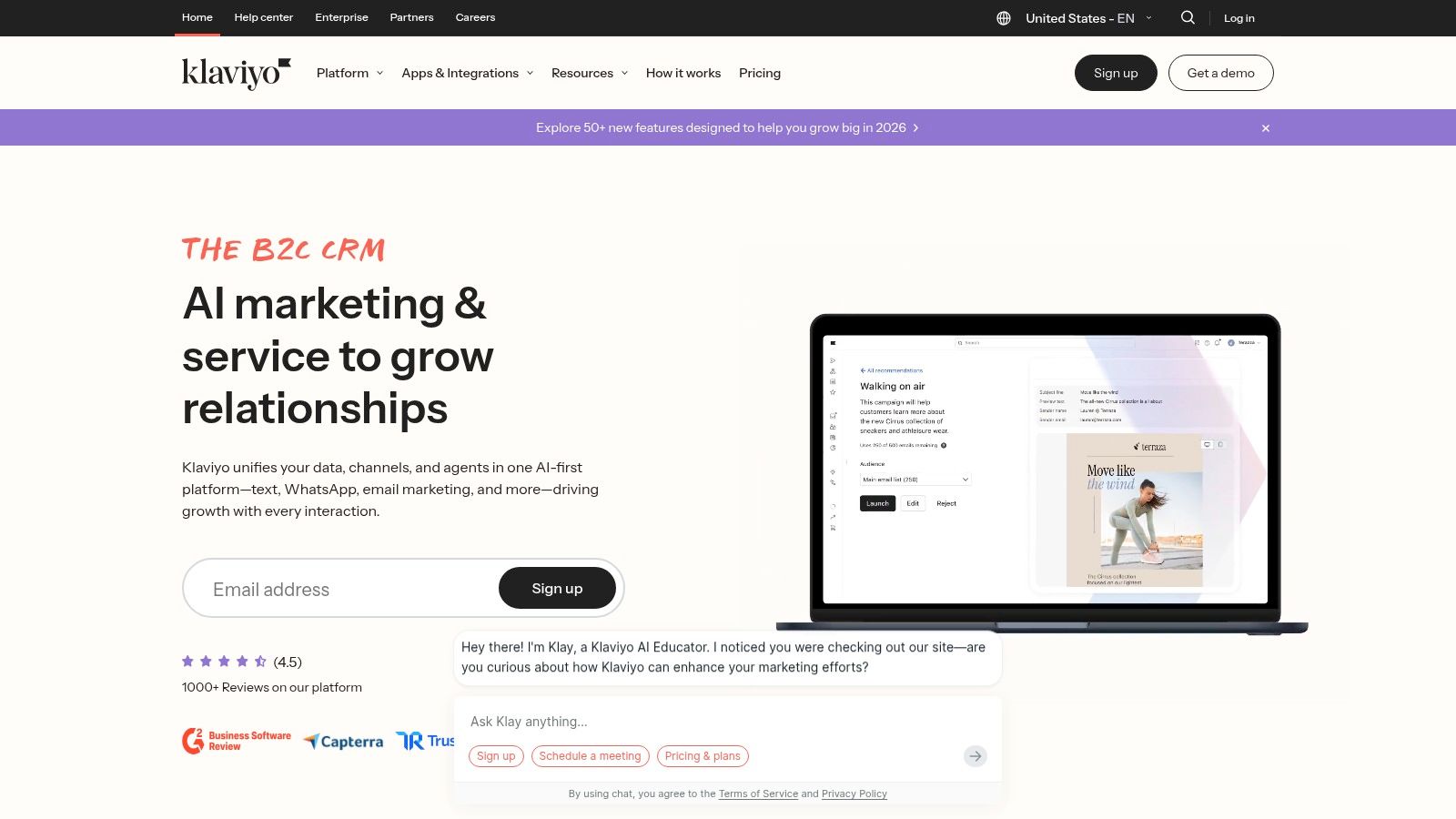
This ecommerce-first data model allows you to build automations based on real customer behavior like "viewed product" or "added to cart." A classic Klaviyo flow automatically emails a customer who abandoned their cart, waits 24 hours, then follows up with an SMS if they still haven't purchased for a 27x ROI on average. It connects your marketing actions directly to sales.
Key Features & Use Case
-
Advanced segmentation lets you create dynamic segments based on purchase history, and event-driven flows act on them. This is ideal for building abandoned cart reminders, browse abandonment flows, and post-purchase upsell sequences.
-
Product recommendations and dynamic content automatically pull product feeds from your store into emails. Show customers items related to their past purchases to increase average order value.
-
With built-in revenue attribution, every campaign and flow directly reports on the revenue it generated. This makes it simple to prove ROI and optimize your marketing spend.
Pros & Cons
| Pros | Cons |
|---|---|
| Excellent Ecommerce Integrations: Deep, native connections to major store platforms. | Pricing Scales with Profiles: Can become costly for stores with large, low-engagement lists. |
| Strong Community & Templates: A wealth of pre-built flows and advice for DTC brands. | Niche Focus: Less suitable for B2B or service-based businesses. |
| Direct Revenue Tracking: Clear attribution shows exactly which emails make you money. | SMS Costs Can Add Up: SMS is a powerful feature but is an additional cost. |
My Take
Klaviyo is one of the most powerful marketing automation tools for small business if that business is selling physical products online. Its entire platform is engineered to convert browsers into buyers and buyers into repeat customers. While other tools can be adapted for ecommerce, Klaviyo speaks the language natively. For a DTC brand, it's an indispensable tool.
Website: https://www.klaviyo.com
6. Omnisend
If your business is an ecommerce store, most general-purpose automation tools feel like a compromise. Omnisend is built for one thing: selling products online. It sidesteps the complexity of all-in-one platforms to focus relentlessly on features that directly drive revenue for online retailers.
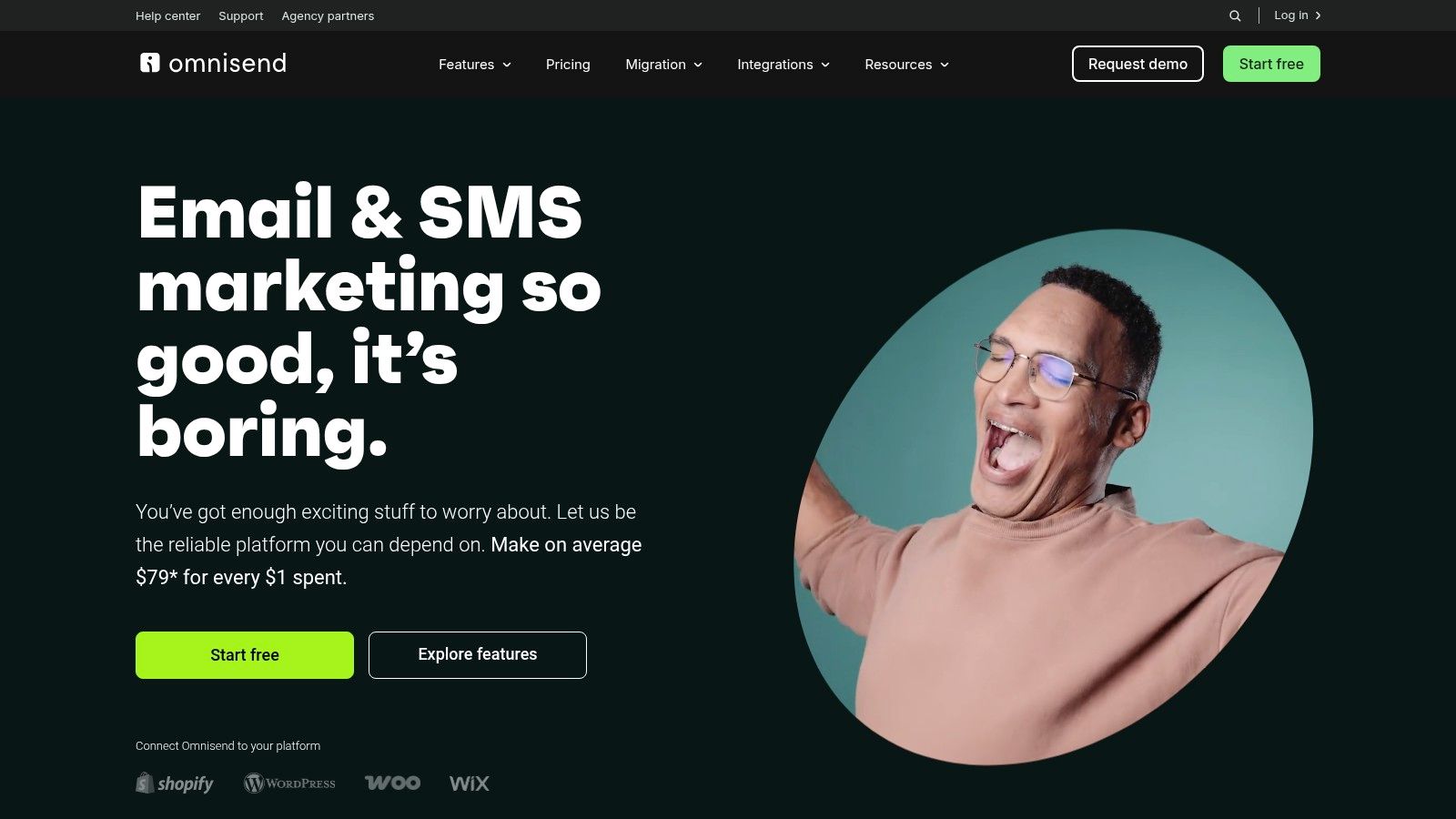
This focus means you get out-of-the-box, pre-built workflows for abandoned carts, browse abandonment, and post-purchase follow-ups. While other tools can do this, Omnisend makes it faster and integrates SMS and web push notifications into those same flows without friction. It’s designed to help you launch proven, revenue-generating campaigns in minutes, not days.
Key Features & Use Case
-
Ecommerce-triggered automations are the core of the platform. Use pre-built templates for abandoned carts, new subscribers, and lapsed-customer win-backs that combine email, SMS, and push notifications.
-
Unlimited web push is included, and it is an underused channel. It works well for instantly notifying subscribers about flash sales or new product drops directly in their browser.
-
The reporting goes beyond open rates. The platform provides revenue attribution reports that show you exactly which campaigns and automations are making you money.
Pros & Cons
| Pros | Cons |
|---|---|
| Great Value for Ecommerce: Purpose-built features at a fair price. | Automatic Price Tiers: Your bill changes as your contact list grows. |
| Excellent Pre-Built Templates: Launch proven campaigns very quickly. | Bills for Non-Subscribers: Counts can affect your billing tier. |
| Multi-Channel in One Flow: Easily combine email, SMS, and push. | Less Suited for B2B: Lacks CRM features needed for long sales cycles. |
My Take
Omnisend is one of the smartest marketing automation tools for small business if you run a Shopify, BigCommerce, or WooCommerce store. It cuts out the noise and gives you the exact funnels needed to increase customer lifetime value. You aren't paying for complex B2B features you'll never use. For an online store, that direct line to revenue is what matters.
Website: https://www.omnisend.com
7. GetResponse
GetResponse aims to be the Swiss Army knife for the creator and ecommerce entrepreneur. It combines marketing automation with a website builder, webinar hosting, and even a course creator. This all-in-one approach is designed to reduce your vendor count and consolidate your marketing stack.

This consolidation is its main differentiator. You can build a visual automation that starts when someone signs up for your webinar, sends them a reminder SMS, then enrolls them in a nurturing email sequence. It’s a complete customer lifecycle tool for businesses built around digital products and events.
Key Features & Use Case
-
Conversion funnels come as pre-built templates for creating lead magnet funnels, sales funnels, and webinar funnels. Ideal for coaches and creators who want to launch quickly.
-
The visual automation builder is a drag-and-drop workflow editor with triggers based on user behavior, ecommerce actions, and tags.
-
Built-in webinar and course tools let you host live webinars and create online courses directly within the platform, then use the automation engine to promote them.
Pros & Cons
| Pros | Cons |
|---|---|
| All-in-One Functionality: Combines email, funnels, webinars, and more. | Breadth Over Depth: Specialized tools may outperform single modules. |
| Great for Creators: Built-in tools for courses and webinars are a huge plus. | Pricing Scales by Contacts: Costs increase as your audience grows. |
| Generous Email Sends: Unlimited email sends are included on paid plans. | Interface Can Be Busy: With so many features, the UI can feel crowded. |
My Take
GetResponse is a practical choice if you’re a creator or consultant who relies heavily on webinars and digital funnels. The value proposition is a wide set of tools for a single price, minimizing the need to stitch together multiple apps. Because the tools are native, the automation runs without stitching apps together. It excels at connecting top-of-funnel activities like a webinar directly to automated sales sequences.
Website: https://www.getresponse.com
8. MailerLite
MailerLite’s superpower is elegant simplicity. It goes beyond email to include website and landing page builders, blogs, and even digital product sales. This makes it a fantastic starting point for those who need more than just email but aren't ready for a complex, multi-tool stack.
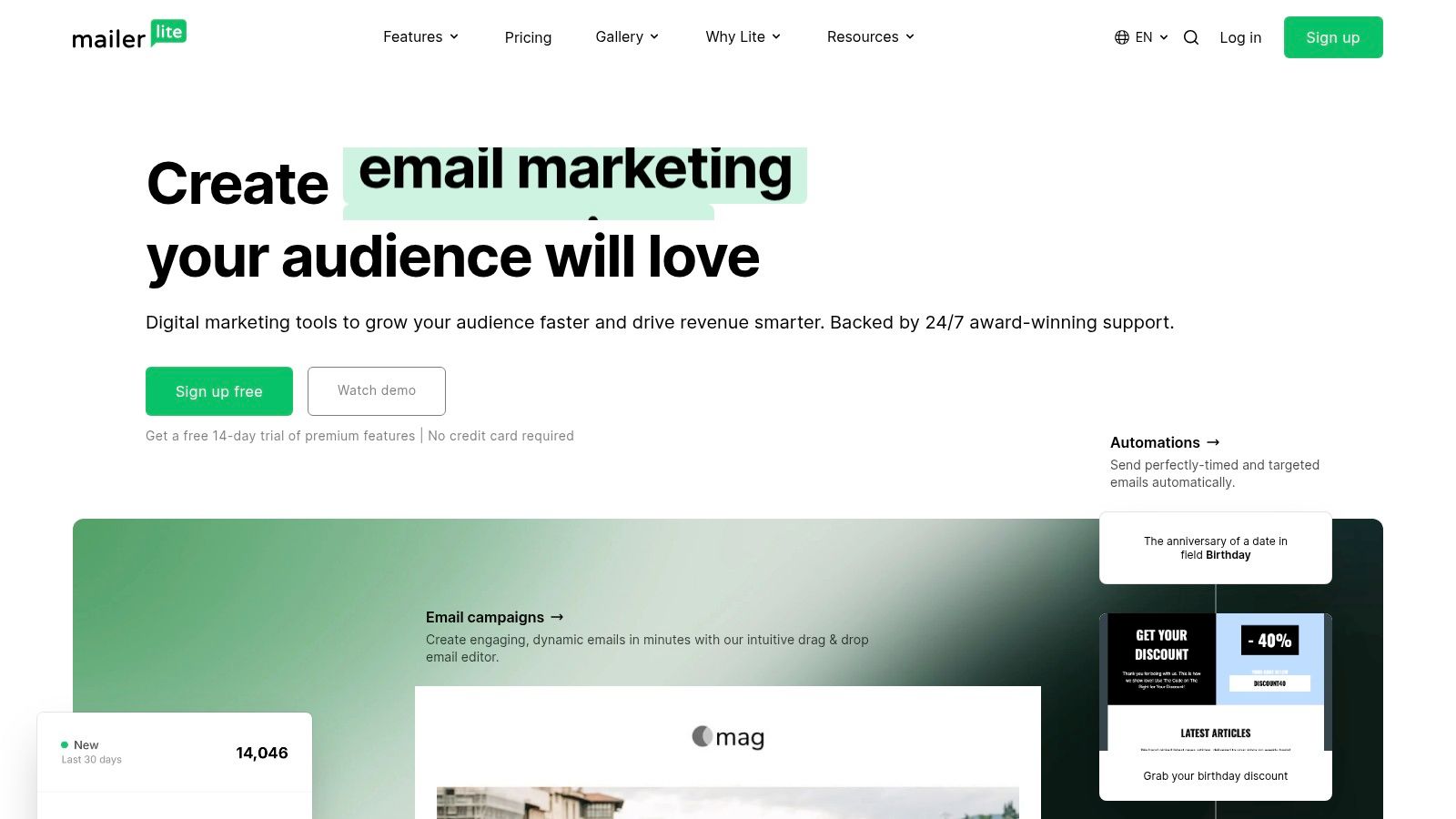
The platform is built around a clean, intuitive user experience. Its visual automation builder allows you to easily create workflows for welcoming new subscribers or nurturing leads with a drip series. By bundling key web-building tools with email automation, MailerLite lets a small team manage their entire online presence and sales funnel from a single, affordable dashboard.
Key Features & Use Case
-
The creator tools let you build and host your website, blog, and unlimited landing pages directly within the platform.
-
The visual automation builder is a simple drag-and-drop interface for creating multi-step email sequences based on triggers like sign-ups or clicks.
-
You can sell ebooks or courses with integrated Stripe payments, making it a complete solution for monetizing your audience.
Pros & Cons
| Pros | Cons |
|---|---|
| Simple and Affordable: Very clear pricing that scales predictably. | Limited Free Plan: Key automation features require a paid subscription. |
| Excellent Ease of Use: The interface is clean and beginner-friendly. | Strict Compliance: Some users report strict account approval processes. |
| More Than Just Email: Integrated website and landing page builders add value. | Support Can Be Slow: Email-only support on lower tiers may have delays. |
My Take
MailerLite is one of the best marketing automation tools for small business if you’re a creator, consultant, or solopreneur who values simplicity and an all-in-one toolkit. Its strength lies in combining essential web presence tools with powerful-enough automation at a price that won't break the bank. The trade-off is less advanced segmentation compared to enterprise-grade systems, but for many small businesses, it’s a perfect balance.
Website: https://www.mailerlite.com
9. Constant Contact
If you want a platform that prioritizes human support and a guided setup, Constant Contact is your answer. It has carved out a niche serving local businesses and nonprofits that value having a real person to call. It gives you a reliable, easy-to-use toolkit rather than the newest features.
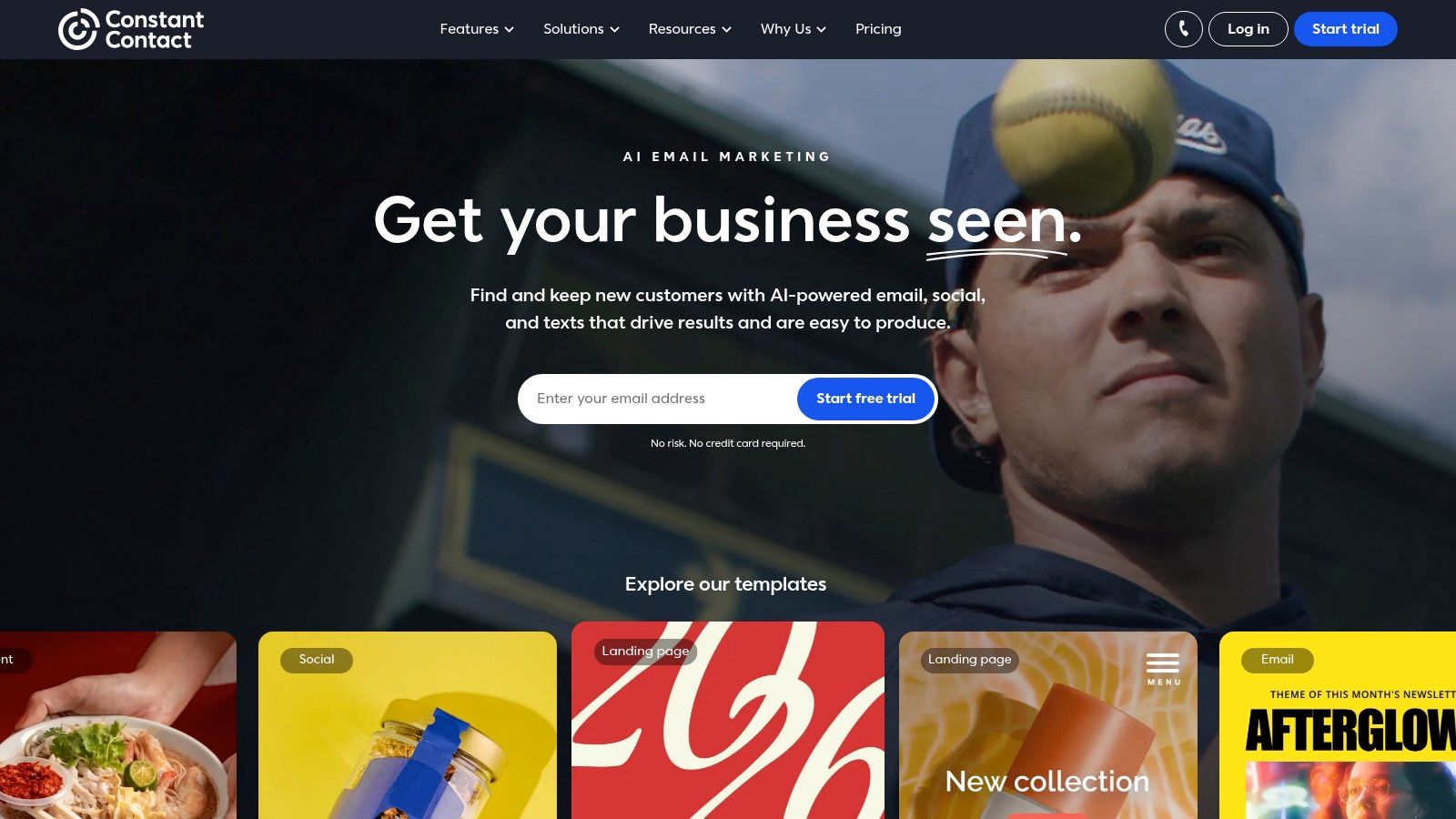
This focus on service makes its automation features approachable. You can easily set up welcome series, trigger emails based on list joins, or send birthday messages. While it lacks the complex branching logic of more advanced systems, it perfectly handles the core automation needs of a small business looking to engage its audience consistently.
Key Features & Use Case
-
Live support and onboarding are its key differentiator. Use them for guided setup and troubleshooting, which is invaluable when nobody in your business is a dedicated marketing technologist.
-
The email, SMS and social tools let you manage core communication channels from one place. They suit a restaurant, retail store, or local service provider looking to coordinate promotions.
-
The AI Content Generator and BrandKit help you quickly create on-brand email copy and subject lines. This helps you maintain a professional look and feel without needing design expertise.
Pros & Cons
| Pros | Cons |
|---|---|
| Excellent Live Support: Real-time phone and chat support are a huge plus. | Limited Automation Depth: Complex workflows are not its strong suit. |
| Generous Free Trial: A 60-day trial in the US offers ample testing time. | Fewer Advanced Features: Lacks some of the more innovative tools of rivals. |
| User-Friendly Interface: Very easy to learn and navigate for beginners. | Tier-Based Feature Access: More powerful automation requires higher plans. |
My Take
Constant Contact is the right tool when your primary need is straightforward, reliable communication backed by outstanding human support. It’s built for the owner who wears many hats and can’t afford to spend a week learning a complex system. If you run a local business and your goal is to send professional-looking emails and manage social media efficiently, this is a very safe and effective choice.
Website: https://www.constantcontact.com
10. Drip
Most marketing platforms try to serve everyone. Drip does not. It is built for one purpose: to help direct-to-consumer (DTC) ecommerce brands make more money. This singular focus is its greatest strength.
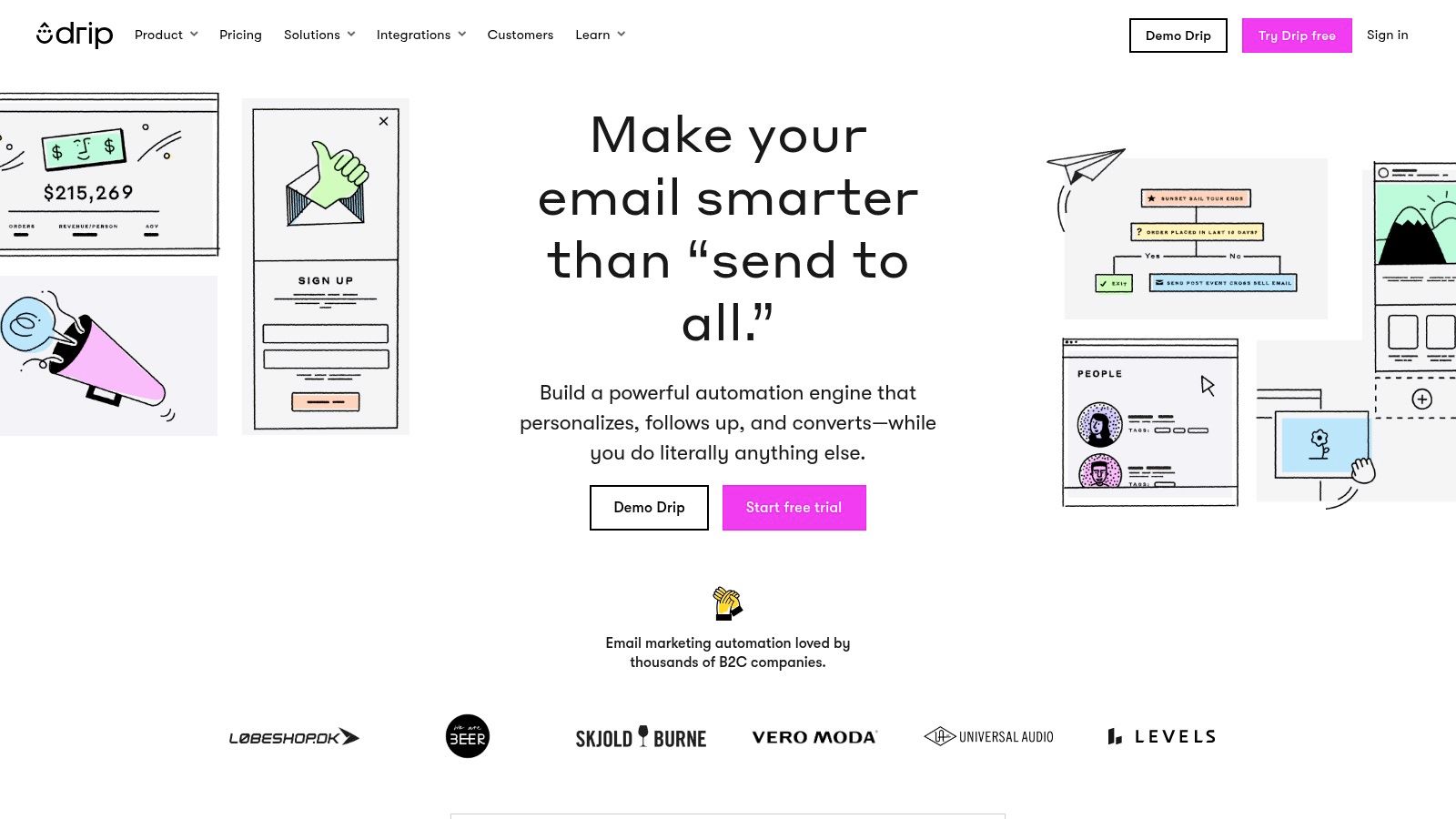
Drip’s entire platform is engineered around your store's data. It allows you to create automated workflows triggered by specific customer behaviors like viewing a product or abandoning a cart. This deep integration means your marketing is always relevant, personal, and aimed squarely at driving revenue.
Key Features & Use Case
-
Native connections with Shopify, BigCommerce, and WooCommerce pull in rich customer data. Use this to build hyper-specific segments and trigger automated campaigns.
-
The visual workflow builder lets you create sophisticated, multi-channel customer journeys for welcome series, post-purchase follow-ups, and win-back campaigns without needing a developer.
-
Pricing is unified. Unlike many competitors, Drip doesn't gate its features. Once you're on a paid plan, you get access to everything.
Pros & Cons
| Pros | Cons |
|---|---|
| Ecommerce-Centric: Purpose-built for DTC brands and their unique needs. | Pricing Scales Quickly: Your costs increase directly with contacts. |
| All Features Included: No tiered plans or feature gating on paid plans. | No Free or Cheap Starter Tier: Lacks an entry-level plan for new stores. |
| Excellent Lifecycle Templates: Get started quickly with proven store flows. | Niche Focus: Less suitable for B2B, SaaS, or non-ecommerce businesses. |
My Take
I recommend Drip to any DTC brand that has outgrown basic email marketing and needs a true revenue-driving machine. It is one of the best marketing automation tools for small business in the ecommerce space because its focus is so relentlessly commercial. It’s not the cheapest option, but it directly connects your marketing actions to your bottom line. Exactly where your focus should be.
Website: https://www.drip.com
11. G2 – Marketing Automation Category
Treat G2 as research for picking one of the other tools. It is a peer-review platform that lets you see what real users think. Its power lies in using crowdsourced data to cut through marketing hype and get an unfiltered view of a platform’s strengths and weaknesses.
The platform allows you to apply specific filters, like "Small Business," to see which tools are performing best for companies like yours. You can compare feature sets and satisfaction scores. This lets you build a data-driven shortlist before you even start a single free trial, saving you countless hours.
Key Features & Use Case
-
The small-business segment filter lets you zero in on the tools that are proven to work for SMBs, filtering out enterprise software that isn't a fit.
-
For side-by-side comparisons, use their grid view to directly compare features, user satisfaction ratings, and pricing models across your top contenders.
-
Verified user reviews give you candid feedback from actual users. This is your best source for learning about hidden limitations not mentioned on a vendor's website.
Pros & Cons
| Pros | Cons |
|---|---|
| Fresh, Review-Driven Perspective: Get transparent scoring and unbiased opinions. | Sponsored Placements: Top spots can be paid; always validate on vendor sites. |
| Helps Narrow Options Quickly: Efficiently create a shortlist of relevant tools. | Not a Direct Vendor: You can’t buy software here; it’s a research hub. |
| Comprehensive Data: See how tools rank on ease of use, support, and more. | Review Quality Varies: Some reviews are more detailed and useful than others. |
My Take
Before you commit, do your homework. G2 is the best place to start. I use it to create an initial shortlist of 3-5 platforms based on real-world satisfaction scores, then begin my deeper analysis. It's an essential first step to ensure you're investing time and money in a solution that truly fits your needs.
Website: https://www.g2.com/categories/marketing-automation
12. Capterra – Marketing Automation Software Directory
Instead of evaluating one tool, sometimes you need to evaluate the entire market. That’s where Capterra comes in. It’s a comprehensive software directory where you can compare hundreds of options side-by-side based on verified user reviews. Its primary value is in providing a neutral starting point for your research.
This approach lets you filter the long list of tools to find a shortlist that meets your specific needs. By reading reviews from businesses similar to yours, you get an unbiased look at a tool’s real-world performance, cutting through the marketing hype to see how it actually functions day-to-day.
Key Features & Use Case
-
Advanced filters let you narrow down the market by features, pricing models, and deployment type. It’s perfect for creating a manageable list of potential vendors.
-
Verified user reviews are the core of the platform. Use them to understand the practical pros and cons of a tool before you sign up for a demo.
-
Buyers' guides offer high-level overviews of the software category, helping you understand the key considerations and terminology.
Pros & Cons
| Pros | Cons |
|---|---|
| Broad Market Coverage: See hundreds of tools in one place. | Sponsored Listings: Top results may be paid placements; always verify. |
| Neutral Starting Point: Helps you map out all available options. | Directory Only: You can’t buy or trial; it links out to vendor sites. |
| Verified, Unbiased Reviews: Get real feedback from actual users. | Feature Data Can Be Vague: Relies on vendors for accuracy. |
My Take
Capterra is a great research tool when you're in the initial discovery phase. Don't go here to buy; go here to build your shortlist. Use the filters to identify 3-5 platforms that fit your core requirements, read a dozen reviews for each, then visit their sites directly. It’s the most efficient way to get a bird's-eye view of the market and see which tools support advanced capabilities like how to use AI for marketing.
Website: https://www.capterra.com/marketing-automation-software/
Comparison of 12 Marketing Automation Tools for Small Businesses
| Product | Core features | Best for | Unique selling points | Pricing / value | Key drawback |
|---|---|---|---|---|---|
| HubSpot Marketing Hub | Visual workflows, native CRM, omni‑channel automation, reporting | Mid‑market teams needing tight marketing‑sales alignment | Unified data model + large app ecosystem + HubSpot Academy | Generous free tier; costly as contacts/seats scale | Advanced workflows/reporting gated to higher tiers |
| Mailchimp (Intuit) | Drag‑&‑drop editor, journeys, 300+ integrations, AI content helpers | SMBs and ecommerce stores getting started quickly | Low learning curve; pay‑as‑you‑go and nonprofit discounts | Free → paid; costs rise with contact counts | Advanced analytics/features reserved for higher plans |
| ActiveCampaign | Visual automations with branching, CRM, email & SMS, lead scoring | SMBs needing complex behavior‑based journeys | Powerful automations at competitive SMB price | Tiered by contacts; 14‑day free trial | UI depth can feel complex for new users |
| Brevo (Sendinblue) | Email, SMS, WhatsApp, send‑time optimization, A/B tests | Small lists that send frequently; budget‑conscious teams | Pricing by sends (unlimited contacts); easy start | Free plan; affordable send‑based pricing | Feature depth limited vs premium competitors |
| Klaviyo | Advanced segmentation, product feeds, event‑driven flows, revenue attribution | Ecommerce / DTC brands (Shopify/WooCommerce/BigCommerce) | Deep ecommerce integrations + reliable revenue tracking | Free small plan; pricing scales with profiles (can be pricey) | Can become expensive for large catalogs/lists |
| Omnisend | Email & SMS, web push, prebuilt ecommerce flows, forms | SMB ecommerce stores wanting practical templates & value | Practical prebuilt flows + included SMS credits on Pro | Value‑oriented plans; billing by contacts | Non‑subscriber counts and contact billing can be confusing |
| GetResponse | Email/SMS automation, funnels, webinars, landing pages, course tools | Creators and businesses wanting an all‑in‑one stack | Funnels + webinars + course creator in one product | 14‑day free trial; pricing by contacts | Breadth over depth; specialized tools may outperform modules |
| MailerLite | Drag‑&‑drop editor, visual automations, websites & landing pages, AI assistant | Creators and lean teams with small lists | Clear pricing, simple UX, annual discounts | Affordable plans; limited free tier | Free plan limited; compliance/support can vary |
| Constant Contact | Email, social scheduling, SMS, event management, AI Content Generator | Local businesses, nonprofits, SMBs needing guided support | Live phone/chat support and guided onboarding | 60‑day US trial; tiered pricing | Modest automation depth; fewer cutting‑edge features |
| Drip | Visual workflows, dynamic product blocks, split testing, revenue reporting | DTC ecommerce brands focused on lifecycle and revenue | All features included on paid plan; strong store integrations | Trial then paid; pricing scales with contacts | Pricing grows quickly with contact volume; no very cheap starter tier |
| G2 – Marketing Automation Category | Verified reviews, side‑by‑side comparisons, small‑business filters | Buyers shortlisting and validating vendor options | Review‑driven scoring and transparent comparisons | Free research; links to vendor pricing/trials | Sponsored placements may influence rankings |
| Capterra – Marketing Automation Directory | Directory filters, buyers’ guide, vendor listings & links | Market research and vendor discovery before trials | Wide coverage and buyer guides for mapping options | Free; directs to vendor sites for purchases | Sponsored listings appear; not a direct seller |
Final Thoughts
You’ve just walked through a long list of marketing automation tools for small business. You’ve seen the powerhouses, the ecommerce specialists, and the all-in-one platforms. The sheer number of options can feel paralyzing.
Don’t let that stall you. The useful question is which tool fits your specific growth trajectory.
From Analysis to Action: Your Next Move
The goal is a system that multiplies your marketing efforts without multiplying your headcount. A machine that nurtures leads, converts customers, and builds loyalty while you sleep.
Don’t chase features you won’t use. Focus on the core workflows that will move the needle on revenue in the next 90 days. Align your top two or three contenders with your business model.
The Implementation Trap and How to Avoid It
I’ve seen more businesses fail at implementation than at selection. A powerful tool sitting unused is just expensive code. The key is to start small.
Pick one high-impact workflow. Just one. A welcome series, an abandoned cart sequence, or a lead nurturing flow. Build it, test it, and optimize it. Once that single automation is generating a return, you’ve gained the momentum and knowledge to build the next one. This is how you win.
A Final Word on Choosing Your Platform
As you decide, consider the long-term vision. Will this platform scale with you from 1,000 contacts to 100,000? Does its integration ecosystem support the other tools you rely on? Answering these questions now saves you from a painful migration process later.
To further compare options, this review of the 12 best marketing automation software platforms is highly useful. It provides another lens through which to evaluate these critical investments.
Treat this as a business decision first and a technical one second. You are investing in a system that will become the engine of your customer relationships. Choose carefully, build one workflow at a time, and it will keep paying you back.