More data isn’t more revenue. It’s just more noise. You're drowning in dashboards, but are you actually getting closer to a real competitive advantage? For most companies, the answer is no. They're stuck admiring the past.
I've been in the trenches with machine learning since 2016 and generative AI since 2019, long before the current hype cycle. I've seen how the right analytics stack—not the most expensive one—transforms a business from a market follower into a market dominator. This isn't about collecting data. It's about building an intelligence engine that gives you an unfair advantage.
In this guide, you and I will cut through the fluff. I'll show you the exact marketing analytics tools I recommend to clients. We'll cover what they do, when to use them, and—just as critically—when not to. To truly stop drowning in data and start dominating your market, equipping yourself with the right platforms is crucial. For a comprehensive overview of the top options, explore our guide on the Best Marketing Analytics Tools.
This isn't just another list. It's a battle plan for using data to win. We'll dissect everything from foundational platforms like Google Analytics 4 to the heavy machinery of Segment and Snowplow. For each tool, you'll get my unvarnished take on its pros, cons, and ideal use case. I'll even show you how to stack them based on your company's size and maturity. This is your roadmap to building a marketing engine that drives real, measurable growth. Let's get to work.
1. Google Analytics 4 (GA4)
Let's start with the foundation. For most businesses, Google Analytics isn't an option; it's the default starting block. It's free and powerful, the bedrock of countless marketing stacks. Its event-based model unifies tracking across your website and apps, giving you a single view of the customer journey—a critical shift for modern marketing.
The real game-changer for businesses like mine is the native BigQuery export. This gives you raw, unsampled event data. You can then feed this into your own machine learning models for deep analysis, like predicting customer churn before it happens. You're no longer trapped in Google's pre-built reports. Their built-in predictive metrics are a solid start, but the raw data is where the real competitive advantage is built.
Pros:
- Free Core Product: The standard version is robust and costs nothing.
- BigQuery Integration: Unlocks your raw data for custom AI/ML applications and warehouse-native analysis.
- Deep Google Ecosystem Integration: Works seamlessly with Google Ads and Search Console for a fuller picture of acquisition performance.
Cons:
- Steep Learning Curve: The shift to an event-based model requires a new way of thinking if you're used to Universal Analytics.
- Paid Tier for Scale: Advanced features and enterprise-level SLAs are locked behind the costly Analytics 360.
GA4 is your first step. It's non-negotiable for most.
Website: Google Analytics
2. Adobe Analytics / Adobe Customer Journey Analytics
When your business is a complex web of online and offline touchpoints, GA4 starts to buckle. This is where I bring in Adobe Customer Journey Analytics. Think of it as the enterprise-grade command center. It’s built for teams that need to stitch together data from their website, CRM, and even in-store POS systems to get one unified view of the customer.

Adobe's superpower is governance. For large organizations, controlling data access is non-negotiable, and Adobe's permissioning is ironclad. Its Analysis Workspace is a flexible canvas for deep, multi-dimensional cohort analysis that goes far beyond standard reports. A client in luxury retail used this to connect online ad views to in-store purchases, discovering a 30% higher LTV from customers who engaged with specific video content first. That's a multi-million dollar insight.
Pros:
- Powerful Governance: Enterprise-grade security, permissions, and data controls are built into its foundation.
- Scales to Massive Volume: Handles huge datasets and supports joining online data with offline sources like CRM or POS data.
- Deep Segmentation: Analysis Workspace allows for incredibly flexible, multi-dimensional analysis that is hard to replicate elsewhere.
Cons:
- Opaque Pricing: Pricing is quote-based and requires a direct sales engagement, which can be a barrier for smaller teams.
- Complex Implementation: Getting this set up and fully enabled is a significant project requiring specialized expertise.
Adobe is the choice for mature organizations that need a governed, single source of truth for all customer data. Don't use it if you're a startup; the complexity will kill you.
Website: Adobe Customer Journey Analytics
3. Amplitude
If GA4 tells you what happened, Amplitude tells you why. I see it as the go-to platform for product and growth teams who need self-serve answers about user behavior. It’s built from the ground up to understand retention and the entire customer lifecycle, making it one of the best tools for marketing analytics for SaaS and app-based businesses.

Amplitude’s power is in democratizing data. Your product managers can build complex funnels and segment users into behavioral cohorts without writing SQL. Its integrated suite—now including experimentation and session replay—means you can analyze, test, and act all in one place. One of my clients used Amplitude to discover that users who invited a teammate in the first 24 hours had a 4x higher retention rate. That finding completely reshaped their onboarding flow and marketing messaging.
Pros:
- Strong Self-Serve Analytics: Empowers non-technical users with incredibly fast cohorting and funnel analysis.
- Integrated Product Stack: Combines analytics, A/B testing, feature flags, and session replay to reduce tool sprawl and connect insights to action.
- Generous Free Tier: The starter plan is very capable for early-stage companies to get started.
Cons:
- Cost Can Scale Quickly: Pricing is based on Monthly Tracked Users (MTUs) and event volume, which can become expensive as you grow.
- Quote-Based Pricing for Higher Tiers: Getting a clear price for the Growth and Enterprise plans requires a sales conversation.
Use Amplitude when you need to connect marketing activities directly to product engagement and long-term retention. It’s about building a better product that keeps customers.
Website: Amplitude
4. Mixpanel
I think of Mixpanel as the high-speed drill you use to find specific veins of gold. While GA4 covers the landscape, Mixpanel excels at rapid, self-serve user behavior analysis. It's built for teams that need to ask "Why did this happen?" and get an answer in minutes, not days. Its strength lies in flexible funnels and retention reports that let you dissect user paths with incredible speed.

For marketers, this speed is a competitive weapon. You can instantly see how a new campaign impacts feature adoption. The inclusion of session replay alongside quantitative data bridges the gap between what users do and why. I've also been impressed with its Spark AI feature; it’s a natural language query builder that helps marketers conduct complex analysis without writing code. Democratizing analysis.
Pros:
- Very Fast Self-Serve Exploration: Excellent templates and cohorting features allow for quick, ad-hoc analysis without needing a data analyst.
- Generous Free Plan: The free tier offers a significant event quota, making it accessible for startups to get started.
- Clear Event-Based Pricing: You know exactly what you'll pay as your user activity grows.
Cons:
- Costs Scale with Event Volume: High-traffic sites can see costs increase quickly, so you need to be mindful of your tracking plan.
- Advanced Governance in Enterprise: Key security and data management features are reserved for the top-tier plan.
Mixpanel is your go-to when you need to move beyond page views and understand the detailed interactions that drive your business.
Website: Mixpanel
5. Twilio Segment (Customer Data Platform)
Analytics tools show you what happened. A Customer Data Platform (CDP) like Twilio Segment is the central nervous system that lets you do something about it. I think of it as the ultimate data plumbing. Segment collects first-party data from all your sources—website, app, CRM—and pipes it to over 700 destinations in real time. This isn't just about analytics; it's about making your data actionable everywhere. Instantly.

Instead of building dozens of brittle, one-off integrations, you implement Segment once. Its Unify product creates a single, resolved profile for each user. For AI, this is gold. You can build AI-powered audiences directly in Segment—like "likely to churn" or "high LTV potential"—then push those segments to your ad platforms for hyper-targeted campaigns. No engineering lift required. It turns analytics from a reporting function into an activation engine.
Pros:
- Best-in-class Integration Catalog: Its massive library of sources and destinations drastically reduces the need for custom ETL work.
- Strong Data Governance: Features like Protocols help enforce a consistent tracking plan, ensuring data quality from the start.
- Real-time Unified Profiles: Creates a single customer view that powers personalization and activation across your entire toolset.
Cons:
- Can Get Expensive: The full CDP suite (Unify/Engage) is a significant investment.
- Usage-Based Pricing: The MTU (Monthly Tracked Users) model means costs can escalate quickly as your user base grows.
Segment is how you build a scalable, future-proof data infrastructure. It's the foundation for market domination.
Website: Twilio Segment
6. Snowplow (Behavioral Data Platform)
When you refuse to operate in a black box, you use Snowplow. I think of it as the ultimate data creation platform. Instead of sending your data to a vendor's cloud, Snowplow lets you build a pipeline that collects rich, first-party event data and delivers it directly to your own data warehouse. This is the foundational piece for any serious AI ambition.
The power here is the structured, unopinionated raw event stream. You define the schema, you own the data, you control the destination. This is how you build custom attribution models that your competitors can't replicate. It's how you predict customer lifetime value with your own algorithms. A B2B SaaS client used Snowplow to build a proprietary lead scoring model that identified high-intent signals ignored by off-the-shelf tools, increasing their sales-qualified lead rate by 40%. That's owning your data.
Pros:
- Complete Data Ownership: Your raw, well-structured event data lands in your warehouse, giving you full control for advanced modeling.
- Extensible and Flexible: With open-source roots, you can customize tracking and data flows to your exact specifications.
- Real-time Data Creation: Collects and delivers data in real time, making it ideal for immediate action and dynamic personalization.
Cons:
- Requires Engineering Resources: The open-source version demands significant DevOps effort. The managed platform is necessary for most non-engineering-first teams.
- Quote-Based Pricing: Commercial and managed plans are not off-the-shelf, requiring a sales conversation.
Don't use Snowplow unless you see your data as a core strategic asset, not just a byproduct of marketing.
Website: Snowplow
7. HubSpot Marketing Hub (Analytics & Attribution)
For SMBs and mid-market teams, connecting disparate tools is a constant headache. HubSpot solves this by wrapping marketing automation, a CRM, and analytics into one platform. I recommend it to businesses that need everything to work together from day one, without integration nightmares. It's built for closed-loop reporting: connecting an ad click directly to a closed deal.
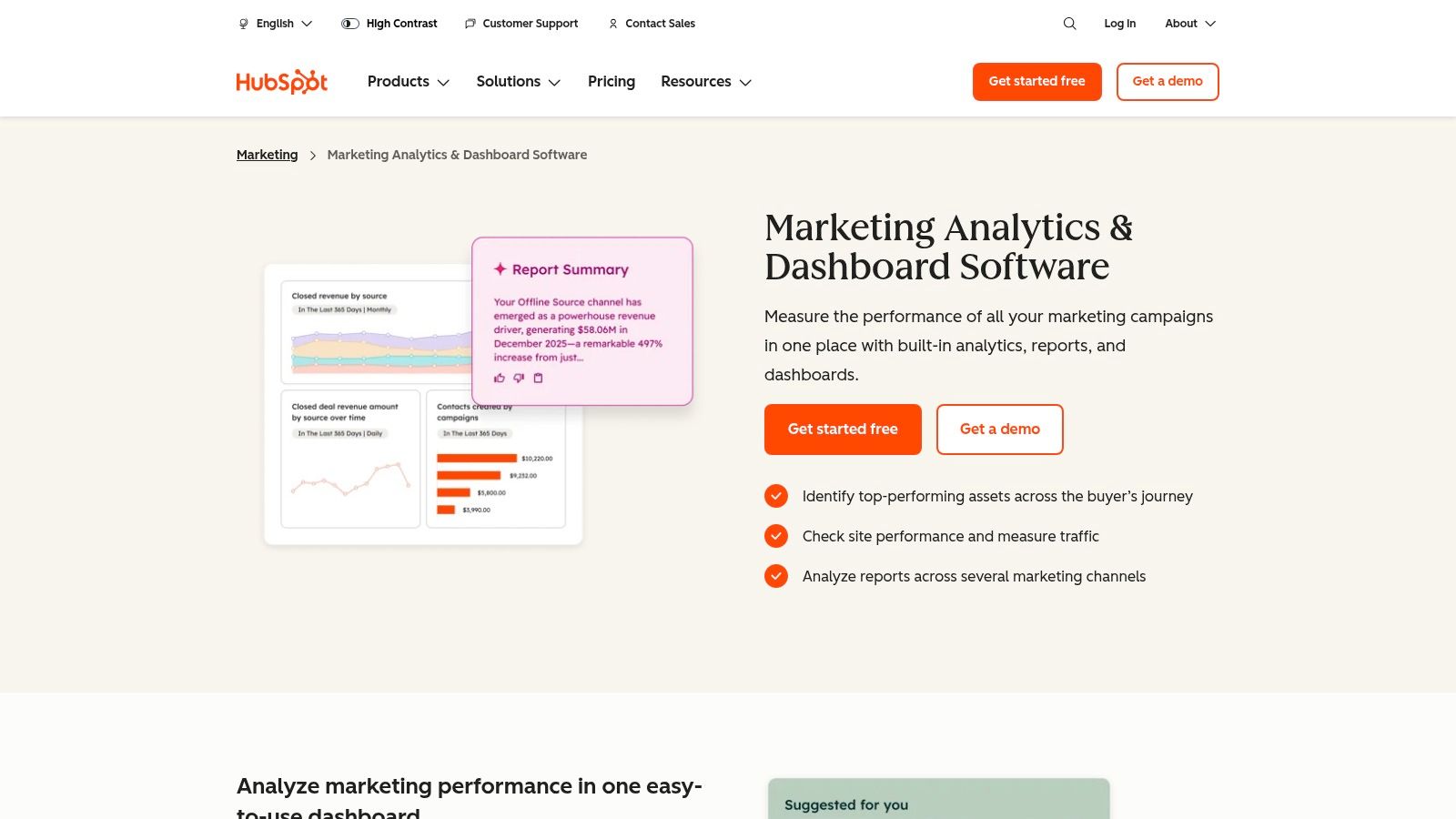
The real power here is visibility for non-analysts. You see how your email campaigns and blog content influence lead generation and, ultimately, revenue. Their multi-touch attribution reports let you assign credit across the entire customer journey. For teams without a dedicated data analyst, HubSpot’s templates offer a fast path to understanding what's working. You get actionable insights without a complex setup.
Pros:
- Single-Platform Visibility: Provides a unified view from initial lead capture all the way to final revenue.
- Fast Time-to-Value: Designed for non-technical users, allowing marketing teams to get meaningful reports almost immediately.
- Strong Ecosystem: Integrates natively with its own sales, service, and content tools, creating a seamless data flow.
Cons:
- Scales with Contacts: The pricing model is tied to the number of marketing contacts, which can get expensive as your list grows.
- Onboarding Fees: Professional and Enterprise tiers often come with mandatory, and sometimes costly, onboarding fees.
HubSpot is your answer if you prioritize speed-to-insight and an all-in-one system over granular data customization.
Website: HubSpot
8. Semrush
You can't win the game by only looking at your own players. Semrush is one of the best tools for marketing analytics because it turns the lens outward, analyzing your competitors' entire acquisition strategy. I use it to map the digital battlefield—from organic search and paid ads to content and PR. It’s my go-to for reverse-engineering what works for them, so I can do it better.
What makes Semrush essential is its competitive data. You can see the exact keywords a competitor ranks for, the ads they're running, and the backlinks that power their authority. Its Traffic Analytics tools offer solid estimates on a rival's website traffic and market share. This isn't about copying; it's about finding gaps in their strategy that you can exploit for market domination.
Pros:
- Deep Competitive Datasets: A massive index of keywords, backlinks, and ads that provides a clear picture of competitor strategies.
- All-in-One Platform: Covers SEO, PPC, content marketing, and market research, reducing the need for multiple niche tools.
- Strong Reporting: Excellent for creating high-level executive reports on market position and competitive visibility.
Cons:
- Expensive at Scale: Costs can climb quickly as you need higher limits, API access, or add-on packages.
- Data is an Estimate: All third-party traffic data is an estimation, not a 1:1 reflection of a competitor's actual analytics.
Semrush is your intelligence hub for outmaneuvering the competition.
Website: Semrush
9. Sprout Social
Your social media efforts are a black hole until you connect them to real business outcomes. Many tools treat social as a vanity metric silo. Sprout Social Analytics breaks that mold by providing the tools to not just manage your presence, but to measure its impact in a way your CFO will understand.
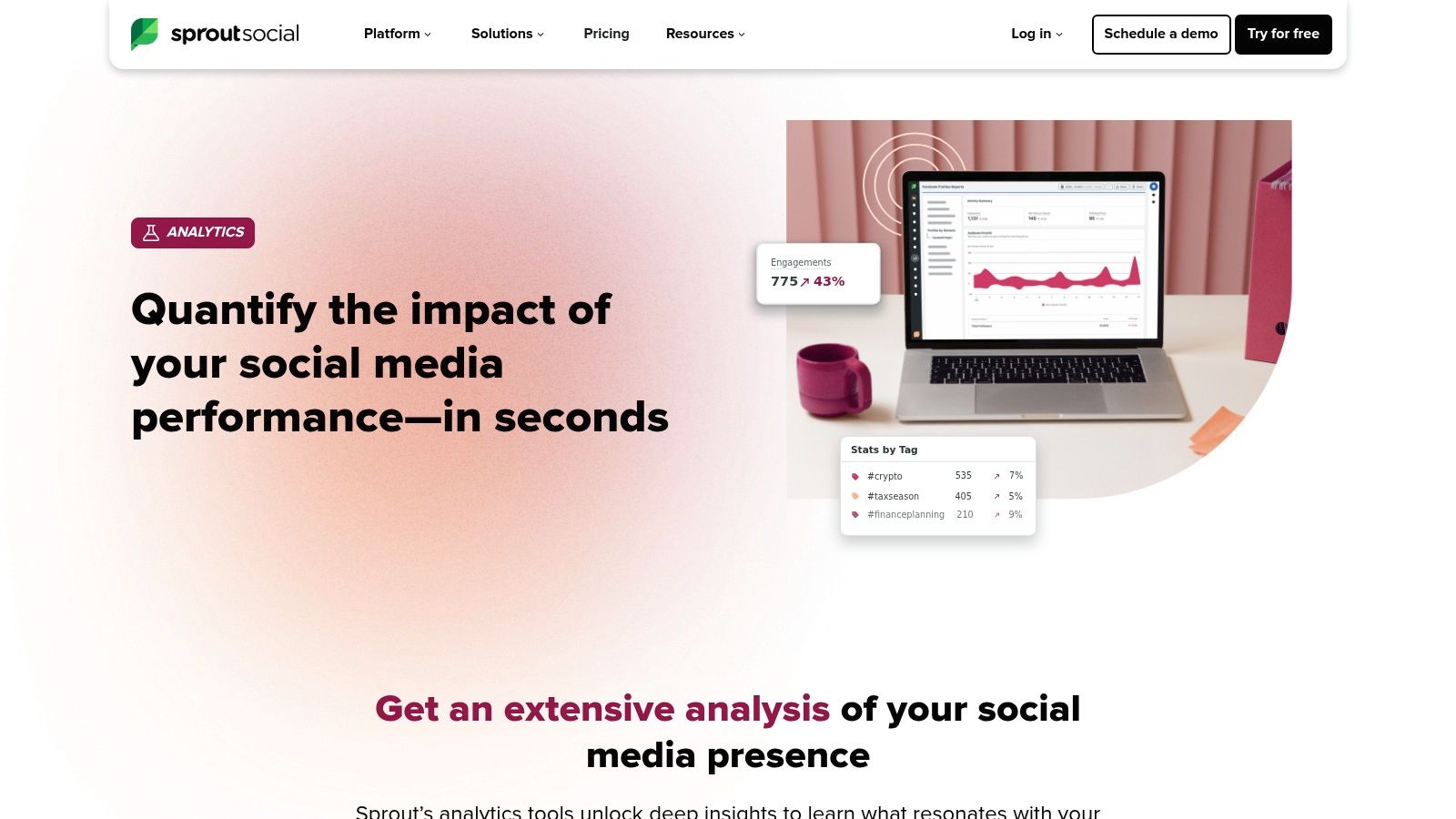
What I value here is scalable reporting. You can move beyond simple post-level insights to competitive benchmarking and trend analysis using their premium analytics. Using tags and workflows, you can standardize how your team categorizes messages and content, which makes the resulting data much cleaner for analysis. This structured data is key to building a true picture of social ROI, not just likes and shares.
Pros:
- Executive-Ready Reports: Generates polished, easy-to-understand reports that connect social activities to business goals.
- Scalable Workflows: Strong team-based features and an analytics API allow you to unify social data with your broader business intelligence stack.
- Deep Channel-Specific Analytics: Provides detailed performance data for individual profiles, posts, and content formats.
Cons:
- Per-User Pricing: The cost structure can become expensive as you add more team members.
- Premium Add-Ons: Some of the most powerful capabilities, like advanced listening, are locked behind additional fees.
Sprout Social helps you prove the value of your social programs to the people who sign the checks.
Website: Sprout Social Analytics
10. Supermetrics
Data is useless if it's trapped in a silo. I’ve seen teams wait weeks for engineering to connect a simple API. Supermetrics is the tool I recommend to bypass that bottleneck. It lets marketers connect over 150 different platforms directly to their reporting tools like Looker Studio or Google Sheets. No engineers. No waiting.
What I appreciate about Supermetrics is its focus on the marketer's workflow. You can build a comprehensive cross-channel performance report in an afternoon, not a quarter. The data from Facebook Ads, LinkedIn Ads, and Google Ads can sit side-by-side in a single dashboard, automatically refreshed. This speed lets you focus on analysis, not data collection. It’s about getting answers and making decisions today, not next month.
Pros:
- Fast to Stand Up Reporting: You can get dashboards running in hours without needing an engineer.
- Predictable Costs: Fixed subscription pricing means no surprises if you have a massive campaign spike.
- Massive Connector Library: Pulls data from virtually every marketing platform you use.
Cons:
- Quota Planning Required: High-frequency data refreshes and automations can hit usage limits, so you need to plan your queries.
- Pricier for Data Warehouses: The connectors that send data to warehouses like BigQuery are part of a more expensive enterprise plan.
Supermetrics gives your marketing team data autonomy. A powerful advantage.
Website: Supermetrics
11. Looker Studio (formerly Data Studio)
Data is useless if you can't see it. After you’ve wrangled data from GA4 into BigQuery, you need a way to build dashboards your executive team can actually understand. This is where Looker Studio comes in. It’s a free, browser-based visualization tool that acts as the perfect front-end for your Google-centric data stack. It's the go-to starting point for dashboarding.

What makes Looker Studio key is its native connectivity. It seamlessly pulls data from GA4, Google Ads, and BigQuery. For AI applications, you can visualize the output of models you run in BigQuery, making sophisticated analysis accessible to non-technical stakeholders. It’s also one of the best tools for marketing analytics when you need to blend data, like combining Google Ads cost with your CRM’s revenue to visualize true ROAS.
Pros:
- Completely Free: The core platform is robust and costs nothing, making it incredibly accessible.
- Native Google Stack Integration: Perfect front-end for a GA4 + BigQuery setup, allowing you to visualize complex queries with ease.
- Extensive Connector Library: Beyond Google products, it has over 800 partner connectors to pull in data from other marketing platforms.
Cons:
- Performance at Scale: Dashboards with many data sources can become slow. It's not built for enterprise-level scale.
- Connector Costs: While the tool is free, many essential third-party connectors require a paid subscription.
Looker Studio is your first step toward creating a single source of truth for your marketing KPIs. It turns raw numbers into shareable reports.
Website: Looker Studio
12. Northbeam
For DTC brands running serious paid media, Northbeam is a non-negotiable. It solves one of the biggest problems for ecommerce: understanding how your ad dollars actually translate into sales. I’ve seen teams burn through six-figure budgets because they couldn't connect a Facebook view to a Shopify purchase three days later. Northbeam provides that clarity.

It combines deterministic click and view data with first-party revenue information, giving you a trustworthy view of attribution. The platform shines with its creative analytics, showing you not just which channel worked, but which specific ad creative drove the most value. We used it to help an apparel brand discover that one of their "underperforming" TikTok videos was actually driving over $250,000 in attributed revenue through delayed conversions. They were about to turn it off. Instead, they scaled it.
Pros:
- Clear Cross-Channel Visibility: Provides excellent clarity for budget allocation and optimizing media spend across platforms like Facebook, Google, and TikTok.
- Strong Ecommerce Integrations: Built specifically for platforms like Shopify, ensuring accurate revenue reconciliation.
- Executive-Level Reporting: Delivers insights that directly inform high-level strategy for large ad-spend accounts.
Cons:
- Premium Pricing: It’s a significant investment geared toward brands with substantial media budgets.
- Tiered Feature Access: Key features and faster data refresh speeds are often locked behind higher-priced plans.
Northbeam gives you the granular view needed to scale paid media profitably. It pays for itself by preventing wasted ad spend.
Website: Northbeam
Top 12 Marketing Analytics Tools Comparison
| Product | Core strengths | AI & automation / Analytics | Best for / Target audience | Pricing & scaling notes |
|---|---|---|---|---|
| Google Analytics 4 (GA4) | Cross-platform event model; native BigQuery export; Google Ads/Search Console integration | Predictive metrics, anomaly detection; BigQuery enables ML workflows | Web + app measurement; teams using Google stack | Free core product; Analytics 360 and BigQuery costs for enterprise |
| Adobe Analytics / Customer Journey Analytics | Deep segmentation; journey stitching; enterprise governance | AI-assisted insights; Experience Platform for fused online/offline data | Large enterprises needing controlled, cross-channel analysis | Quote-based pricing; non-trivial implementation |
| Amplitude | Lifecycle analytics: funnels, cohorts, experimentation, session replay | AI-assisted analysis/templates; built-in experimentation & activation | Product and growth teams focused on retention and activation | Free Starter; MTU/event limits; paid Plus/Growth/Enterprise tiers |
| Mixpanel | Fast ad-hoc exploration; flexible funnels, retention, flows, session replay | Spark AI query builder for assisted analysis | Fast-moving product/marketing teams needing quick cohorting | Generous free quota; event-based pricing scales with usage |
| Twilio Segment (CDP) | Identity resolution; 700+ sources/destinations; schema & governance tools | Real-time profiles; reverse ETL; AI traits/audiences | Teams needing a hub for first-party data and activation | Core connectors affordable; Unify/Engage CDP features are quote-based / MTU model |
| Snowplow (Behavioral Data Platform) | Full control of raw, structured events; warehouse-native modeling | Real-time event collection ideal for agent/AI-readiness | Data teams that require ownership, custom attribution, LTV models | Open-source self-host or managed platform; managed plans quote-based; engineering required |
| HubSpot Marketing Hub | CRM + marketing automation; closed-loop reporting; campaign analytics | Built-in automation and attribution tied to CRM | SMBs and mid-market wanting fast time-to-value and sales alignment | Pricing scales with marketing contacts; add-ons and onboarding fees for higher tiers |
| Semrush | SEO, PPC, competitive research, backlink and rank tracking | AI-driven visibility and content tools for market intelligence | SEO/content teams and acquisition analysts | Tiered subscription; higher limits and API/add-ons increase cost |
| Sprout Social | Social analytics, listening, competitive benchmarks, workflow scaling | Automated reporting; analytics API for BI integration | Social teams needing executive reports and team workflows | Per-user pricing; listening and premium analytics often add-ons |
| Supermetrics | 150+ connectors to Sheets, Looker Studio, BI & warehouses; fast setup | Scheduled pulls and automation; Connector Builder for custom sources | Marketers who need dashboards without engineering | Fixed subscription by destination/connectors; predictable vs usage-metered tools |
| Looker Studio (Data Studio) | Browser-based visualization; native GA4/Ads/BigQuery connectors; easy sharing | Scheduled delivery; front-end for GA4 + BigQuery dashboards | Lightweight, shareable dashboards for marketers and execs | Free core product; connector/query limits and some paid features |
| Northbeam | Ecommerce-focused multi-touch attribution, creative analytics, revenue reconciliation | Correlation analysis; optional Marketing Mix Modeling (MMM) | DTC and retail teams optimizing paid media and budget allocation | Premium pricing aimed at high-spend programs; tiered SLAs/features |
Your Next Move: From Analytics to Intelligence
We've just walked through the arsenals of modern marketing. It's a lot. But the goal was never to find one "perfect" tool. No such thing exists.
The real goal is to architect an intelligence system. A system that pulls in clean data, identifies opportunities your competitors miss, and translates those findings into action before the moment is lost. The tools are just components. Your strategy for connecting them is what creates the competitive moat.
You and I both know that simply buying a subscription to Amplitude doesn't suddenly increase your revenue. The value is not in the dashboard itself. It's in the speed and accuracy of the decisions it allows you to make. This is the difference between data collection and data activation.
How to Choose Your Stack: A Practical Framework
Let’s cut through the noise. Your choice doesn't have to be paralyzing. It comes down to answering three brutally honest questions about your business right now.
What is your single biggest data bottleneck? Is it not knowing where your best customers come from (attribution)? Is it not understanding what users do after they sign up (product/behavioral analytics)? Or is it not having a single view of the customer (CDP)? Solve your most expensive problem first. Don't buy a CDP like Segment if your real pain is that you can't even track ad spend ROI accurately. Start with Northbeam.
What is your team’s actual capacity? Be realistic. A tool like Snowplow offers incredible power but demands engineering resources. If your team is a scrappy group of marketers who live in spreadsheets, a more user-friendly platform like HubSpot or a connector like Supermetrics is a smarter first step. The best tools for marketing analytics are the ones your team will actually use daily. Expensive shelfware is worthless.
What is the "intelligence" you need to unlock? Are you an e-commerce brand trying to optimize LTV? A tool like Mixpanel is your answer. Are you a B2B SaaS company trying to shorten a 90-day sales cycle? A CDP combined with solid CRM analytics is where you'll find leverage. Define the revenue goal first, then select the tool.
From Tools to a Bionic Marketing System
The next evolution here isn’t just about better dashboards. It’s about creating a bionic system where human marketers are augmented by AI agents and automated workflows.
Imagine this: your analytics stack doesn't just report a drop in conversion rates. It triggers an AI agent to analyze the user sessions from the problematic segment, identifies that a new browser update is causing a checkout button to fail, cross-references this with customer support tickets mentioning "checkout problems," and then automatically creates a high-priority ticket for your engineering team with all the relevant data attached.
This isn’t science fiction. It’s what I build for a living. By connecting these tools through APIs and building custom AI agents, we turn a passive reporting system into an active, self-correcting engine for growth. Your analytics platform stops being a rear-view mirror and becomes a guidance system for the road ahead.
Your goal is to build a company with a nervous system that senses market shifts and reacts instantly. That is the ultimate unfair advantage. Forget just analyzing what happened last quarter. Let's build the system that dictates what your market does next.