
Marketing teams are no longer deciding whether to use AI. They are deciding which layer should own orchestration, where human approval still matters, and how much implementation burden they can absorb. That makes tool selection less about flashy demos and more about fit.
The adoption curve explains why this category now matters operationally. Industry reporting shows 87% of marketers now use generative AI in at least one recurring workflow, while only 41% can clearly prove ROI, according to this roundup of AI adoption statistics. In practice, that gap is exactly what I see: plenty of teams have AI features, far fewer have a system that reliably saves time or drives pipeline.
The payoff is real when the system is sound. One 2026 summary of current research says marketers recover an average of 6.1 hours per week with AI, with senior practitioners often saving 8 to 10 hours, based on these AI marketing statistics. That is why I evaluate these platforms less on “can it generate copy?” and more on “does it reduce operational drag across campaigns?”
I’ve been working with machine learning since 2016 and generative AI since 2019, and after reviewing stacks for different teams, the pattern is clear: the best results come from pairing the right orchestration layer with the right data source and approval model. If you run a lean business, the wrong platform will slow you down. If you buy one built for large enterprise teams, it will create governance work before it creates revenue.
Top 12 AI Marketing Automation Tools Comparison
If you only need the short answer, start here. The split is fairly clean: ActiveCampaign is strongest for SMB email automation, Lindy is the most interesting agent-builder on this list, Make and n8n are better for deeper operations workflows, and Braze or Iterable make more sense when orchestration, scale, and governance matter more than ease of setup.
Quick decision aid:
- Choose ActiveCampaign or HubSpot if your core need is campaign execution inside one marketing platform.
- Choose Zapier if breadth of integrations matters more than logic depth.
- Choose Make or n8n if marketing ops needs branching logic, data handling, and workflow control.
- Choose Lindy or Gumloop if you want AI agents or AI-native task flows rather than classic trigger-action automation.
- Choose Braze, Iterable, or Customer.io if lifecycle messaging and event-driven orchestration are central to growth.
| Product | Best-fit company size | Campaign automation depth | Workflow automation depth | Integration strength | Enterprise suitability | Pricing model | Setup complexity |
|---|---|---|---|---|---|---|---|
| Lindy | SMB to mid-market innovation teams | Medium | High | Strong app connections for agent actions | Medium | Custom / usage-led | Medium-high |
| Gumloop | SMB to mid-market AI-first teams | Medium | High | Growing integration set | Medium | Freemium / usage-led | Medium |
| Zapier | SMB to mid-market | Medium | Medium | Very strong; thousands of apps via Zapier apps | Medium | Task-based | Low-medium |
| Make | SMB to mid-market ops-heavy teams | Medium | High | Strong and flexible via Make apps | Medium | Operations-based | Medium |
| n8n | Technical mid-market and enterprise | Medium | Very high | Strong, especially with code and self-hosting via n8n deployment options | High | Free self-hosted / paid cloud | High |
| ActiveCampaign | SMB and lower mid-market | High | Medium | Large ecosystem via ActiveCampaign integrations | Medium | Contact-based tiers and add-ons | Low-medium |
| Braze | Enterprise B2C and app-led brands | Very high | High | Strong data and channel ecosystem via Braze platform overview | Very high | Custom quote | High |
| Iterable | Enterprise lifecycle teams | Very high | High | Strong omnichannel integrations via Iterable AI and journeys | Very high | Custom quote | High |
| Customer.io | Technical growth teams | High | High | Strong event-driven flexibility via Customer.io platform | High | Tiered / custom enterprise | Medium-high |
| HubSpot Marketing Hub | SMB to enterprise | High | Medium | Strong native ecosystem and apps via HubSpot pricing | High | Contact-based subscription | Low-medium |
| Jasper | Mid-market to enterprise content teams | Low | Low-medium | Integrates into content workflows via Jasper platform | High for content governance | Seat-based / business plans | Low-medium |
| G2 & Capterra | Buyers doing shortlist research | None | None | Marketplace-level comparison | Useful for due diligence, not execution | Free to browse | Low |
The practical synthesis: ActiveCampaign is the best fit for small businesses that want stronger email automation without buying an enterprise stack. Lindy is the best illustration of where agent builders can take over repetitive research, drafting, and triage work. Make and n8n are the strongest options for marketing operations workflows where routing, transformation, and system reliability matter. Braze and Iterable are the strongest enterprise orchestration picks when you need governed, cross-channel lifecycle programs rather than isolated automations.
| Product | Best for | Key features | AI & automation strengths | Pricing & scale |
|---|---|---|---|---|
| Lindy | Autonomous AI Agents | Multi-step reasoning, agentic workflows, deep integrations | Builds cognitive digital workers that can make decisions and act | Enterprise quotes; complexity requires strategic implementation |
| Gumloop | No-code AI Workflows | Visual AI canvas, multi-model chaining, conditional logic | AI-native design for orchestrating complex LLM-based tasks | Freemium model; scales with usage and advanced features |
| Zapier | Connecting Everything | 8,000+ app integrations, simple "Zap" builder, AI actions | Unmatched connectivity for injecting AI into any existing process | Task-based pricing; can become expensive at high volume |
| Make | Visual Automation Power Users | Visual data flow, routers/iterators, advanced error handling | Granular control for complex data manipulation in AI workflows | Operations-based pricing; more cost-effective for complex tasks |
| n8n | Open-Source & Self-Hosted | Node-based editor, custom code nodes, data privacy via self-hosting | Ultimate flexibility and security for custom/sensitive AI automations | Free self-hosted; paid cloud/enterprise plans available |
| ActiveCampaign | SMBs and mid-market funnels | Visual automations + CRM tasks, site tracking, large integrations catalog | AI subject lines, copy suggestions, predictive sending (Pro+) | Mid‑market pricing; AI and SMS/email add‑ons on higher tiers |
| Braze | Mobile‑first consumer apps & media | Canvas Flow, personalized paths, item recommendations, in‑app support | BrazeAI for predictive/generative/agentic decisioning | No public pricing; typically expensive and implementation‑heavy |
| Iterable | Enterprise multi‑channel messaging | Generative Copy Assist, Journey Assist, send/channel optimization, experimentation | Explainable AI, NL‑prompted journey builder and brand affinity labels | No public list pricing; best with months of historical data |
| Customer.io | Product‑led growth & developer teams | Event‑driven visual workflows, templates, HIPAA option, privacy controls | AI segment prompting, template suggestions, direct LLM integrations | Competitive entry pricing; more configuration than all‑in‑one suites |
| HubSpot Marketing Hub | Unified marketing + CRM teams | AI writing & image gen across email/pages/blog, workflows, lead scoring, native CRM | Breeze AI assistants for content, campaign orchestration, journey analytics | Free → Enterprise; contact‑based pricing, Pro/Enterprise onboarding costs |
| Jasper | Content teams & creative ops | Long‑form Canvas, brand voice/knowledge, AI App Builder, collaboration | Strong brand control, multi‑asset campaign generation, governance | Content engine priced separately; pairs with MA/CRM for orchestration |
| Comparison Marketplaces (G2 & Capterra) | Vendor shortlisting & benchmarking | Reviews, category pages, side‑by‑side comparisons, buyer's guides | Market roundups and feature filters to discover AI/MA vendors | Free to use; some listings sponsored and info may lag vendors |
How I Picked These AI Marketing Automation Tools
I did not rank these tools based on who has the loudest AI messaging. I looked at whether the AI meaningfully improves marketing operations or just decorates an existing product. The main filters were workflow depth, usefulness beyond copy generation, integration strength, governance and privacy options, pricing reality, and team fit.
A tool scored higher if it could do one of three things well: orchestrate real campaign execution, automate operational work across multiple systems, or add AI in a way that reduces human effort without creating review chaos. That is why workflow tools like Make and n8n sit beside campaign platforms like Braze and HubSpot. They solve different layers of the same problem.
I also weighed implementation burden heavily. In my experience, buyers often get burned when a platform is technically impressive but the team lacks the ops maturity, data hygiene, or engineering support to maintain it. Self-hosting, approval chains, data residency, and pricing mechanics all matter more than marketing pages suggest.
What would disqualify a tool for this list? Shallow AI that only generates generic copy, weak integration options, unclear governance for larger teams, or pricing that breaks down once workflow volume increases. I also give more credit to platforms that document their capabilities clearly, such as HubSpot Breeze AI, BrazeAI, and Iterable AI features, because opaque positioning usually translates into a messier buying process.
1. Lindy
Lindy is one of the clearest examples of where AI agent builders fit inside a marketing stack. Instead of creating a simple trigger-action sequence, you are giving an agent a goal, access to tools, and enough context to complete a multi-step task. That matters when the work involves interpretation, drafting, follow-up, and exceptions rather than a clean, linear workflow.
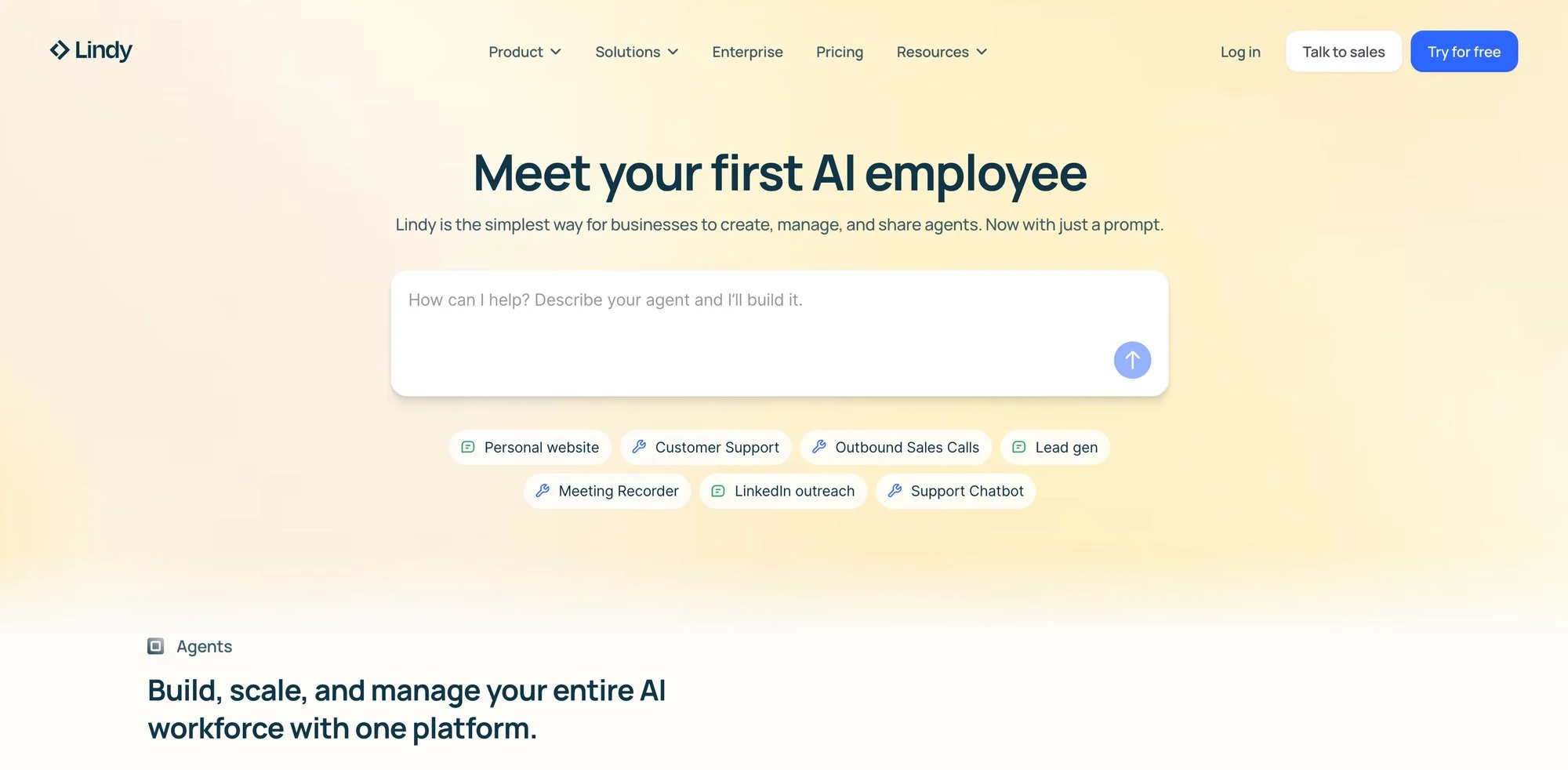
Lindy’s product is built around deployable agents that can connect with calendars, email, CRMs, docs, and internal knowledge, as shown on the Lindy platform site. Used well, that lets you hand off research-heavy or coordination-heavy work that would be awkward to model in classic automation tools.
Where agent builders outperform classic automation
Agent builders are better than Zapier- or Make-style flows when the task requires judgment across several steps: reading a lead record, checking a knowledge base, deciding which case study fits, drafting an email, then routing it for approval. In that scenario, forcing everything into rigid branching logic is possible, but brittle.
They are worse when you need deterministic execution, strict data mapping, or high-volume reliability with low variance. If the job is “when form submitted, push to CRM, tag contact, notify Slack,” a conventional workflow tool is still cleaner and cheaper. I would not use an agent when a stable automation rule will do the job faster.
Best marketing workflows to hand off
- For lead research and first-draft outreach, a Lindy agent can gather company context, summarize pain points, and prepare outbound drafts for approval.
- If you publish frequently, an agent can handle content repurposing and turn one article or webinar into social posts, email copy, and sales enablement notes.
- For campaign monitoring and triage, it can watch for anomalies, summarize what changed, and tee up suggested next actions so you are not checking every dashboard manually.
One thing that stood out to me is that Lindy is most useful when you explicitly define approval points. If you let it run too freely on customer-facing messaging, quality can drift. The setups I trust are the ones where the agent does 80% of the prep work and a human still approves the final send or budget change.
What still needs a human in the loop
Brand judgment, legal review, high-stakes segmentation, and spend changes still deserve human oversight. I would also keep a person on anything that touches sensitive CRM notes or sends personalized claims at scale. Agent builders are strongest as force multipliers, not as unsupervised campaign owners.
My take on fit and tradeoffs
Pros:
- Its agent model suits open-ended marketing tasks better than classic automation does.
- It connects well across your stack, and most of the value comes from acting across tools.
- The upside is high. In a lean business, it can absorb work that usually lives between marketing ops, sales ops, and content.
Cons:
- It needs process clarity. If your handoffs are messy, the agent will expose that immediately.
- It requires review discipline, because human checkpoints are not optional for important external communication.
Website: Lindy
2. Gumloop
Gumloop is one of the more compelling AI-native workflow builders for marketers who want more than basic app-to-app automation but do not want to build everything from scratch. Its visual canvas is aimed at chaining model calls, logic, and tools together in a way that feels closer to “build an AI process” than “build a standard integration.”
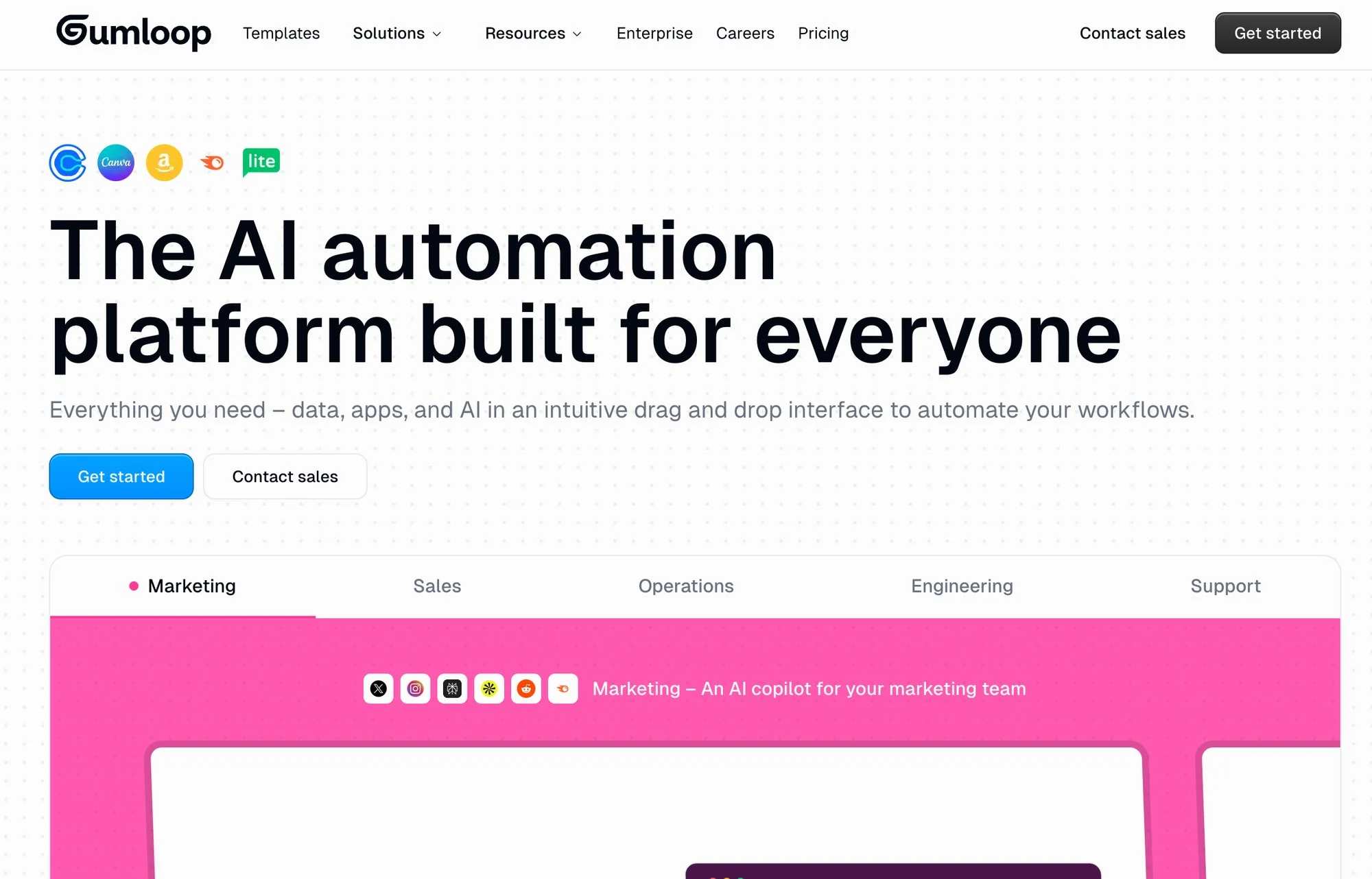
Its positioning as an AI automation platform is clear on the Gumloop product site. The main reason to use it over a more established no-code tool is that the product model is already centered on AI steps, prompts, and multi-stage processing rather than treating AI as one action among many.
Best fit
Gumloop makes the most sense for marketers building research flows, enrichment pipelines, content transforms, or AI-assisted analysis loops. If the workflow itself is mostly about moving structured data between systems, Zapier or Make usually has the stronger ecosystem story.
Where it earns its place
- Its AI-native chains make it easier to build workflows that compare, summarize, classify, and rewrite across several stages.
- It gives non-developers more headroom than many traditional automation tools.
- It is useful for fast experimentation when you want to test AI process ideas before hardening them into a more governed environment.
Pricing reality and caveat
The tradeoff is maturity. In my view, Gumloop is more interesting than it is universal. For teams deep in established CRMs and broad SaaS ecosystems, integration depth still matters more than elegant AI chaining.
Website: Gumloop
3. Zapier
Zapier is the best-known no-code automation tool, the plumbing that connects thousands of different applications. It started as a simple “if this, then that” tool and has since added AI steps, so it now works as an orchestrator for practical, everyday AI marketing tasks. For most small businesses, this is the fastest way to start injecting AI into existing processes.
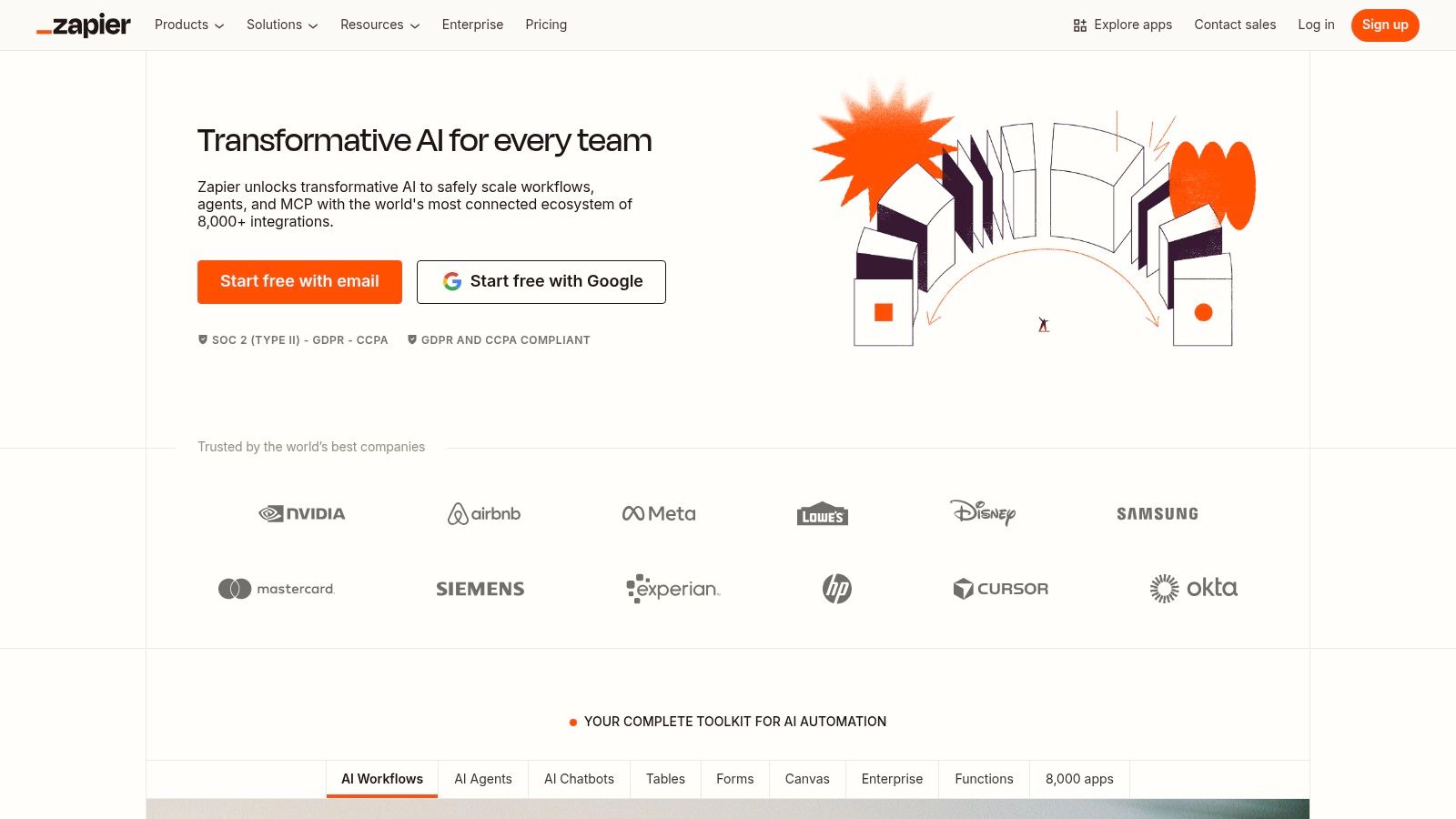
Zapier’s main strength is its library of over 8,000 app integrations. With its built-in AI modules, you can create a “Zap” that triggers on a new lead in your CRM, sends the data to OpenAI to draft a personalized email, and then creates a draft in your Gmail. Its new AI agent features allow you to build more complex, conversational workflows that can interact with your tools to accomplish a goal you state in plain English.
Use Cases & Implementation
- For lead routing, enrich new leads from your website with data from a tool like Clearbit, use an AI step to score their potential, and then route high-value leads straight into Slack with a summary.
- For content operations, create a workflow where a new blog post idea in a Trello card triggers an AI to draft an outline, which is then sent for approval. Once approved, another AI can generate social media posts and add them to a content calendar.
- Zapier also works well as the no-code automation platform that bridges your generative AI tools (like Jasper) and your execution channels (like Mailchimp or HubSpot).
My Take
Pros:
- If a tool has an API, it probably connects to Zapier. That integration library is its biggest competitive moat.
- It has a gentle learning curve, so you can build useful automations without a technical background.
- You can build and test marketing automations in minutes, which makes it good for rapid prototyping.
Cons:
- Pricing is task-based, so costs track the number of “tasks” you run. High-volume workflows, like processing every website visitor, get expensive quickly.
- Its AI depth is limited. It handles linear tasks well, but agentic, multi-step reasoning workflows are easier to build in specialized platforms like Lindy or Gumloop.
Website: https://zapier.com
4. Make
Make (formerly Integromat) is the power user’s alternative to Zapier. It offers a more visual and granular approach to building automations, which helps when you are orchestrating complex, multi-step AI marketing workflows. Zapier handles simple, linear connections well; Make is the better choice when you need detailed data transformations, branching logic, and error handling.
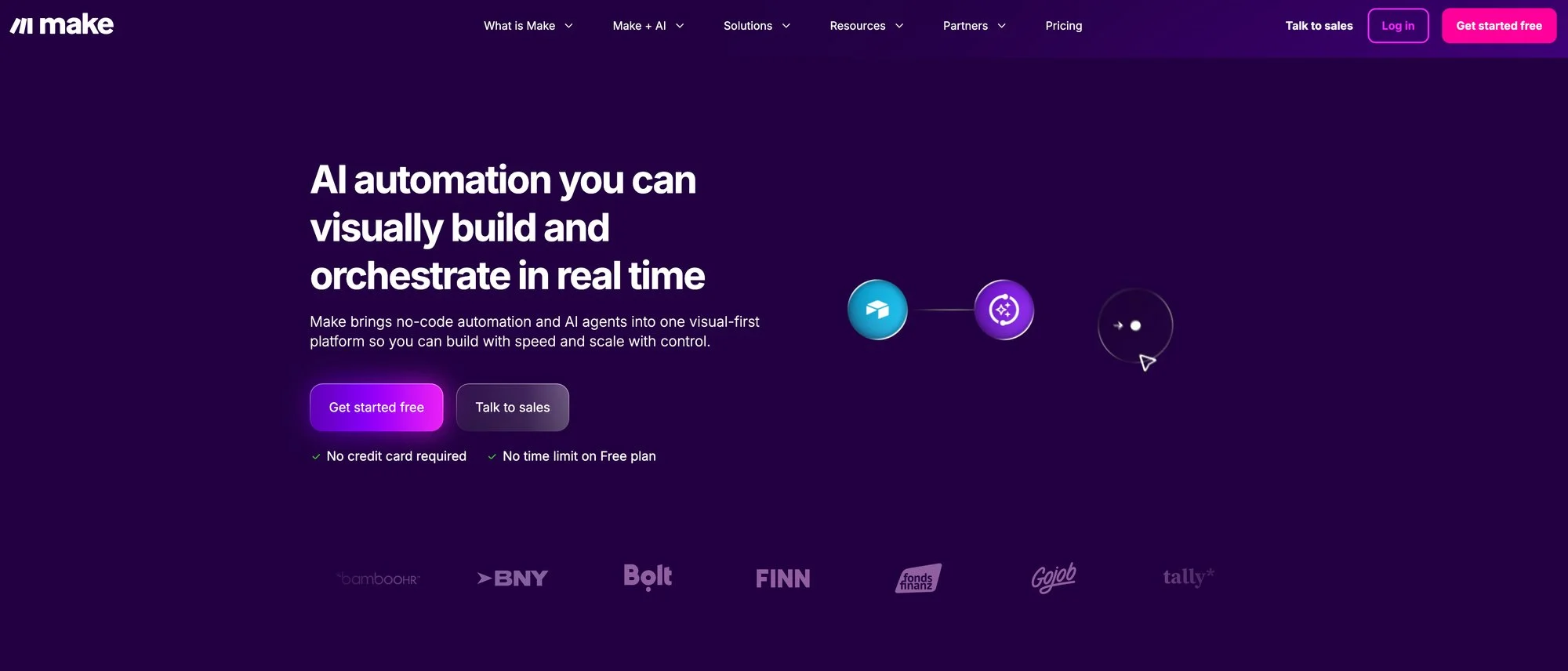
Its visual canvas allows you to see the data flowing between your apps and AI models. This makes it easier to debug complex scenarios and understand exactly what’s happening at each step. You can build a workflow that pulls customer feedback from multiple sources, sends each piece to an AI for sentiment analysis and topic tagging, and then routes the data to different destinations based on the results, all in one clear, visual scenario.
Use Cases & Implementation
- For advanced data processing, pull a list of new signups from your database, run a loop that enriches each one with social data via an API, then use conditional logic to add them to different email sequences based on their company size and industry.
- For AI-powered reporting, connect to your Google Analytics account, pull weekly performance data, send it to an AI model with a prompt to “write a summary of key trends for a non-technical executive,” and post the result to Slack every Monday morning.
- For multi-step content creation, design a scenario that takes a single keyword, uses one AI call to generate a blog post title, another to create an outline, and then iterates through the outline to generate a paragraph for each section.
My Take
Pros:
- The drag-and-drop visual builder makes complex, multi-path automations easier to build and manage.
- Routers, iterators, and aggregators give you precise control over data flow.
- Its operations-based pricing model can be significantly cheaper than Zapier’s task-based model for high-volume workflows.
Cons:
- The learning curve is steeper. The added flexibility comes with more complexity, and it takes longer to master than Zapier.
- It has fewer app integrations. The library is large and growing, but it doesn’t match the breadth of Zapier’s thousands of integrations.
Website: https://www.make.com/en
5. n8n
n8n (Nodeless Nodes) is the open-source, self-hostable option in AI automation. It suits you if you want maximum control, flexibility, and data privacy. Unlike purely cloud-based services like Zapier or Make, n8n can run on your own servers, so sensitive customer data never leaves your infrastructure. That matters most if you work in a regulated industry or have strict data policies.
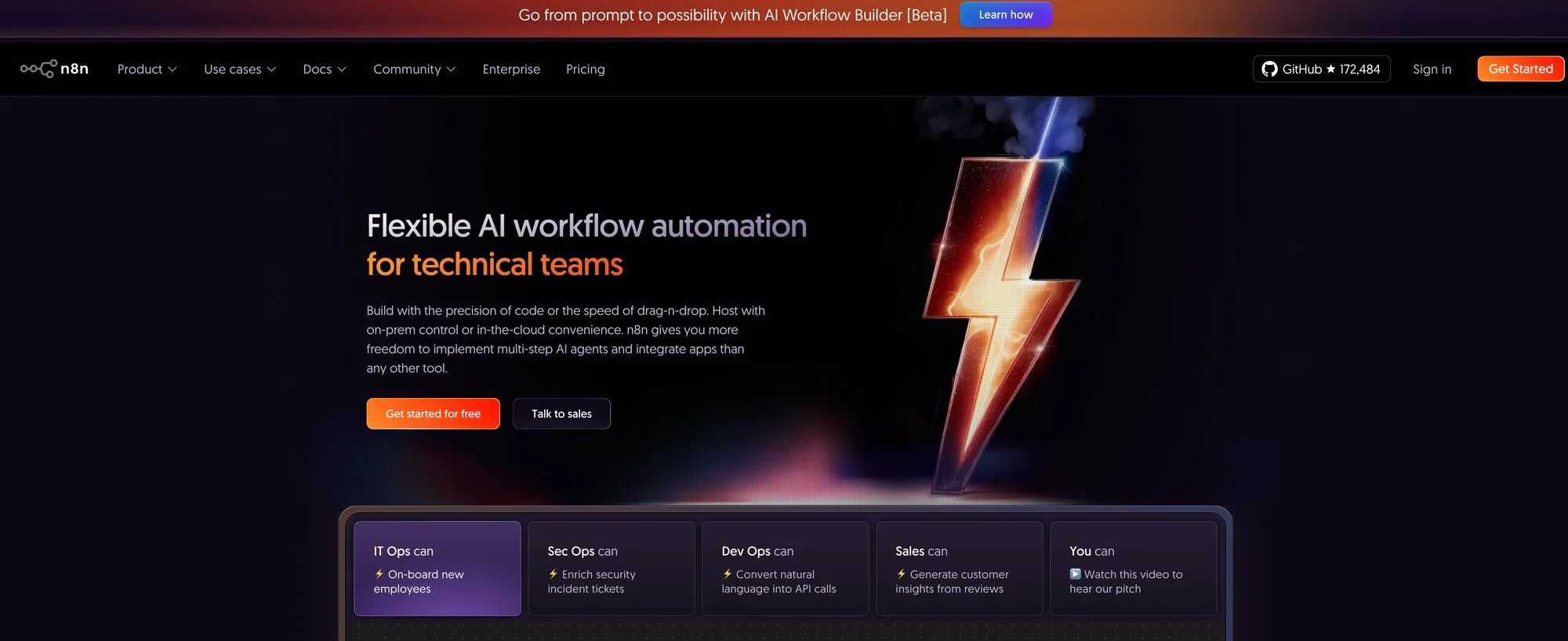
The platform’s strength is its node-based visual workflow editor, which feels familiar to developers but is accessible to technical marketers. It allows for complex branching, merging, and custom code execution within your automations. You can build a workflow that connects directly to your internal production database (something you’d never expose to a cloud service), pulls user data, and then uses that data to power a personalized AI-driven email campaign.
Use Cases & Implementation
- For secure data handling, automate processes involving sensitive customer PII (Personally Identifiable Information) while keeping the entire workflow within your own firewalled environment.
- For custom integrations, build automations that connect to your own internal tools or any service with an API, even if it’s not officially supported. You can write custom JavaScript or Python code inside a node, so you are rarely boxed in.
- To control AI costs on high-volume tasks, self-host n8n: you only pay for your server and the raw API calls to your AI model provider. That removes the platform fees other services charge, which adds up to large savings at scale.
My Take
Pros:
- The self-hosting option greatly improves data security and compliance.
- Because it is open source and runs custom code, you’re never limited by the platform’s built-in features.
- The free, self-hosted version does a lot with no licensing fees, which makes it hard to beat on value.
Cons:
- It requires technical expertise. Setting up, maintaining, and scaling a self-hosted n8n instance takes technical knowledge (or a willingness to use their paid cloud version).
- Support is community-based. The community is active, but you won’t get the dedicated support of a purely commercial SaaS product unless you’re on a paid plan.
Website: https://n8n.io/
6. ActiveCampaign
ActiveCampaign remains one of the best value picks for companies that primarily need email, CRM-adjacent automation, and behavioral journeys without moving into enterprise pricing territory. The product has long been strong at conditional logic and journey building, and its current AI additions are most useful when they speed up execution inside that existing engine rather than trying to reinvent it.
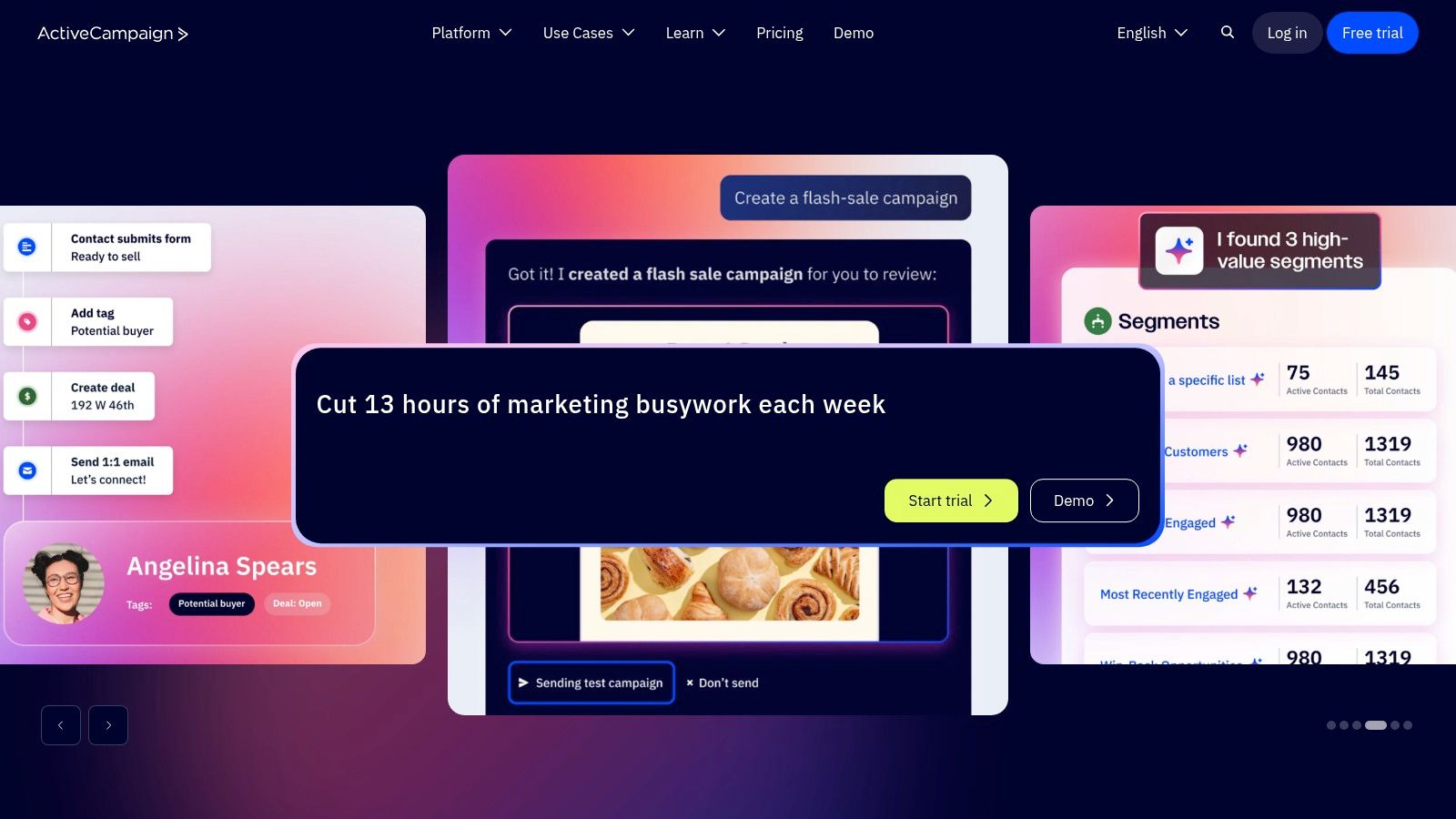
Its automation builder, AI content tools, and predictive features are documented across ActiveCampaign’s marketing automation and predictive sending pages. That combination makes it a practical choice for smaller revenue teams that want stronger lifecycle automation without stitching together several separate products.
Best fit in this list
ActiveCampaign is strongest when email is still the center of gravity. If your team needs cross-channel orchestration across mobile app messaging, in-product behavior, and high-scale experimentation, Braze or Iterable are in another class. But for SMB and lower mid-market teams running lead nurture, win-back, onboarding, or sales-assist funnels, ActiveCampaign is usually closer to the sweet spot.
What I think it does better than most SMB tools
The builder is mature enough to support real branching and customer-state logic beyond simple autoresponders. I also like that it keeps the execution close to the messaging layer; you do not need an ops person babysitting three separate systems just to launch a nurture sequence.
Where the pricing tradeoff appears
The caveat is that useful capabilities tend to stack into higher plans or add-ons. If you need predictive features, SMS, or transactional capabilities, the all-in cost rises faster than buyers expect.
Website: ActiveCampaign
7. Braze
Braze is built for companies that already think in terms of lifecycle orchestration, real-time decisioning, and cross-channel messaging at scale. Braze is an enterprise engagement platform, well above entry level, with AI layered into experimentation, personalization, and journey optimization.
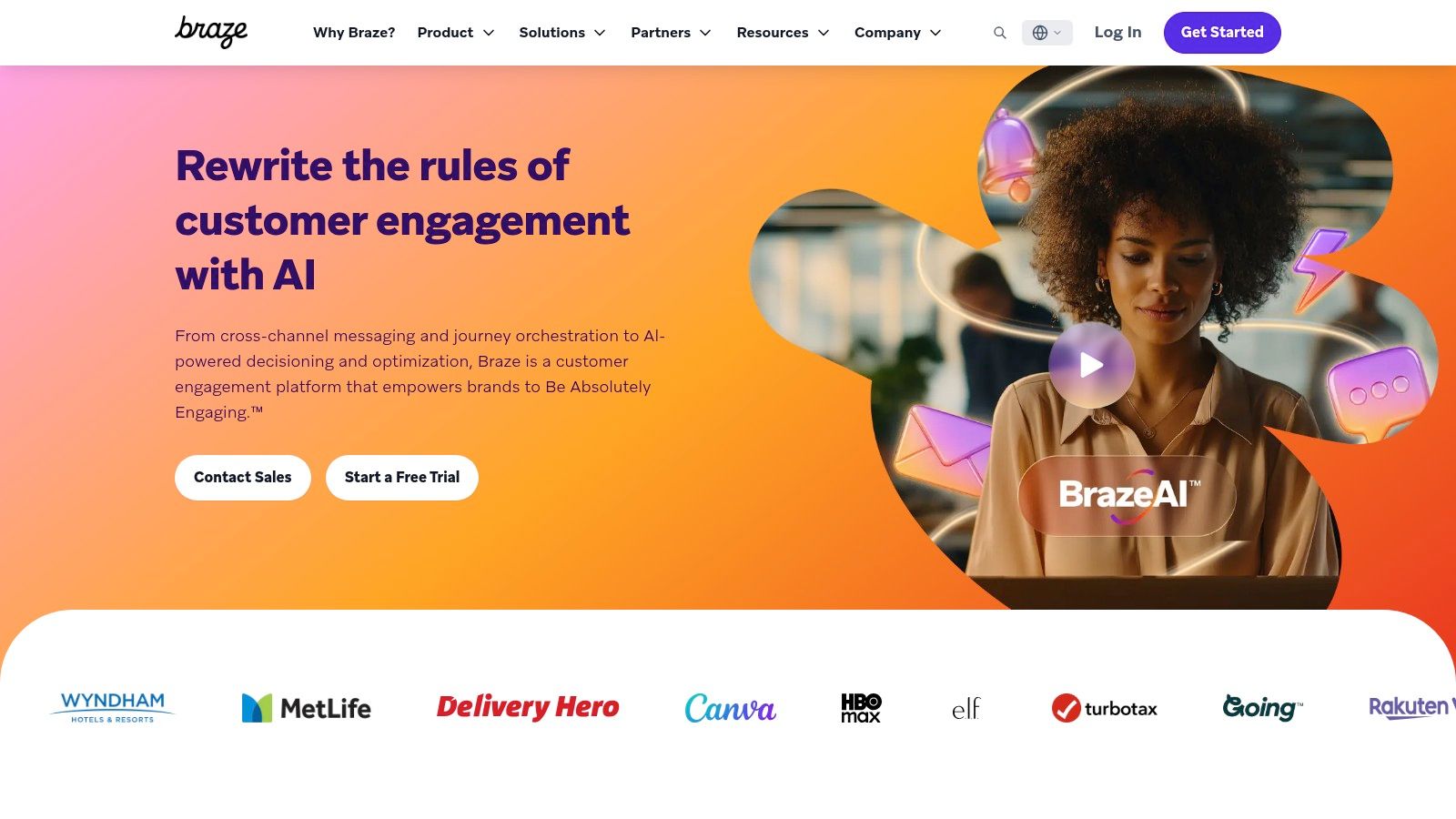
Braze’s strengths are clearest in its Canvas orchestration environment and broader BrazeAI positioning. If you manage mobile-first or high-frequency customer journeys, the platform is designed for the kind of scale and responsiveness that simpler email-first tools do not match.
Enterprise reality
Enterprise teams buy Braze for the combination of event-driven architecture, governance, and orchestration depth, more than for channel count. When campaigns depend on app events, purchase behavior, messaging fatigue rules, and channel optimization all at once, Braze starts to look more like infrastructure than software.
Where it falls short for smaller teams
I would not recommend Braze if you are still figuring out basic segmentation or have no engineering support. The implementation burden is real. In most cases, teams only get full value from Braze when product, data, and marketing are already tightly coordinated.
Website: Braze
8. Iterable
Iterable sits in a similar enterprise band to Braze, but I generally see it appeal to teams that want advanced cross-channel journey building with a slightly more marketer-friendly layer over the top. Its AI capabilities are tied to journey creation, messaging, and optimization rather than just content generation.
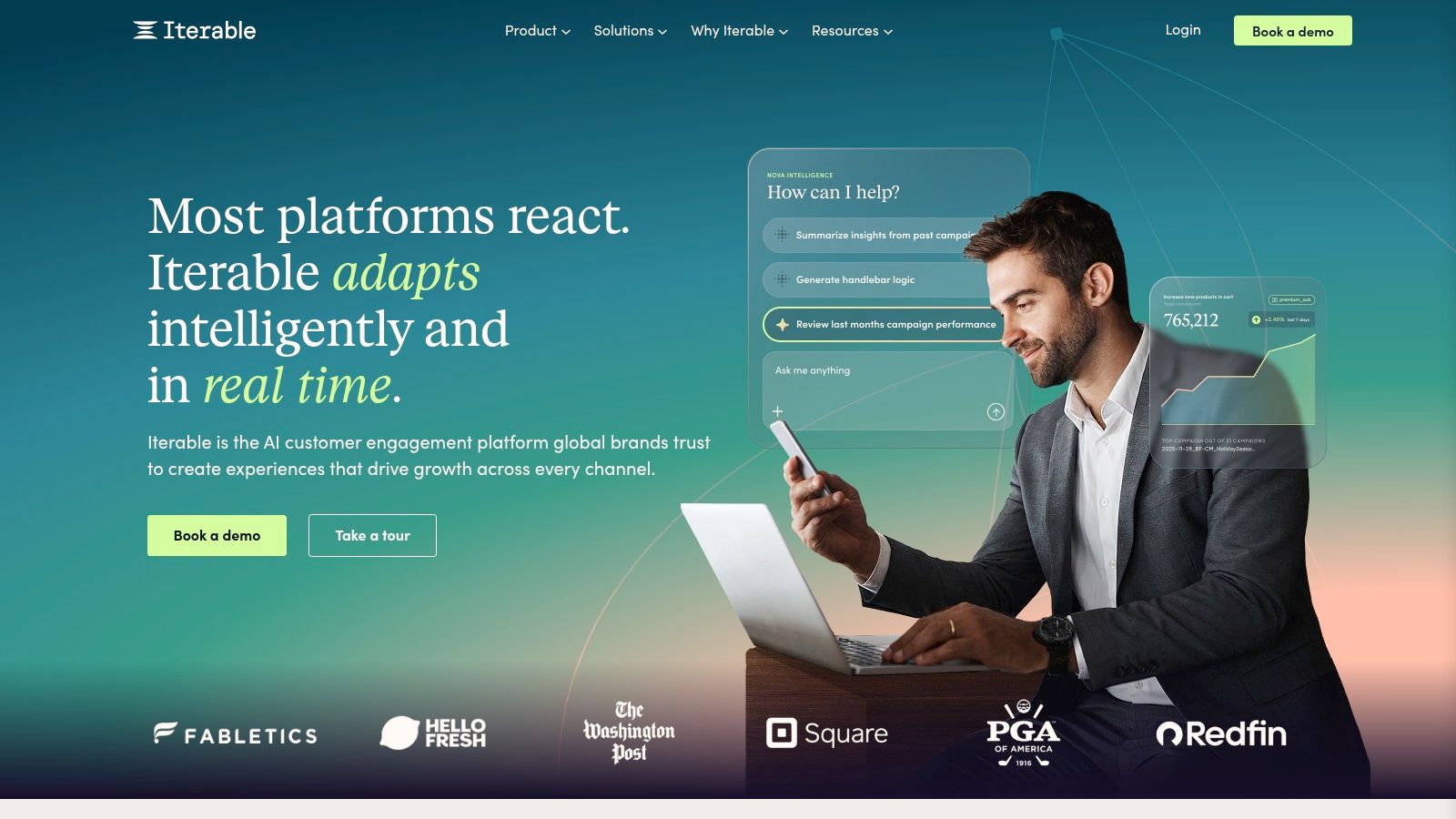
The platform emphasizes AI-assisted journey creation and optimization in its Iterable AI overview. For retention-heavy businesses, that is often the right focus: the hard problem is coordinating the right message, on the right channel, at the right moment, across a customer lifecycle. Writing one email faster is the easy part.
Why large teams like it
Iterable is strong when the marketing team wants control without hand-building every workflow object from scratch. That balance matters. In my experience, enterprise users often resist tools that become either too rigid or too opaque. Iterable lands in a useful middle ground.
The practical caveat
It is still a data-hungry platform. The more history, event quality, and messaging maturity you bring into it, the more value you get back. Teams expecting instant magic from thin customer data will be disappointed.
Website: Iterable
9. Customer.io
Customer.io is one of the better fits for technical marketing teams that want event-driven messaging without buying the heaviest enterprise suite. It tends to appeal to product-led growth teams because it speaks the language of events, triggers, and data control rather than only campaign calendars.
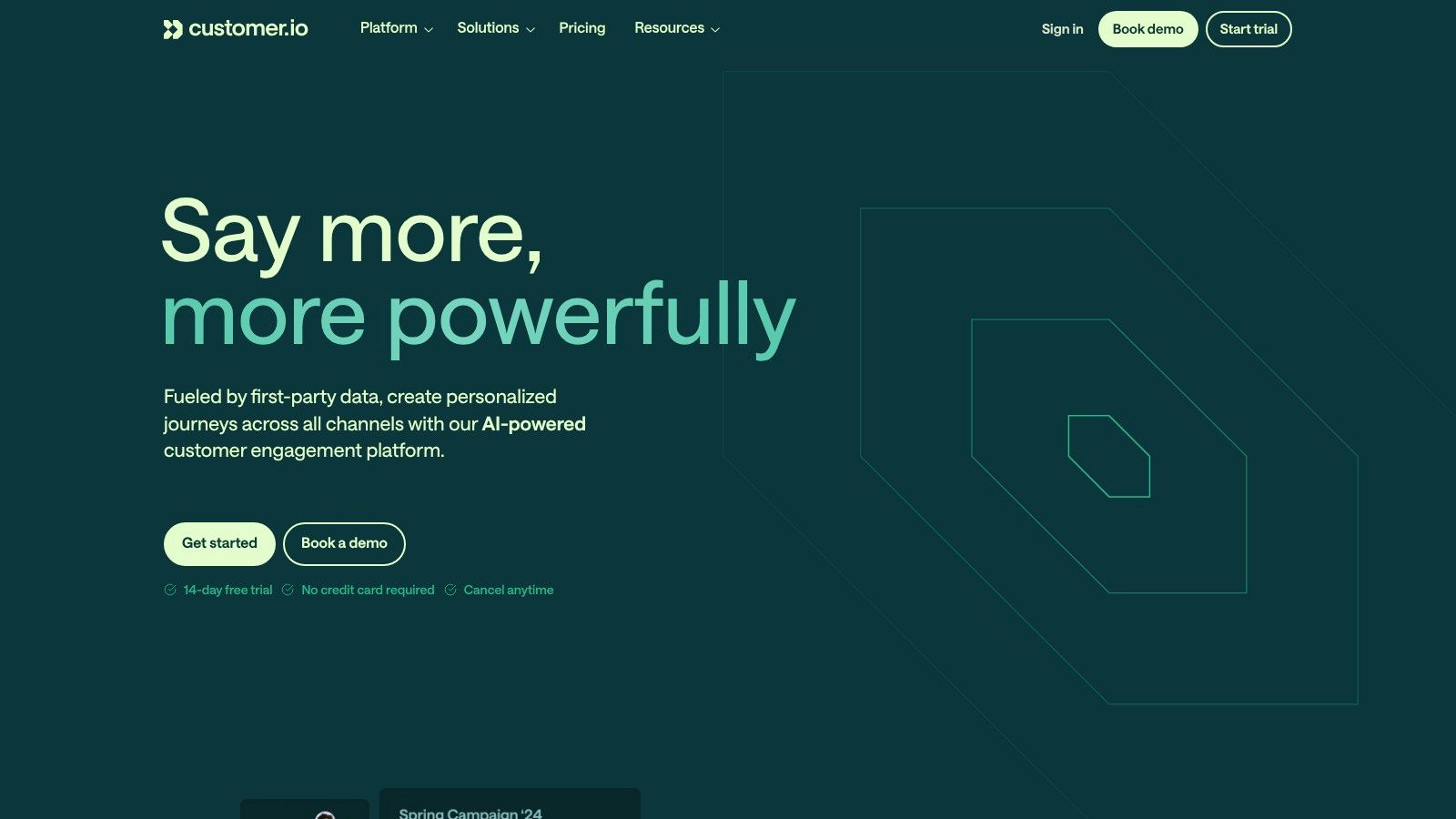
Its positioning around messaging automation and data flexibility is outlined on the Customer.io product pages. The AI layer is useful where it simplifies segmentation and interpretation, but the product's value lies in the event-driven foundation.
Best for
Customer.io is best for teams that are comfortable wiring product and behavioral data into messaging logic. That includes SaaS companies, marketplaces, and PLG businesses where onboarding, activation, and retention are driven by in-product actions.
Where it wins
- Event-centric architecture for behavior-based campaigns
- More control than all-in-one SMB suites
- Good bridge between growth marketing and technical implementation
What I noticed in review
Customer.io makes sense quickly if your team already thinks in events. If it does not, setup can feel more abstract than HubSpot or ActiveCampaign. That is a mismatch problem, and buyers should be honest about it.
Website: Customer.io
10. HubSpot Marketing Hub
HubSpot has been one of the biggest names in marketing automation for years, and it is now building AI directly into the platform. Its approach is to put AI assistants inside the editors where you already work instead of shipping standalone AI gadgets. This makes it one of the fastest ways to integrate AI into your daily marketing tasks without adopting a completely new, unproven tool.
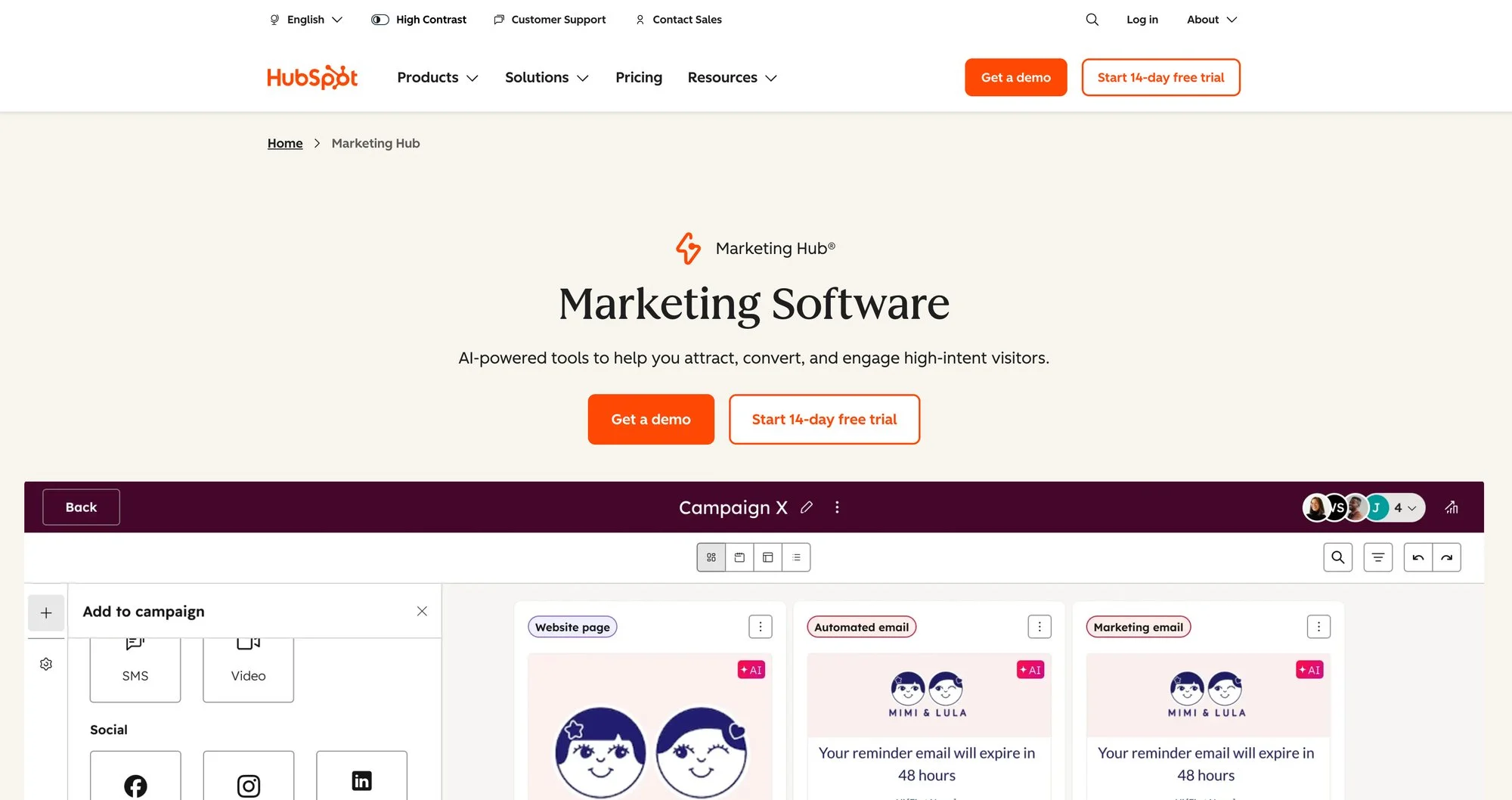
The core strength here is the tight integration between their CRM and the new AI features, which they call Breeze AI. You can generate blog post drafts, create email subject lines, build landing page copy, and even produce images directly within the respective editors. If you need to move fast, this eliminates the context-switching of jumping between different AI tools and your marketing platform. You’re building campaigns and content in one environment, which saves real time.
Use Cases & Implementation
- Use the AI assistant to create first drafts for blog posts, website pages, and email campaigns. This is less about perfect copy and more about getting past the blank page to a solid B- draft you can refine.
- For campaign planning, let AI help brainstorm campaign angles or generate social media copy to support a new product launch, all tied back to the same campaign in HubSpot.
- Lead scoring and workflows are not a “generative” feature, but the platform’s ability to use data to trigger complex workflows and score leads is a classic application of AI in marketing that HubSpot has refined over years. The practical ways of how to use AI for marketing often start with this kind of foundational automation.
My Take
Pros:
- The direct connection between marketing activities and the native CRM is its biggest competitive advantage.
- You can start with the free tools and move up to higher tiers without a painful migration.
- HubSpot’s large partner network and free HubSpot Academy resources give you plenty of support.
Cons:
- The mandatory onboarding for Pro and Enterprise tiers is a significant, and sometimes unexpected, upfront cost.
- Pricing is contact-based, so your costs scale directly with the size of your contact list, which gets expensive quickly if your list grows fast.
Website: https://www.hubspot.com/products/marketing
If you are evaluating HubSpot against ops-heavy alternatives, it helps to separate campaign execution from workflow plumbing. HubSpot is strongest when you want the CRM, content, and campaign layer in one place. If your team also needs a broader operational view of approvals, handoffs, and request routing, this roundup of marketing workflow management software is a useful companion read before you commit to a larger stack.
11. Jasper
Jasper is the content layer in this lineup. It does not orchestrate anything, and that distinction matters. It is best used as the system that produces on-brand campaign assets, variants, and drafts that another platform then distributes or triggers.
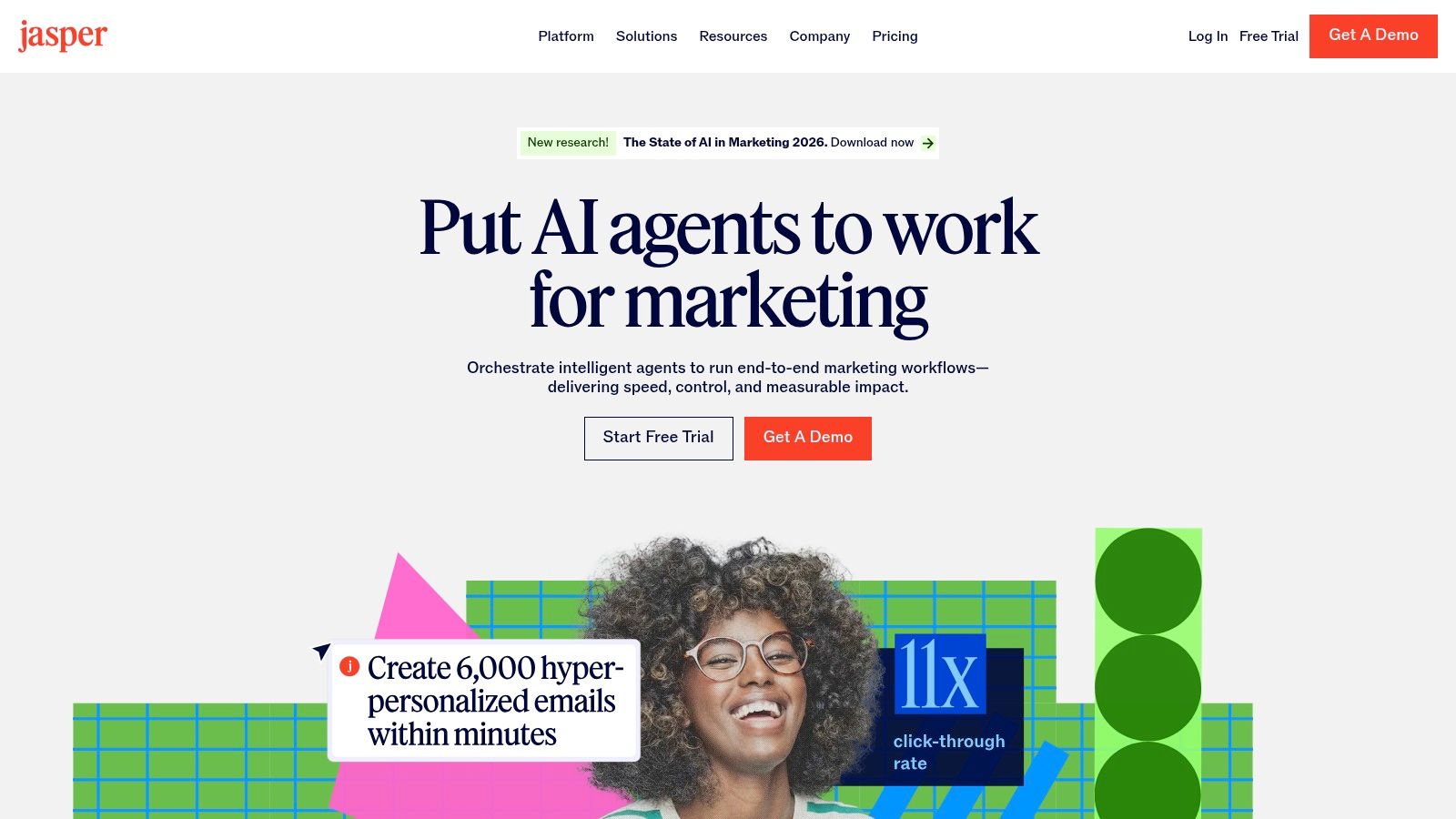
The company’s Brand Voice and Knowledge & governance positioning are the reason larger teams still consider it. Jasper is trying to solve consistency, collaboration, and campaign-scale content production, which takes more than a prompt box.
Best fit
If your bottleneck is campaign content throughput, Jasper deserves a look. If your bottleneck is moving data, triggering journeys, or coordinating systems, this should not be the first purchase.
Why it still matters
A lot of so-called AI automation still fails because the content layer is inconsistent. Jasper’s value is that it gives you more repeatability around message quality and brand adherence before that content ever enters ActiveCampaign, HubSpot, Braze, or another deployment channel.
My practical caution
I like Jasper more as part of a stack than as a standalone answer. Teams expecting it to replace lifecycle tooling or CRM automation will end up disappointed. For a deeper grounding in prompt quality and editing discipline, this quick primer on ChatGPT for copywriting is still worth revisiting.
Website: Jasper
12. Enterprise platform comparison: Braze, Iterable, HubSpot, Customer.io, ActiveCampaign, and n8n/Make
This is the comparison most buyers need once the shortlist gets serious. The useful question is which one matches your governance needs, data posture, implementation capacity, and orchestration requirements. The vendor with the best homepage is irrelevant.
Governance and data control
- Braze and Iterable are built for larger organizations that need role-based collaboration, strong journey governance, and controlled cross-channel execution.
- HubSpot offers a simpler operational model for teams that want centralization more than deep technical flexibility.
- Customer.io gives technical teams meaningful control, especially where event data and product signals drive campaigns.
- ActiveCampaign is easier to adopt, but it is less of a governance-heavy enterprise environment.
- n8n stands apart because self-hosting and custom logic can give you much tighter data control than SaaS-only automation tools.
Channel orchestration vs workflow orchestration
Buyers often compare the wrong things. Braze, Iterable, HubSpot, Customer.io, and ActiveCampaign are campaign or messaging platforms first. n8n and Make are workflow orchestration layers first. One controls customer journeys, the other controls systems and process logic.
If you need to coordinate email, push, SMS, and in-app messaging based on live customer behavior, the campaign platforms belong at the center. If you need to sync campaign requests, enrich data, route approvals, transform payloads, or move data between analytics, CRM, and ad systems, Make or n8n may be the more valuable layer.
Implementation burden by team type
- ActiveCampaign is the lowest lift, then HubSpot.
- Customer.io and Make are a moderate lift with technical upside.
- Self-hosted n8n, Braze, and Iterable are the highest lift but give you the most control.
In my experience, the most common buying mistake is an SMB team choosing an enterprise platform because the demo looks powerful, or an enterprise team choosing an SMB tool because setup looks easy. Both mistakes show up six months later in the form of broken processes.
How to use G2 and Capterra without overvaluing them
Review marketplaces still matter for due diligence, but they should be the final validation step, not the strategy. Use G2’s marketing automation category and Capterra’s marketing automation listings to pressure-test support quality, migration pain, and contract complaints after you already know what type of platform you need.
Your System Is the Real Competitive Edge
The strongest teams do not treat these products as interchangeable. They decide what should be the source of truth, what should orchestrate work, where AI should generate or personalize output, and how results get measured back into the system. That architecture matters more than any one feature release.
Market growth forecasts show why this is becoming an operating issue rather than a tooling trend. One 2026 forecast estimates the AI-in-marketing market reached $35.39 billion in 2025 and could climb to $137.34 billion by 2030, according to this global market report. More tooling will not make selection easier. It will make system design more important.
Step 1: Choose a single source of truth
Pick where customer context lives. For many teams that is HubSpot, Customer.io with product events, or a warehouse-backed setup feeding Braze or Iterable. Without this, personalization turns into disconnected guesses.
Step 2: Add the orchestration layer
Decide what moves data and coordinates tasks. Zapier is often enough for straightforward app connections. Make is better for complex multi-step routing. n8n is the better fit when privacy, custom logic, or self-hosting are essential. This layer prevents campaigns from relying on manual glue work.
Step 3: Add the content and personalization layer
Tools like Jasper, Lindy, Gumloop, or built-in AI inside HubSpot, ActiveCampaign, Braze, and Iterable can help. The right question is “which tool can generate or adapt outputs using the context from my system?” Which tool writes best matters less.
Step 4: Build the measurement loop
Every workflow should push performance back into decision-making. That can be as simple as feeding campaign outcomes into lead scoring and send-time logic, or as advanced as using journey results to update offers, suppressions, and personalization rules. If there is no closed loop, the stack does not get smarter; it just gets busier.
What that framework looks like for different teams
If you run a lean business, a sensible stack is HubSpot or ActiveCampaign + Zapier or Make + Jasper or built-in AI. That keeps execution centralized and implementation manageable. I have seen this work especially well when one marketer also owns ops and cannot support a sprawling toolchain.
At enterprise scale, the stack often looks more like Braze or Iterable + n8n or Make + a governed content layer such as Jasper + warehouse or product data inputs. That setup is heavier, but it matches the reality of approvals, privacy constraints, and multi-channel lifecycle complexity.
If you are experimenting with agent-led work, a hybrid can work: HubSpot or Customer.io as the campaign system, Lindy for research and draft generation, and Make or n8n for process orchestration. That gives you flexibility without making the agent the single point of failure.
The system thesis is still the point. Tools are replaceable. Clean data, sensible orchestration, approval discipline, and feedback loops are much harder to copy.
Frequently Asked Questions
What are the best AI marketing automation tools right now?
It depends on the layer you need. For SMB email and lifecycle automation, ActiveCampaign is one of the strongest picks. For unified CRM-plus-marketing workflows, HubSpot is the easiest broad platform to adopt. For workflow automation, Zapier, Make, and n8n are the key options. For enterprise orchestration, Braze and Iterable are stronger. For agent-driven tasks, Lindy is the most distinctive option in this list.
Which tools make the most sense for enterprise teams?
Enterprise teams usually need stronger governance, cleaner data controls, and better cross-channel orchestration than SMB tools provide. That is why Braze and Iterable are often better fits than simpler email-first platforms. HubSpot can also work at enterprise level when the company values a unified commercial stack more than maximum customization. n8n becomes important when self-hosting, security, or custom internal workflows are part of the requirement.
Are agent builders better than automation platforms?
Not universally. Agent builders are better for open-ended tasks that require interpretation, drafting, summarizing, or selecting between several next steps. Automation platforms are better for deterministic, repeatable, high-volume processes. A good rule: if the workflow must behave the same way every time, start with automation. If the workflow needs judgment and still benefits from human approval, an agent builder may help.
What should I use for marketing workflow automation beyond campaign automation?
Use Make or n8n when the work involves routing information between systems, approvals, data transformation, enrichment, reporting, or process logic outside the messaging platform itself. Zapier is still excellent for simpler app connections. Campaign platforms like HubSpot, Braze, or ActiveCampaign should usually handle customer-facing journeys, while workflow tools handle the operational plumbing around them.
How should I choose among ai marketing automation tools for 2025 planning and beyond?
Use the same framework that will still hold in 2026: pick your source of truth first, then your orchestration layer, then your content and personalization layer, then your measurement loop. Buyers who choose based on AI novelty alone usually end up replacing tools. Buyers who choose based on system fit usually keep the core stack longer and get more measurable value from it.
Do these tools actually save time, or do they add more work?
Both outcomes are possible. The best implementations remove repetitive work, reduce context switching, and accelerate campaign production. Poor implementations create more prompts, more review burden, and more brittle workflows. In my experience, time savings happen when the automation mirrors a real process the team already understands, not when AI is added to an undefined workflow without a clear purpose.
