If you're still sending one-off marketing emails, you're leaving money on the table. Your competitors are deploying automated sequences that nurture leads, recover abandoned carts, and close deals while they sleep. That's a real advantage, and you can build the same thing.
Most founders I talk to see "AI in marketing" and assume it's complex or just hype. Forget the hype. What does it actually mean for your bottom line? It means turning your email list into an intelligent, automated asset that drives revenue predictably. I’ve been implementing machine learning since 2016 and generative AI since 2019, and the right templates are a force multiplier for any business.
Having the templates is half the job. The other half is using AI to make the copy specific to your reader so it actually converts. The tech involved is simple; what matters is a repeatable process for gaining market share. In this article, you and I are going to walk through the exact email drip campaign templates that generate results.
I'll cover the best ready-to-use sequences from platforms like Klaviyo, HubSpot, and ActiveCampaign. For each one, I'll give you:
- The full copy and subject lines.
- The ideal send cadence.
- Prompts to customize the content with AI.
- Setup notes for the most common tools.
Here are the frameworks that actually build your business.
1. Klaviyo
If you're in ecommerce, speed is everything. You can't spend weeks building foundational automations that your competitors already have running. This is where Klaviyo separates itself from the pack. Beyond sending email, it gives you a pre-built ecommerce growth engine with a large library of ready-to-go email drip campaign templates.
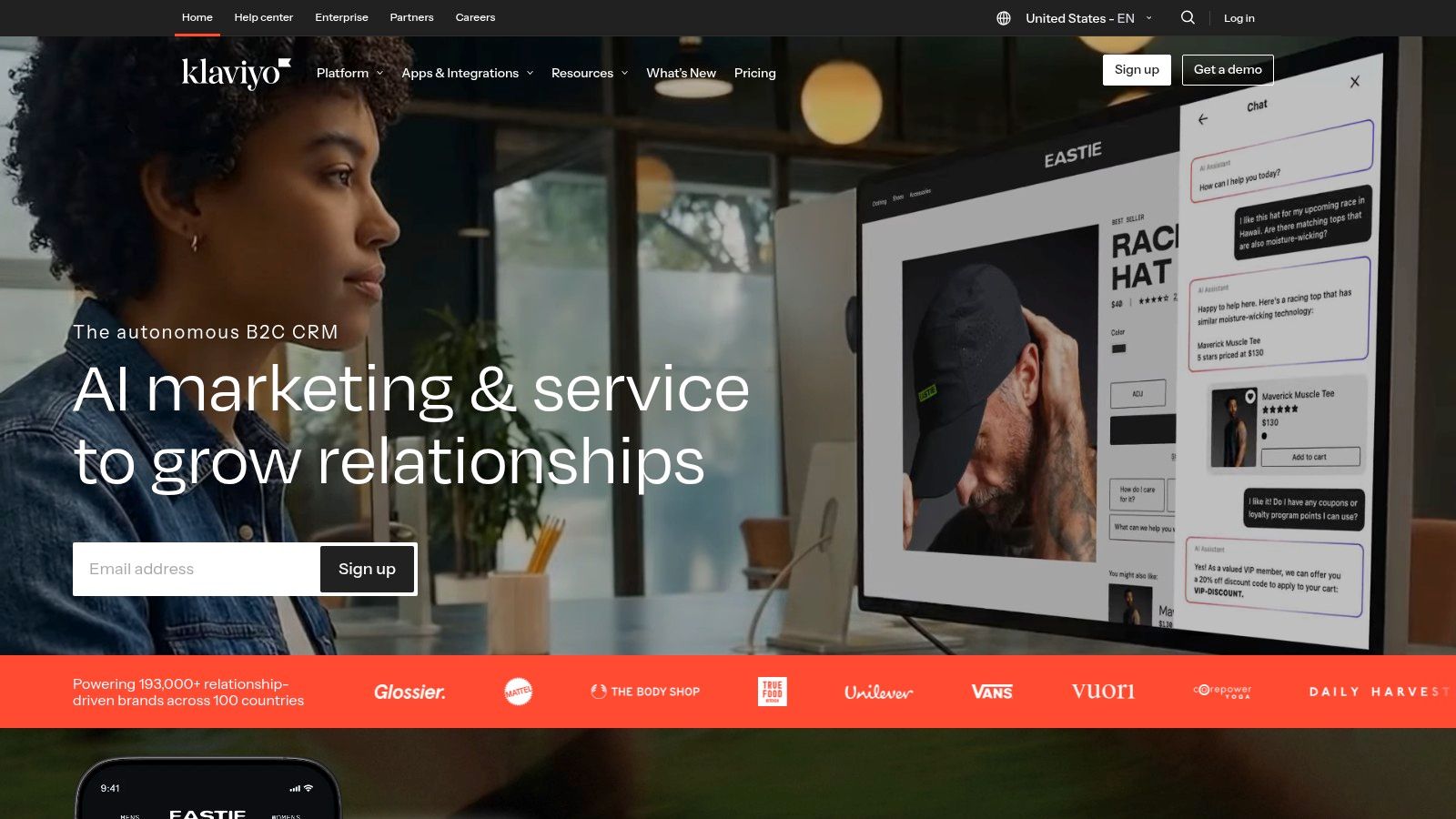
Klaviyo's "Flow Library" is your arsenal. It contains over 60 pre-built automated journeys for every critical ecommerce touchpoint: welcome series, abandoned carts, post-purchase follow-ups, and customer win-back campaigns. Each one is a fully mapped sequence with default split logic, recommended time delays, and dynamic product blocks that pull from your store. You can get a sophisticated, revenue-generating automation live in minutes, not days.
Key Differentiators
The real power is how these templates are tied to customer behavior. Because Klaviyo integrates deeply with major ecommerce platforms, its flows are triggered by actual events like Viewed Product or Started Checkout. You don’t need a developer to code custom event tracking to launch a browse abandonment sequence. It just works.
This event-based structure lets you build incredibly personal experiences. An abandoned cart email automatically shows the exact product the customer left behind. A post-purchase thank you can suggest complementary items based on their order history. This is how you outmaneuver competitors.
Customizing Your Flows with AI
While the templates are strong out of the box, you must inject your brand's voice. This is a perfect job for generative AI. For instance, take Klaviyo’s default abandoned cart copy and use a prompt like: "Rewrite this email copy for an abandoned cart. My brand voice is [describe your brand voice: e.g., witty, irreverent, and uses humor]. The goal is to create urgency without being pushy. Include a short P.S. that addresses common objections like shipping costs." This is how you scale high-quality copywriting.
When Not To Use It & Pricing
Skip Klaviyo if your business is B2B with a long sales cycle or you are on a custom ecommerce platform without a native integration, because its pre-built magic diminishes. You'll face more manual setup, reducing its speed advantage.
Klaviyo offers a free tier for up to 250 contacts and 500 email sends. Perfect for testing before committing. As your list grows, costs can increase significantly, so model this out.
Find it at https://www.klaviyo.com
2. Mailchimp
Just getting started with marketing automation? You don't need a complex system. You need something that works fast and doesn't require a developer on standby. Mailchimp's core strength is its accessibility, providing a direct, visual way to build powerful email drip campaign templates. It's the go-to for getting foundational automations running without friction.
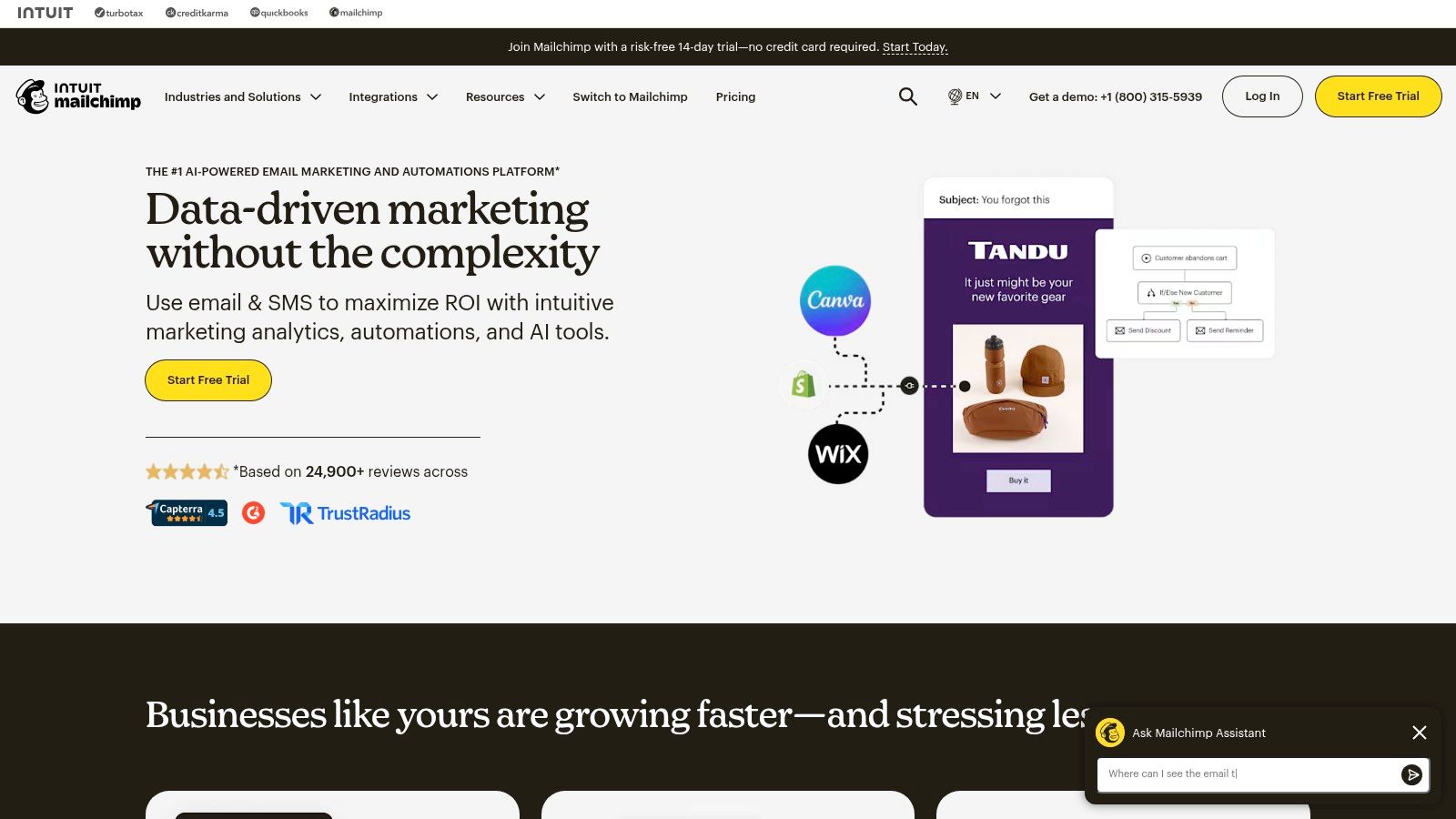
Mailchimp’s "Customer Journey Builder" is your visual command center. It presents pre-built flows for welcome series, re-engagement campaigns, and abandoned carts as clear, easy-to-understand maps. Each map shows you the exact triggers, time delays, and branching logic, taking the guesswork out of building your first sequence. This visual approach helps you launch quickly and iterate.
Key Differentiators
Mailchimp's advantage is its all-in-one approach for SMBs. You can build your landing page, collect emails, and immediately drop new subscribers into a pre-designed welcome journey within the same platform. The integrations with Shopify and WooCommerce mean you can trigger journeys based on purchases, making your automations relevant and timely. It’s a complete toolkit for non-technical owners and small teams.
Customizing Your Flows with AI
Mailchimp’s templates give you structure, but the default copy is generic. This is where you bring your brand to life. Use a generative AI tool to sharpen your messaging. For example, take their standard re-engagement email and feed it a prompt like: "Rewrite this re-engagement email copy for customers who haven't purchased in 90 days. My brand is [describe your brand: e.g., premium, minimalist, focused on quality craftsmanship]. The goal is to remind them of our value and offer a small, exclusive incentive. Avoid sounding desperate."
When Not To Use It & Pricing
Look elsewhere if you need deep analytics or complex, multi-layered branching logic (e.g., "if this tag AND that purchase history, then…"), you'll hit a wall. Some of the more advanced journey options are locked behind higher-priced plans.
Mailchimp has a free plan for up to 500 contacts and 1,000 monthly sends, with limited automation. Paid plans add more advanced journey capabilities.
Find it at https://mailchimp.com
3. ActiveCampaign
Need more than simple email sequences? Need automations that tie directly into your sales process or complex customer lifecycle? ActiveCampaign is where you turn. It goes far beyond standard email marketing, positioning itself as a customer experience automation platform. Its strength is its "Automation Recipes," a large marketplace of email drip campaign templates for nearly any business model.
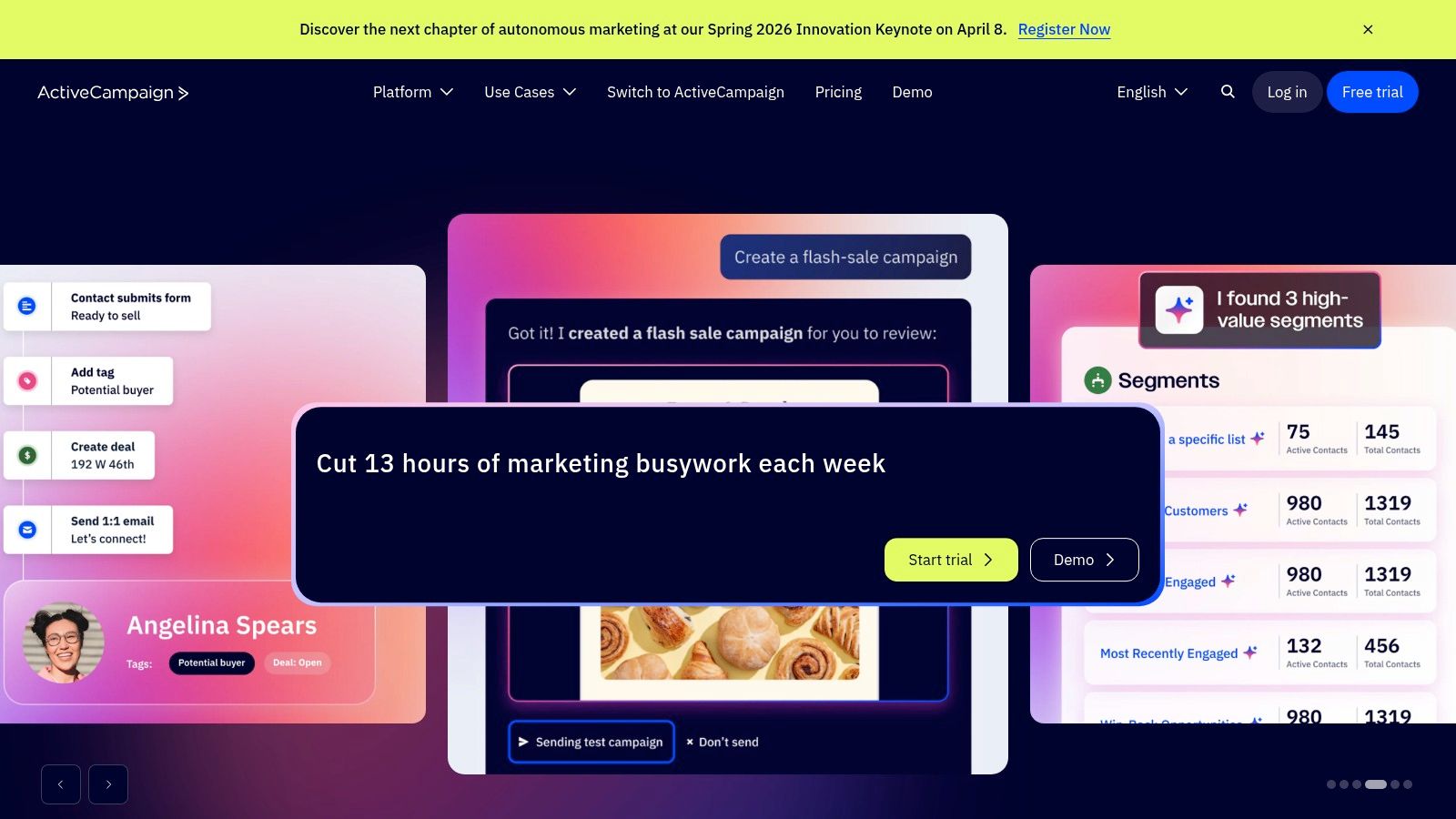
The Automation Recipe Marketplace contains over 850 pre-built workflows for B2B, B2C, and lead nurturing. Each recipe is a complete journey map, emails included. A single recipe can include triggers, conditional logic, wait times, and the email copy. With one click, you can import an entire strategy, like an engagement tagging series or a post-webinar follow-up, and get it running fast.
Key Differentiators
ActiveCampaign's real power is its granularity and its roots in CRM. Recipes are built on a powerful visual automation builder that lets you manipulate every step. You can create workflows triggered by a lead score changing, a deal stage updating in the built-in CRM, or a tag being added to a contact.
This makes it exceptionally strong for B2B or high-touch service businesses. You can build an automation that nurtures a lead, notifies a salesperson when they become "hot," and then moves them to a different sequence once the deal is won. The share-link import also means a huge community contributes proven recipes, expanding your template options.
Customizing Your Flows with AI
The pre-written copy is a solid starting point, but you need to make it yours. Use your AI co-pilot. Grab the default text from a re-engagement recipe and feed it a prompt like: "Act as a direct-response copywriter. Rewrite this re-engagement email for my audience of [describe your audience, e.g., small business owners in the tech space]. My brand voice is [describe your brand voice, e.g., direct, helpful, and value-focused]. The goal is to remind them of the value they're missing and prompt them to click a single link. Make the subject line a question."
When Not To Use It & Pricing
Skip it if you're a pure DTC ecommerce brand looking for the fastest path to launching product-driven automations, the deep ecommerce integrations of Klaviyo or Drip are often a better fit. The sheer power of ActiveCampaign can be overkill.
ActiveCampaign’s plans start around $29/month (billed annually). Costs scale based on the number of contacts, so this can become expensive for large lists.
Find it at https://www.activecampaign.com
4. HubSpot Marketing Hub
For businesses managing a full customer lifecycle (from lead to advocate), you need more than an email tool. You need a central nervous system for your entire go-to-market strategy. This is HubSpot's core strength. Its email drip campaign templates are powerful because they are natively integrated into a complete CRM platform.
HubSpot’s "Workflows" tool is the engine for this. It offers a library of pre-built workflow templates organized by marketing, sales, and service objectives. Your drip campaigns aren't isolated; they’re part of a larger, unified customer journey. You can launch a lead nurturing sequence that automatically creates a sales follow-up task when a prospect becomes qualified, all from one place.
What makes HubSpot a serious contender is how these templates connect directly to the HubSpot CRM, forms, and reporting tools. You're building an automated system that captures data and attributes revenue, providing a clear view of your marketing funnel's performance without complex manual tracking.
Key Differentiators
The real power here is that CRM and automation live in the same system. A workflow can be triggered when a contact views your pricing page, downloads a whitepaper, and has a "Lead Status" of "MQL." You can then send them a targeted email series and, if they engage, automatically update their CRM record and notify a sales rep. This tight integration closes the gap between marketing efforts and sales outcomes.
This all-in-one approach allows for sophisticated, cross-channel campaigns. You can create an audience of contacts who abandoned their cart and not only email them but also add them to a Facebook Custom Audience for retargeting. This level of orchestration from a single platform is what sets HubSpot apart for B2B and service-based businesses.
Customizing Your Flows with AI
HubSpot is embedding AI to speed up content creation. You can use its built-in AI assistants to craft or refine the copy within your email workflow templates. For a lead nurturing sequence, you might use a prompt like: "Write a 3-part email series for a new lead who downloaded our ebook on 'AI for CEOs.' The tone is authoritative but helpful. Email 1 should summarize the key benefit of the ebook, Email 2 should address a common implementation challenge, and Email 3 should introduce our consulting service with a soft call-to-action for a demo."
When Not To Use It & Pricing
Avoid it if you're a solopreneur or small business, because the cost can be prohibitive. The full power of Workflows is in the Professional and Enterprise tiers, which represent a significant investment and often include mandatory onboarding fees.
While there are free tools, advanced automation and templates require the Marketing Hub Professional plan, which starts at $800/month (billed annually).
Find it at https://www.hubspot.com
5. Drip
Running a direct-to-consumer brand? You need a system built around the customer journey. Drip understands this better than most. It’s designed specifically for ecommerce, focusing on making powerful automations accessible so you can stop wrestling with your tools and start building relationships that drive sales.
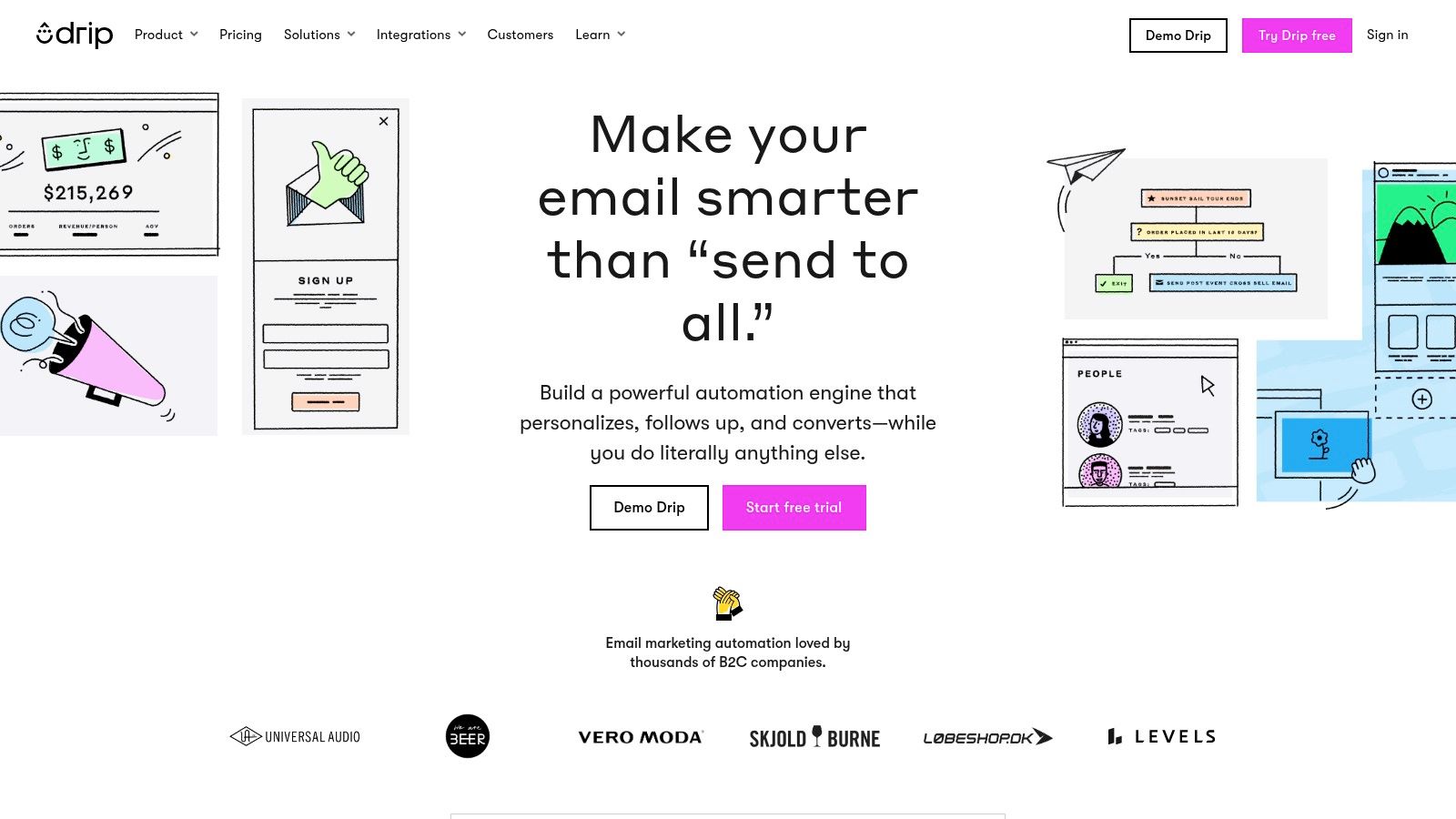
Drip’s strength is its library of pre-built "Playbooks" and workflow templates. They are complete, multi-step email drip campaign templates for welcome series, abandoned carts, price-drop alerts, and post-purchase follow-ups. Each workflow comes with defined triggers, recommended time delays, and actions already mapped out. You can activate a proven revenue-driver in a single afternoon.
Key Differentiators
Drip's advantage lies in its balance of simplicity and power for DTC brands. Product and content blocks within the emails automatically populate with data from your Shopify or other connected stores, removing a massive point of friction. Your abandoned cart email shows the right product, and your post-purchase flow suggests relevant upsells without manual work.
What I appreciate is how Drip's workflows are built around specific ecommerce goals. You'll find specialized templates for different verticals, like travel or hospitality, acknowledging that not all customer journeys are the same. This focus on clear, guided activation helps small operators punch well above their weight.
Customizing Your Flows with AI
Drip's templates give you a fantastic starting point, but your brand's unique personality is what will make them convert. Bring in generative AI to elevate the copy. Take Drip’s default welcome series email and use a prompt like this: "Rewrite this welcome email for my Shopify store that sells [your product type]. My brand voice is [describe your brand voice: e.g., warm, community-focused, and slightly quirky]. The goal is to make new subscribers feel like they've joined an exclusive club, not just a mailing list. End with a question to encourage a reply."
When Not To Use It & Pricing
Choose something else if you have a long, complex B2B sales cycle, a platform like ActiveCampaign or HubSpot is a better fit. Drip's strengths are in ecommerce, and its pre-built magic works best with its primary ecommerce integrations.
Drip's pricing is based on your email list size, starting at $39/month for up to 2,500 contacts, with a 14-day free trial to test the full feature set.
Find it at https://www.drip.com
6. Omnisend
If you're running an ecommerce store, you need more than just email. You need to be where your customers are, and that increasingly means their text message inbox. Omnisend is built for this omnichannel reality, offering a unified platform where high-quality email drip campaign templates live alongside powerful SMS automations. It's designed to get you up and running quickly with coordinated, multi-channel sequences.
Omnisend’s strength is its pre-built automation library, which puts email and SMS into a single flow. You don't have to duct-tape two separate tools together. You can build a welcome series that sends an email first, then follows up with a text a day later if the customer hasn't purchased. Their templates for cart abandonment and cross-selling come with these omnichannel steps already mapped out.
Key Differentiators
The unified workflow is the real advantage here. Inside a single automation, you can use conditional splits to send different messages based on customer behavior. For example, in a post-purchase flow, you can send one email to first-time buyers and a completely different one with a special offer to repeat customers.
This email-plus-SMS approach is a huge competitive edge. While your competitors might only be sending abandoned cart emails, you can hit a shopper's email inbox and then their SMS inbox an hour later. That's a powerful one-two punch that recovers revenue others leave on the table.
Customizing Your Flows with AI
You can easily adapt Omnisend's templates using AI. The combined email/SMS nature of the flows gives you a unique opportunity. Use a prompt to create complementary copy for both channels: "I'm setting up an abandoned cart automation. Write copy for a two-step flow. Step 1 is an email. Step 2 is an SMS sent 1 hour later to non-purchasers. My brand voice is [describe your brand voice: e.g., helpful, friendly, and slightly playful]. The email should be detailed, showing the cart items. The SMS should be a short, direct reminder with a clear CTA."
When Not To Use It & Pricing
Omnisend is heavily oriented toward ecommerce use cases. If you're a B2B or non-retail business, the templates and analytics will feel less relevant. The workflow builder is not as flexible as competitors for complex, non-store-based automations.
Omnisend has a free plan for up to 250 contacts and 500 emails/month, which also includes 60 free SMS credits. Paid plans scale with your contact list, starting at $16/month.
Find it at https://www.omnisend.com
7. Kit (formerly ConvertKit)
If you're a creator building an audience, your business sells ideas and expertise rather than physical products. You need automations for course launches and paid newsletters. This is the world Kit (what used to be ConvertKit) was built for. Its focus is on providing email drip campaign templates that serve the creator economy.
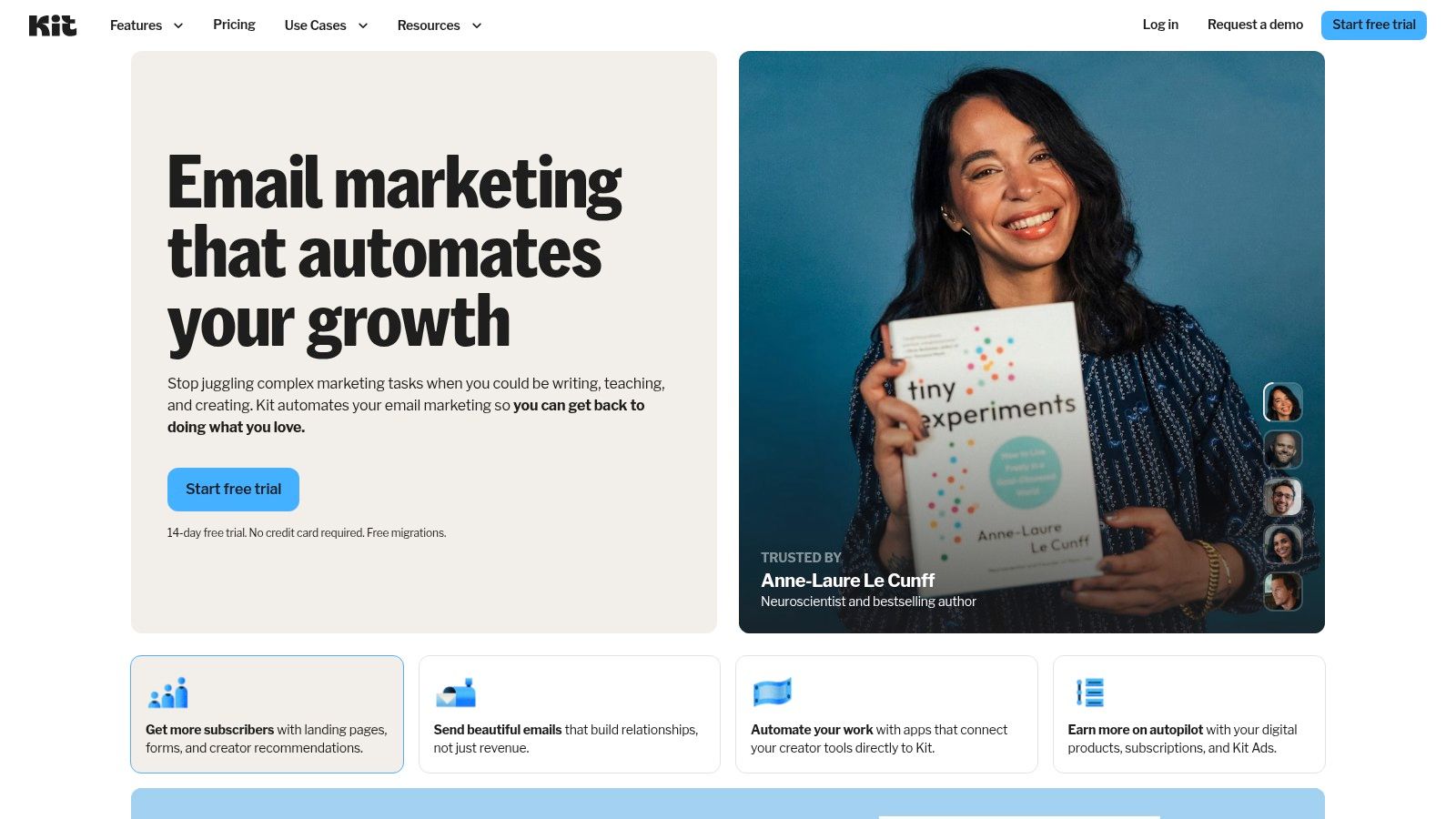
Kit’s Visual Automation library is a goldmine for anyone selling knowledge. You'll find pre-built flows for evergreen newsletters, product launches, and nurturing leads from a lead magnet. They are also shareable blueprints. A single link can duplicate an entire automation (including the form, tags, and all emails) into another account. That saves real setup time for agencies or creators managing multiple brands.
Key Differentiators
The secret sauce is how these automations are built around creator-specific actions. Triggers are things like Joins a Form, Purchases a Product, or Tag is Added. This lets you build a business entirely around your content. You can create a rule that automatically tags a subscriber who clicks a link about a specific topic, then pitches them a relevant mini-course a week later.
What’s truly unique is the shareability. You can find proven, high-converting automation templates shared by other successful creators, import them with one click, and adapt them to your business. Often you're starting from a sequence that has already made money for someone else.
Customizing Your Flows with AI
The templates give you structure, but you need to fill them with your unique voice and expertise. Generative AI is your perfect co-writer. Take a course launch template and use a prompt to make it your own: "I'm launching a 5-day email course on prompt engineering for marketers. Rewrite this template's email copy. My voice is direct, authoritative, and focused on business results. Day 1 should address a common pain point. Day 3 should share a case study. Day 5 should be a hard sell with a bonus for the first 20 sign-ups."
When Not To Use It & Pricing
If you sell physical products, Kit is not for you. It lacks the deep, native integrations for ecommerce data (like Viewed Product) that platforms like Klaviyo have. The template library is almost exclusively focused on creator and digital product use cases.
Kit offers a free plan for up to 1,000 subscribers, which includes unlimited landing pages. An excellent starting point for new creators.
Find it at https://kit.com
Top 7 Email Drip Template Comparison
| Tool | Implementation complexity | Resource requirements | Expected outcomes | Ideal use cases | Key advantages |
|---|---|---|---|---|---|
| Klaviyo | Moderate: many prebuilt flows, requires integration setup for best results | Moderate to high: scales with active profiles; free tier for testing | Rapid launch of ecommerce lifecycle sequences; strong personalization and deliverability | Ecommerce brands on Shopify/BigCommerce/Woo/Magento needing product-driven emails | 60+ ecommerce flows, dynamic product blocks, strong segmentation |
| Mailchimp | Low: visual journey builder and templates make setup easy | Low: suited to SMBs and non-technical teams; some features gated by higher tiers | Fast deployment of standard journeys; modest uplift vs. bulk sends | Small businesses, simple ecommerce, marketers needing all-in-one stack | Widely adopted, strong editor/asset management, low friction |
| ActiveCampaign | Moderate–High: granular builder and many recipes require mapping | Moderate: contact-based pricing; some setup effort for complex automations | Advanced CRM and segmentation outcomes; strong nurture workflows | B2B and B2C teams needing complex automation and CRM integrations | 850+ importable automation recipes, deep segmentation and ecosystem |
| HubSpot Marketing Hub | High: enterprise-grade workflows and CRM alignment | High: Professional/Enterprise tiers, onboarding and higher cost | Strong attribution, funnel reporting, cross-team automation and governance | Enterprises combining marketing, sales and service with CRM-driven programs | Native CRM integration, comprehensive reporting, enterprise controls |
| Drip | Low to moderate: ecommerce playbooks with guided activation | Low to moderate: optimized for DTC teams and common carts | Quick activation of ecommerce flows with good engagement and segmentation | DTC ecommerce stores (especially Shopify) wanting fast setup | Ecommerce playbooks, auto-populated product blocks, clear step-by-step activation |
| Omnisend | Low: ready-made omnichannel automations, easy to launch | Low: free tier available; SMS credits on plans | Fast omnichannel (email + SMS) lifecycle automations and product recommendations | Growing ecommerce shops needing integrated email+SMS campaigns | Built-in recommendations, conditional blocks, competitive value at lower tiers |
| Kit (formerly ConvertKit) | Low: visual automations focused on creators; shareable templates | Low: creator-focused, simple segmentation and integrations | Efficient creator workflows for newsletters, launches, courses | Creators, bloggers, course authors, podcasters and paid newsletter operators | Shareable automation templates, easy reuse, creator tool integrations |
Stop Admiring the Problem. Start Automating the Solution.
I've just walked you through seven platforms. You now have the exact email drip campaign templates and the tool-specific notes to build an automated communication system that works while you sleep. The gap between knowing this and doing it is pure execution.
The most successful founders I work with don't get stuck in analysis. They don't have endless meetings about which tool is "the best." They pick one, implement a single high-impact sequence, and get it live.
Your competitors are winning because they started. They implemented their welcome series or their abandoned cart sequence last year, and they’ve been collecting data and iterating ever since. You can close that gap starting today.
Your First Move: Pick a Tool, Launch a Sequence
Don't overcomplicate this. Your goal is to get one campaign running and generating data.
- If you run an ecommerce store, start with Klaviyo or Omnisend. Their deep Shopify and BigCommerce integrations are built for this. Implement the Abandoned Cart sequence first. It's the lowest-hanging fruit for immediate revenue.
- If you sell SaaS or info products, look at ActiveCampaign or Kit. Their strength lies in behavioral tagging and complex segmentation. Start with the Welcome & Onboarding sequence to increase activation and reduce early churn.
- If your business already runs on HubSpot as its central CRM, stay there. Use the Marketing Hub to implement a Lead Nurturing sequence for MQLs that aren't yet ready to buy.
The specific tool matters less than your commitment to using it. You can migrate later if you must. What you can't get back is the time you spend deliberating instead of acting.
From Template to High-Performing Asset
A template is a starting point, not a destination. It’s the blueprint. This is where the LLM prompts I've shared become your force multiplier. Use them to translate the generic copy into your specific brand voice. Feed them your customer personas and pain points. Let them generate five subject line variations for you to A/B test.
Remember, small optimizations compound over time. Even getting the details right, like following email subject line capitalization best practices, gives you an edge. Treat every element as a variable you can test and improve.
The goal is an automated, intelligent system that responds to customer behavior. Each of these email drip campaign templates is a cog in that larger machine.
You have the frameworks. You have the prompts. You have the tool recommendations. The only thing missing is action. Pick one platform. Choose one of the email drip campaign templates I've covered. Launch it this week. That is how you pull ahead of competitors who are still deliberating.
If you want to move faster and have my team build a custom AI-powered growth engine for your business, that's what I do. But you have more than enough here to start on your own.
Don't wait. Your market isn't.