
Your competitors are getting faster. They’re publishing more, testing more ads, and ranking for keywords you’re still brainstorming. Budget no longer explains the gap. How they use their tools does.
I’ve been building with machine learning since 2016 and generative AI since 2019, long before the hype cycle. My work is about one thing: building systems that help businesses grow. That means using specific AI tools for content creation as working parts of a revenue system.
You don’t need another list of 50 tools. You need a vetted, battle-tested stack that works. You and I are going to walk through the exact platforms I use to build content engines that scale. No fluff. Just the tools, the business case, and how to deploy them for immediate impact. Let’s dig in. For a wider view of the ecosystem to complement this deep dive, you can also explore this guide to the top AI tools for content creators.
1. ChatGPT (OpenAI)
Everyone has access to ChatGPT. Very few use it well. I treat it as the foundational reasoning engine for my entire content stack. I use it to accelerate strategic thinking far more than to “write a blog post.”
I use the GPT-4 models to dissect competitor strategies, analyze raw customer feedback from a CSV, and generate go-to-market outlines that are 80% complete in minutes. This frees up my brainpower and my team’s for the final 20% of high-level strategy, saving dozens of hours a week. It is the most essential of the ai tools for content creation because of this raw power.
The bigger payoff comes from its multimodal capabilities. Upload a screenshot of a competitor’s ad and ask for ten creative counter-angles. Give it a PDF of survey results and ask for three key customer pain points to target in your next campaign. This collapses research and ideation into a single interface.
Key Features & Business Impact
- Its advanced reasoning goes beyond simple text generation. Use it to create detailed content briefs, synthesize qualitative data, and outline entire marketing funnels. The business impact is speed to strategy.
- Because it is multimodal, you can analyze data from files (PDFs, CSVs) and generate images with DALL-E 3. This consolidation saves you subscription costs and reduces friction in your workflow.
- The Team and Enterprise tiers add SSO, admin controls, and a guarantee your data isn’t used for training. If a business process depends on it, pay for a business tier rather than a consumer plan.
The free tier is a test drive. The paid plans (Plus, Team, Enterprise) are where the business value lies, because they give you the more powerful models. How much you get out of this tool depends on how well you write prompts. For a running start, review these ChatGPT prompts for marketing.
2. Claude (Anthropic)
If ChatGPT is my strategic generalist, Claude is my deep-dive specialist. I bring in Claude when the source material is dense and long. Think 100-page research reports, entire books, or a year’s worth of customer support transcripts.
Its competitive edge is its massive context window. Where other models get confused halfway through a long document, Claude’s Opus model maintains coherence. A client recently gave me a 200-page technical manual. In 15 minutes, Claude extracted the key value propositions and drafted a three-part email nurture sequence for a non-technical audience. That is the work it does best.
When you need to synthesize huge amounts of information into a coherent narrative, Claude is one of the most powerful ai tools for content creation. It’s the difference between skimming and truly understanding your source material at scale.
Key Features & Business Impact
- The massive context window lets you process and synthesize entire books or extensive codebases. This allows you to create derivative content from large, proprietary sources your competitors can’t easily analyze.
- Because of its Constitutional AI training, Claude’s outputs tend to be more controlled and predictable. This is a benefit for brand-sensitive content where you need to minimize the risk of off-brand or controversial statements.
- The Team plan offers admin controls and higher usage for collaborative work, and the API is dependable enough for custom automation workflows.
The interface is minimalist. The value is in the engine. While the free model (Sonnet) is capable, the Pro plan gives you Opus, which is necessary for serious analytical work. You can explore its capabilities at claude.ai.
3. Gemini (Google)
If you and your team live in Google Workspace, forcing everyone into a dozen other tools creates friction and kills productivity. Gemini’s biggest advantage is the native integration. It brings AI to where your work already happens.
Gemini shines when it’s used as an intelligence layer inside Docs, Sheets, and Gmail. I’ve watched teams accelerate their workflow by 30% just by using it to summarize long email threads, generate formulas in Sheets from plain English, or turn a messy meeting transcript in Docs into a clean summary. No more copy-pasting between apps.
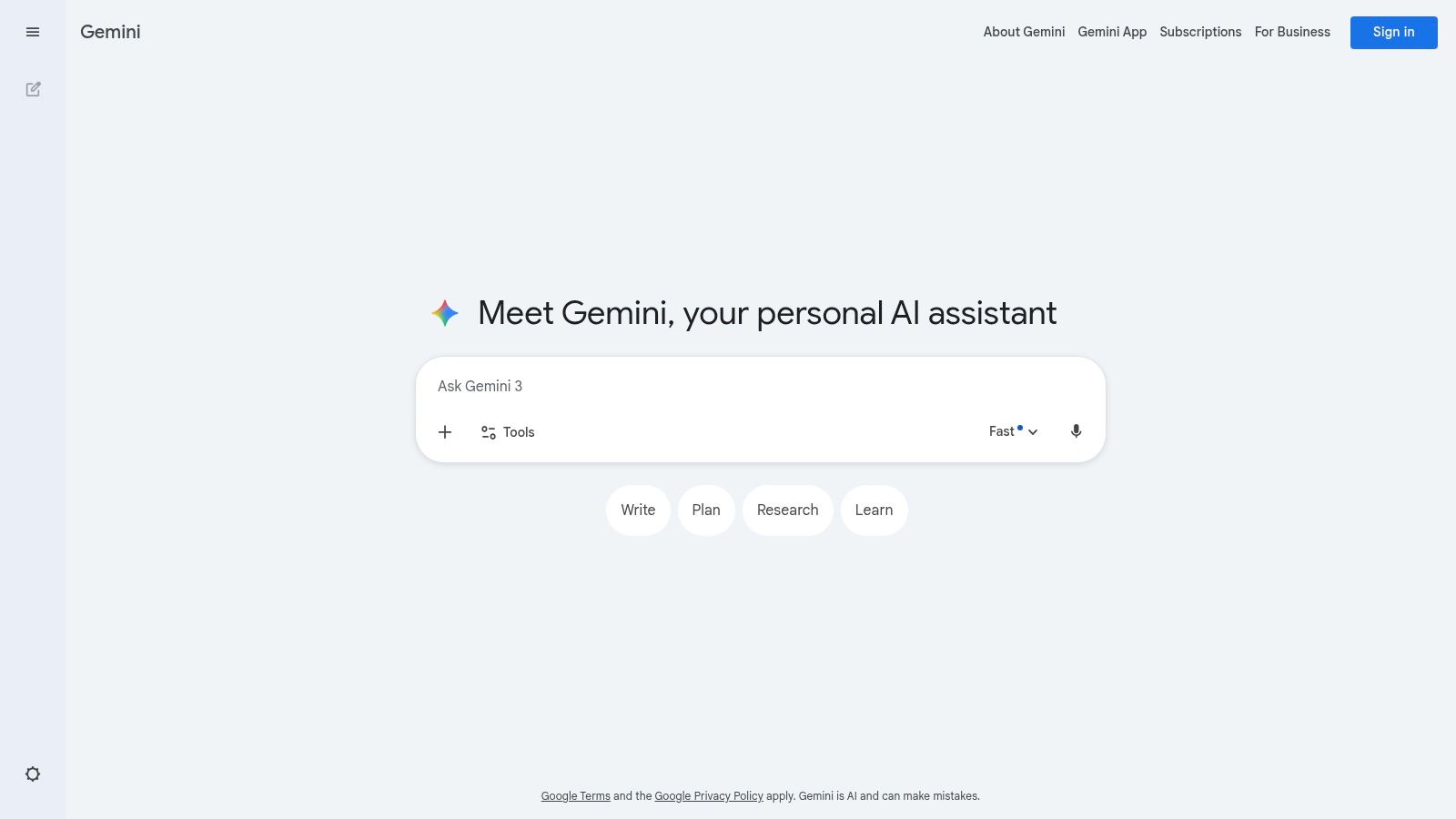
For collaborative teams, this shared context makes it one of the most efficient ai tools for content creation.
Key Features & Business Impact
- Using AI inside Docs, Gmail, and Sheets is a real productivity gain. It reduces context-switching and keeps your team focused.
- The paid Google AI Pro and Ultra plans give you the more capable models like Gemini 1.5 Pro, offering a larger context window and better reasoning. The included 2TB of storage is a practical perk for content-heavy teams.
- Video generation is emerging too. With access to models like Veo, Google is building an integrated pipeline from text concept to video asset. This positions it as a future-proof multimedia content engine within a single subscription.
The main risk is Google’s tendency to change plans and pricing. The Ultra plan is expensive, but if your business runs entirely on Google, the tight integration can justify the cost. Understanding these integrations is a key part of learning how to use AI for marketing inside the tools you already use.
4. Jasper
General-purpose tools are flexible. Specialized tools are fast. Jasper is a purpose-built cockpit for creating on-brand marketing content at scale. Its value is text that sounds exactly like your business, every single time.
The Brand Voice and Knowledge features are its competitive moat. You feed it your style guides, case studies, product specs, and audience personas. It learns you. The result? First drafts that are 90% on-brand, cutting the editing cycle from hours to minutes.
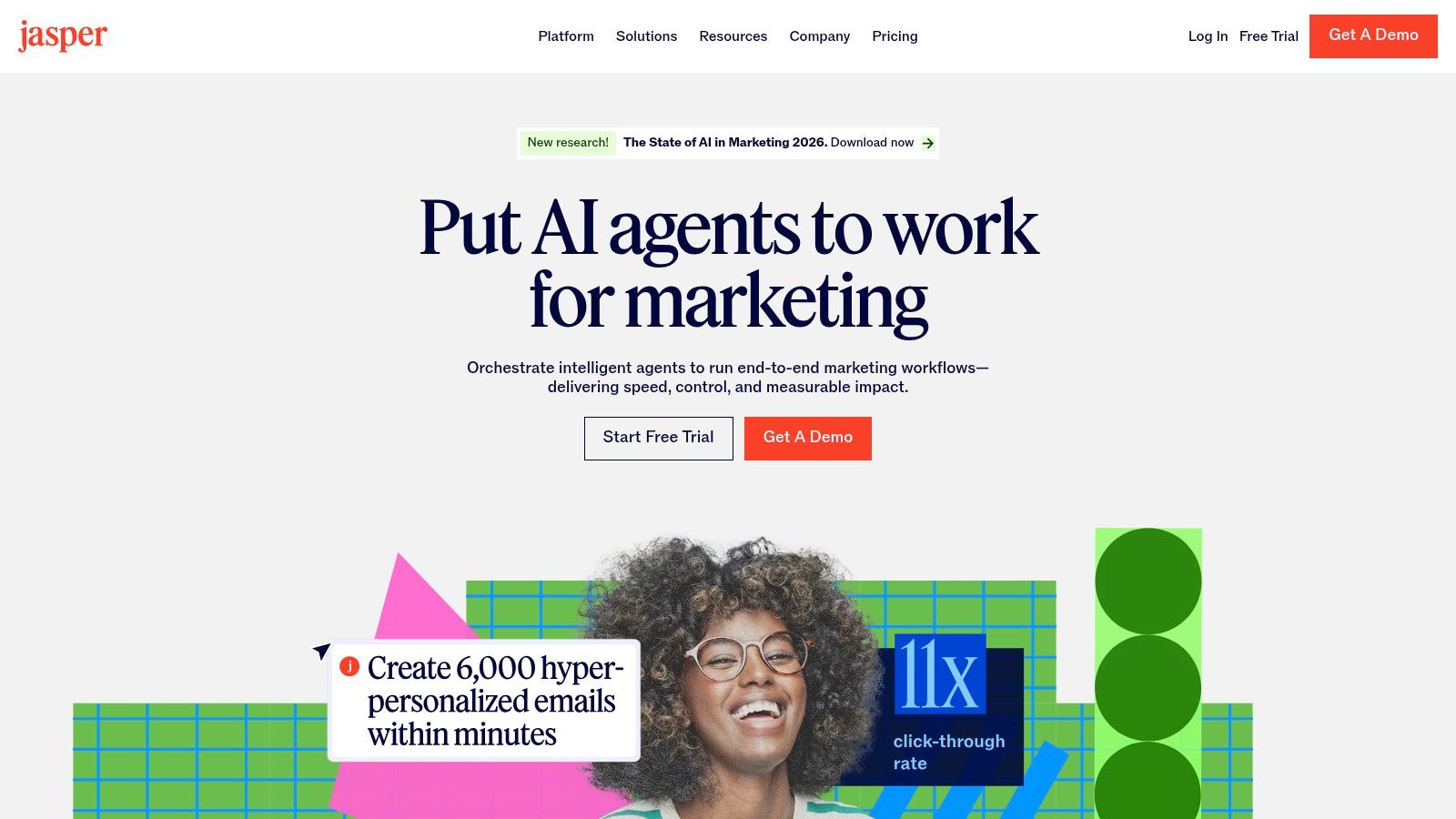
For a company fighting to maintain a consistent message across multiple channels and writers, Jasper is one of the most effective ai tools for content creation.
Key Features & Business Impact
- Brand Voice and Knowledge create a custom AI tuned to your business. The business impact is a dramatic reduction in editing time and a stronger, more consistent brand presence in the market.
- Campaigns and Canvas let you orchestrate an entire marketing campaign from a single brief. Generate the landing page copy, the email sequence, and the social media ads in one coordinated workflow.
- Jasper is built for marketing teams more than solo users, with shared workflows and governance controls to match. If you work alone, weigh that before paying per seat.
The per-seat pricing can add up, but the ROI is measured in speed and brand consistency. When you’re ready to operationalize AI copywriting, an AI copywriting workshop can ensure you extract maximum value from the platform.
5. Copy.ai
Stop thinking in single prompts. Start thinking in systems. Copy.ai is built for building automated content workflows. Treat it as an engine for systematizing your marketing processes from end to end, more than as a writing assistant.
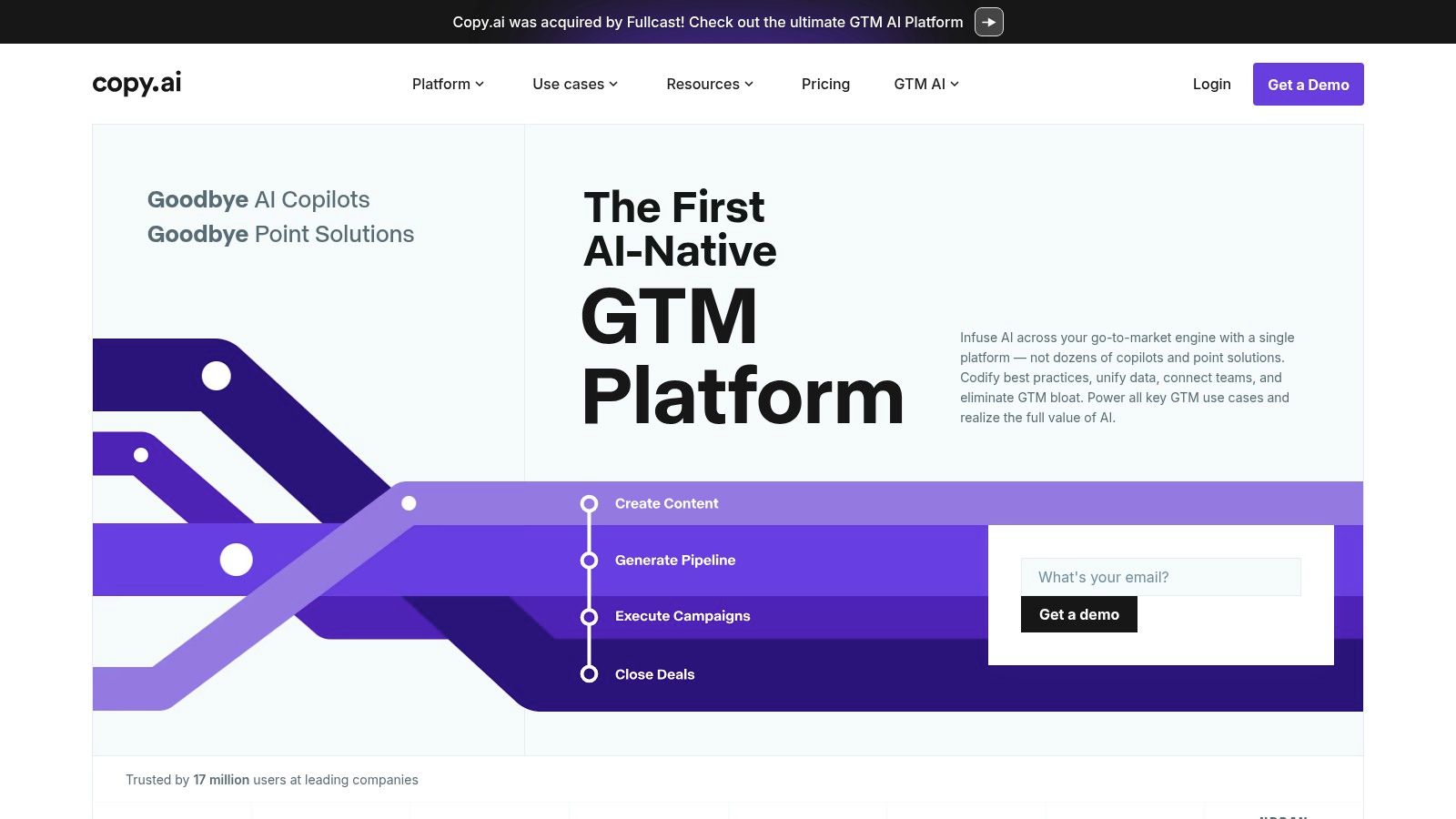
Its “Workflows” feature is the core differentiator. For example, I built a workflow for a client that ingests their latest customer case study, automatically researches competitor angles, drafts a 1,200-word blog post, and then generates five distinct social media posts to promote it. That is content automation, one step past content creation.
This ability to codify your marketing playbook makes it one of the most powerful ai tools for content creation for teams focused on scalable, repeatable processes.
Key Features & Business Impact
- Content workflows automate multi-step content processes. This reduces the manual work of turning one core asset into a full campaign, directly impacting your team’s output capacity.
- With multi-model access, you can choose the best LLM for each step in your workflow. Use Claude for a nuanced blog post draft and GPT-4 for sharp, creative ad copy, all within one system.
- For larger accounts, Copy.ai provides structured onboarding to drive adoption. A tool is useless if you and your team don’t know how to use it to hit business goals.
The workflow builder has a learning curve. Once you master it, it’s incredibly powerful. The Pro plan is a good entry point, but monitor your workflow credits. Learn more at copy.ai.
6. Writesonic
Writesonic is a vertically integrated SEO content platform with an AI writer inside. I see it as an attack on the fragmented SEO tool stack. Why pay for a separate writer, optimizer, auditor, and rank tracker when you can consolidate?
Its most forward-looking feature is AI Search Visibility tracking. It shows you how your brand appears in AI answer engines like Perplexity and Google SGE. Most sites still optimize only for blue links; this shows you how you appear in AI answers as well.
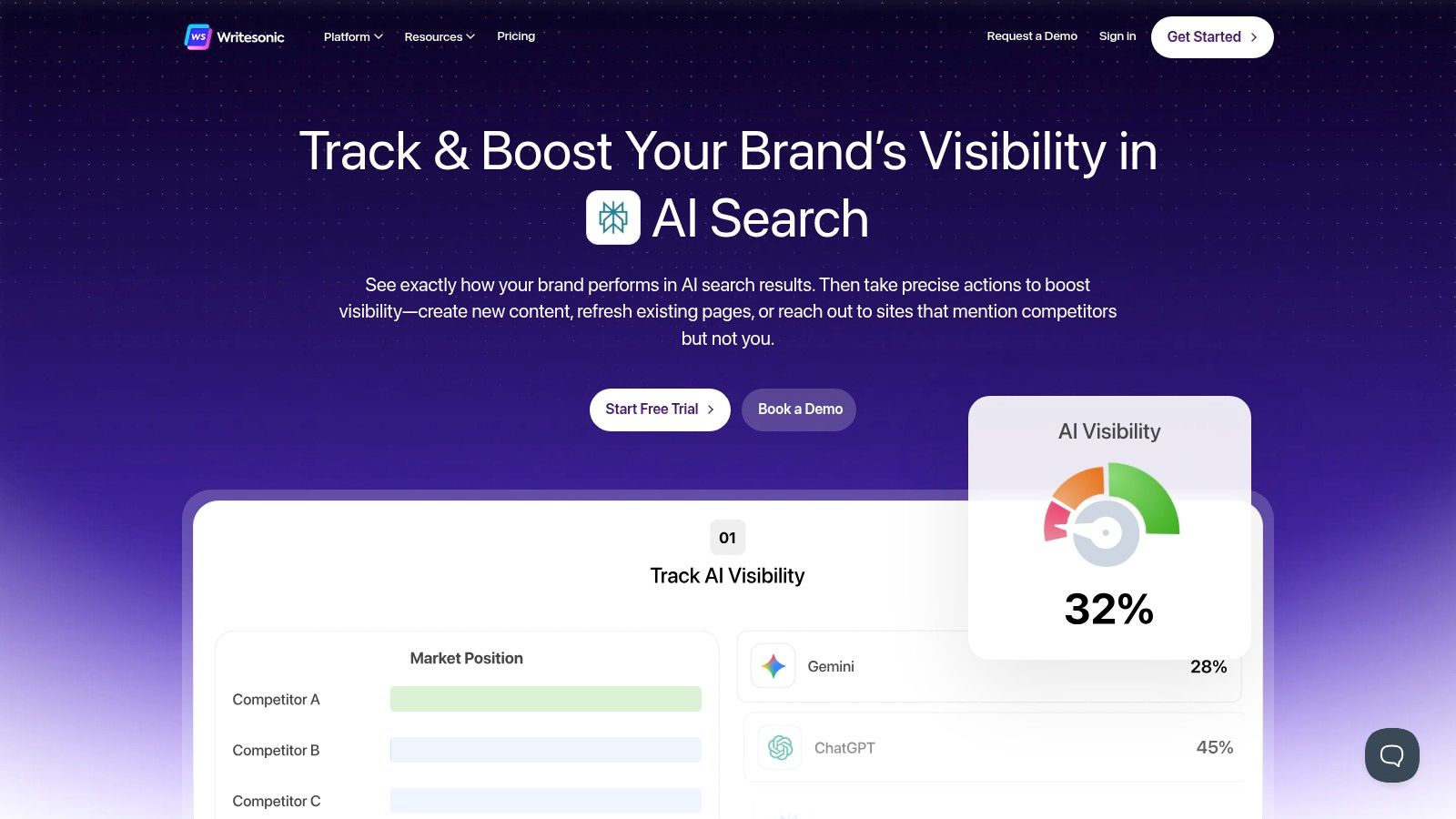
Key Features & Business Impact
- AI search visibility tracking shows where you stand in AI-native search. That visibility matters for protecting and growing your organic traffic in the next 18-24 months.
- Article Writer 6.0 takes a keyword and, with the Optimizer, produces a fact-checked, SEO-optimized draft. The integration with Google, Ahrefs, and Semrush pulls real-time data into your content workflow.
- Combining site audits, content creation, and performance tracking into one subscription reduces your SaaS spend and the operational drag of switching between tools.
For any business that depends on organic search traffic, Writesonic is one of the most complete ai tools for content creation. It directly connects content production to search performance. Check out their plans on the official website.
7. Canva Magic Studio
Canva is no longer a simple template editor. Magic Studio is an integrated AI design platform that lets anyone on your team create on-brand visual assets. I use it to remove the graphic designer from being a bottleneck for every social post, presentation slide, or ad variation.
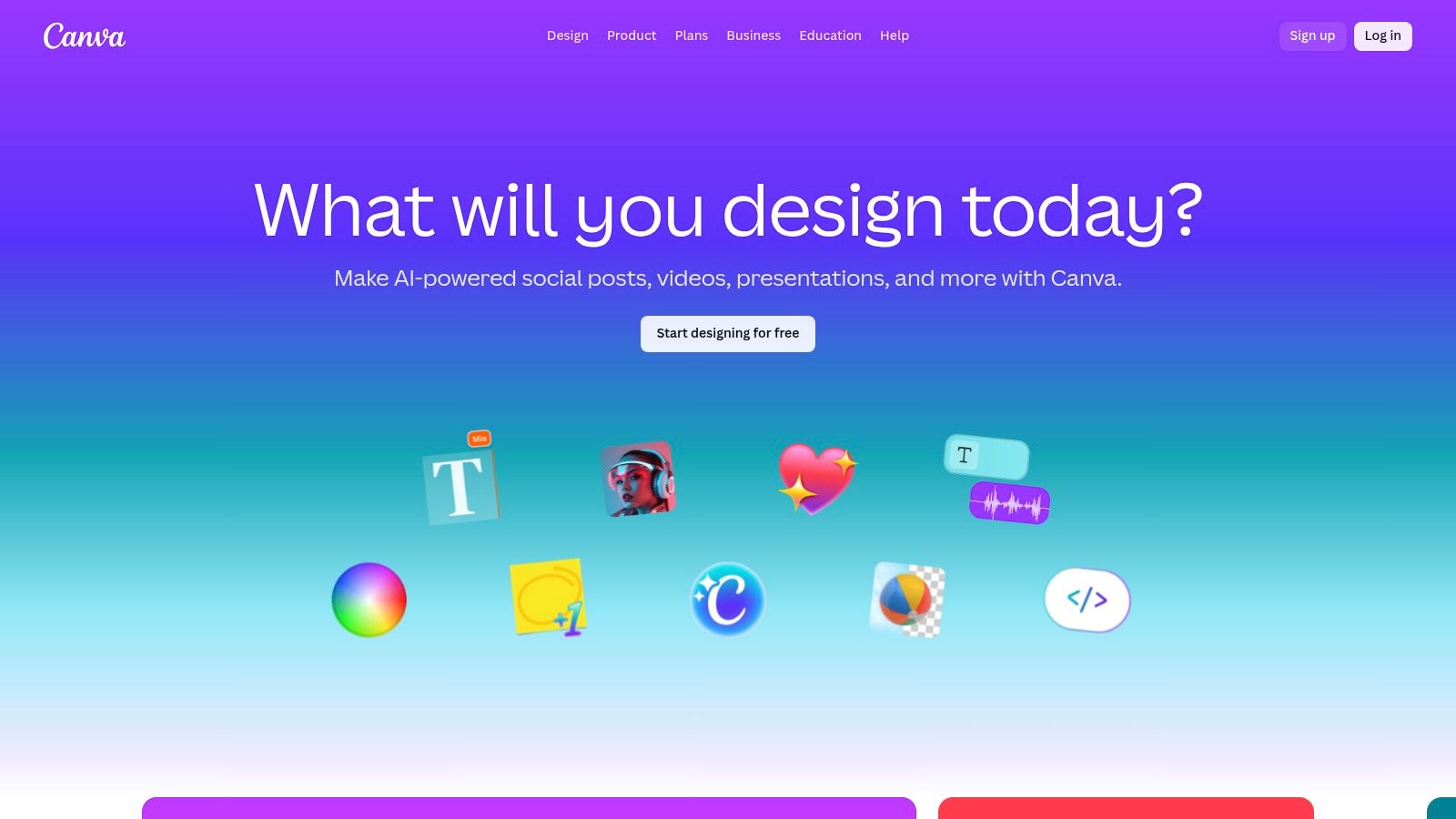
What you gain here is speed and accessibility. Magic Design can generate an entire, editable presentation from a simple text prompt. Magic Switch can instantly repurpose that presentation into a series of Instagram Stories and a PDF handout. This is how you scale visual content production without scaling your headcount.
This makes it one of the most practical ai tools for content creation for a small team that needs to produce a high volume of visual content fast.
Key Features & Business Impact
- In the integrated AI suite, Magic Write (copy), Magic Design (templates), and Magic Switch (repurposing) work together without exporting between apps. This collapses the creative workflow and accelerates asset production.
- Access to a massive library of templates and stock assets is included. This eliminates the need for separate stock photo subscriptions, reducing your creative overhead.
- With brand kits, the Teams tier lets you enforce brand consistency with shared logos, fonts, and colors. That matters once more than one person makes your graphics.
The free version is a trial. The Pro and Teams plans are required for business use. Keep an eye on the credit system for AI features. For fast, scalable, and on-brand visual content, Canva is essential.
8. Adobe Firefly
If you or your designer live in Photoshop and Illustrator, bolting on a random AI image generator breaks the workflow. Adobe Firefly wins because it’s built into the tools professionals already use. Critically, it’s trained on Adobe Stock, making it commercially safer for business use.
Firefly makes a skilled designer faster. Generative Fill in Photoshop extends a background or removes an object in seconds. That used to be a 30-minute task. That’s real, measurable productivity gain.
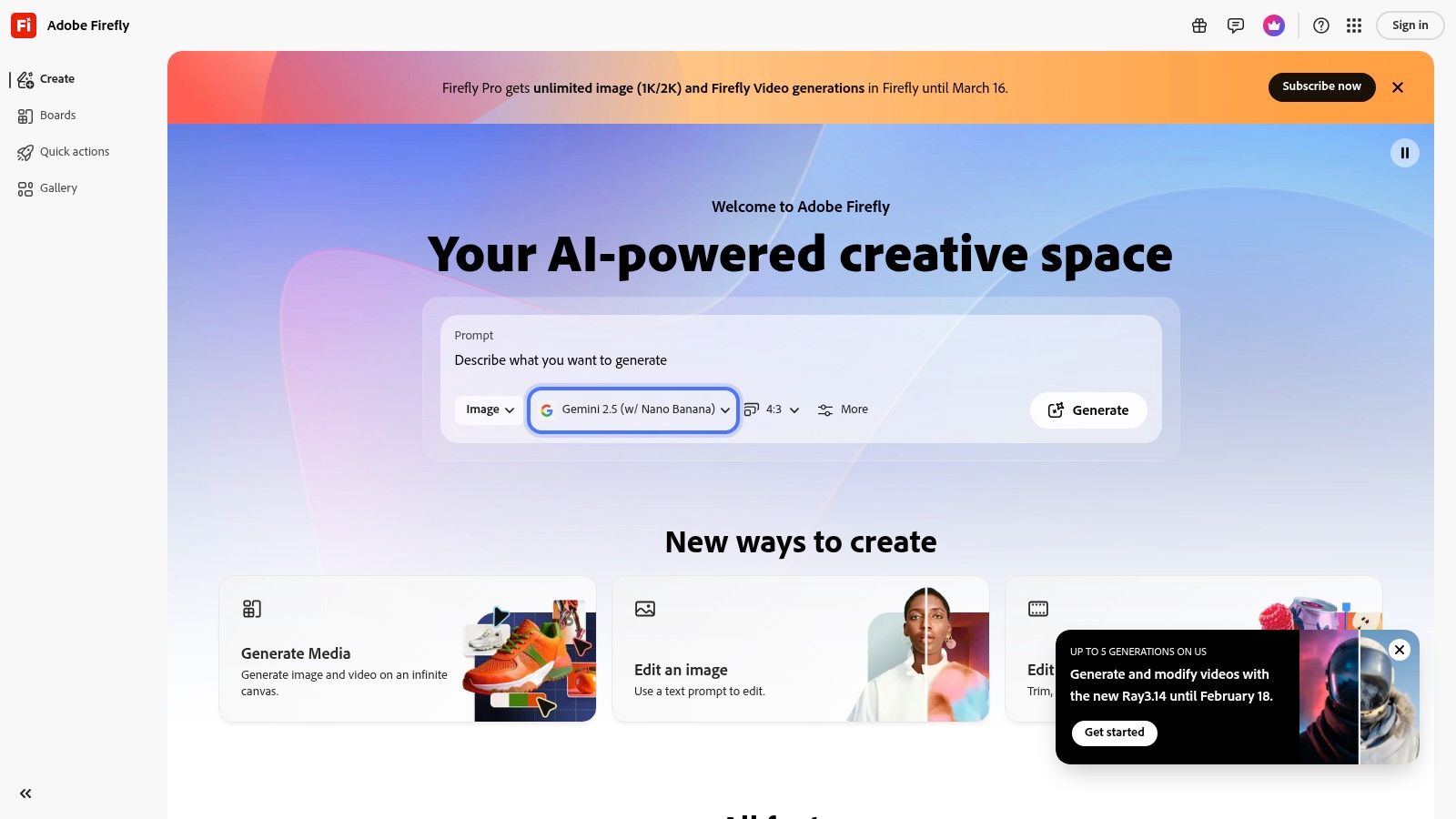
If you already work in Adobe, this deep integration makes it one of the most powerful ai tools for content creation.
Key Features & Business Impact
- Firefly is woven directly into Photoshop, Illustrator, and Premiere Pro. This eliminates context-switching and keeps whoever does your design in a state of flow, speeding up production.
- The commercially safe models are a major differentiator. Training on a licensed library reduces the legal risk associated with using AI-generated content in commercial campaigns. If you sell with these images, this matters.
- Firefly goes beyond static images. It can create editable vector graphics and is expanding into video, so one tool covers more of your creative work.
The user experience feels native for anyone already in the Adobe ecosystem. The credit-based system can be confusing, so you’ll need to monitor usage. While other tools might be better for pure photorealism, Firefly’s workflow efficiency and commercial safety make it the safer choice for commercial work. Explore it at firefly.adobe.com.
9. Descript
If you produce podcasts, webinars, or any spoken-word video, Descript will change your business. It transforms media production into a text-editing exercise. To cut a 10-second mistake from your video, you just delete the corresponding words in the transcript.
This changes how editing works. The AI removes filler words (“ums” and “ahs”) with a single click. It can correct your gaze to maintain eye contact with the camera. It can even clone your voice to fix a misspoken word without re-recording.
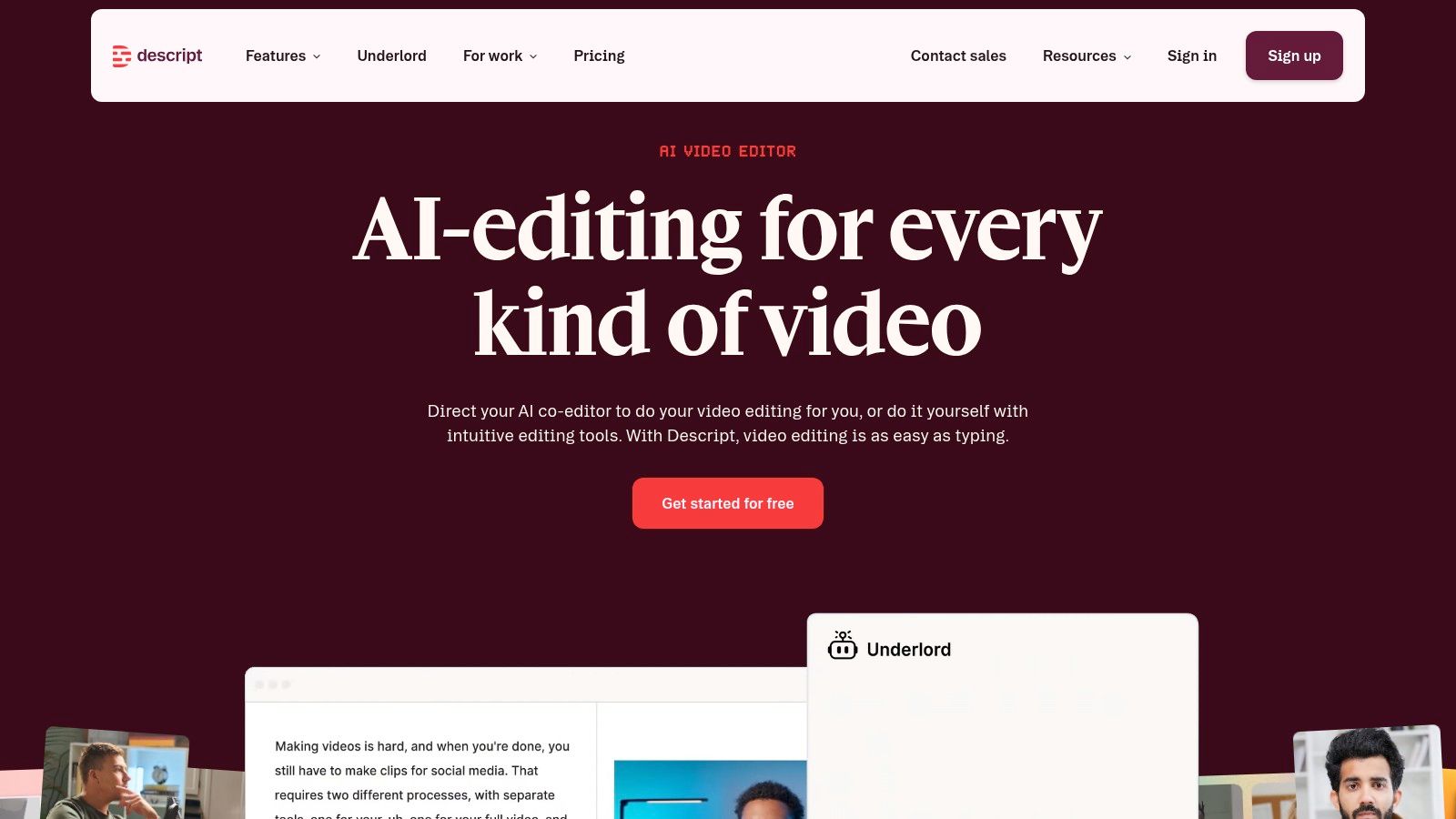
It radically lowers the barrier to creating professional-grade media, making it one of the most impactful ai tools for content creation for any team producing audio or video.
Key Features & Business Impact
- Text-based editing means you edit video by editing text. This speeds up the post-production workflow by an order of magnitude, allowing you to publish more content, faster.
- Studio Sound removes background noise. Filler-word removal cleans up dialogue. These features deliver a polished result without expensive equipment or re-shoots.
- With Overdub and AI voices, you correct audio mistakes by typing the right word. This saves enormous amounts of time on re-recording, directly impacting your production costs and speed.
Pricing is based on transcription minutes and AI feature usage. The business impact is simple: a drastic reduction in post-production time and cost.
10. Runway
Video is the most expensive and time-consuming content format. Runway is changing that economic reality. I use it to generate video assets (social ads, product b-roll, animated logos) that would have previously required a studio and a production team.
Runway’s Gen-2 model can translate a text or image prompt into a short video clip. This lets my team test a dozen different creative concepts for a video ad in an afternoon. The winning concept gets the budget. The losers cost me almost nothing. That is a big edge in media buying.
For visual-first brands, this is one of the most transformative ai tools for content creation available today.
Key Features & Business Impact
- Text-to-video and image-to-video let you generate new video clips from scratch or animate static images. This is ideal for creating eye-catching social media content without shooting any footage.
- Runway includes AI-powered editing tools like object removal (inpainting) and motion tracking. This keeps the entire workflow on one platform.
- Pricing is credit-based, and the tiered plans scale with your needs. The business case is about dramatically lowering the cost of creative testing for video campaigns.
The platform is built for creators. Mastering it requires learning a new type of creative skill: prompt engineering for motion and style. The potential ROI is enormous. Explore it at runwayml.com.
11. Midjourney
When the aesthetic quality of an image is non-negotiable, I use Midjourney. For hero images, high-impact ad creative, and brand concepts, its engine often produces more artistic and visually coherent results than its competitors.
I use it for rapid visual concepting. I can generate twenty different stylistic directions for a new campaign in an hour. This speed lets me A/B test visual approaches at a scale that was previously impossible, so data, alongside opinion, determines my creative direction.
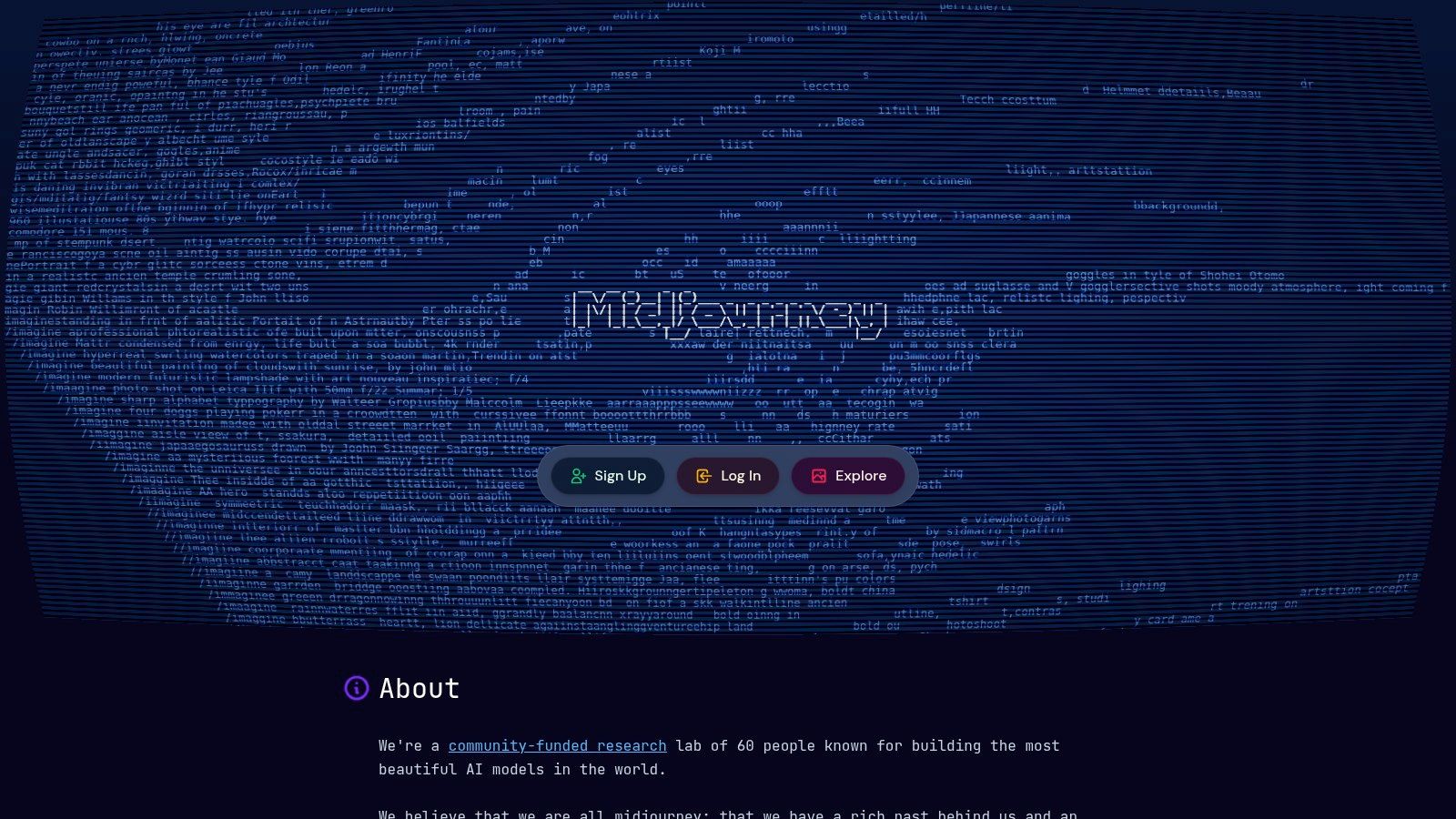
For visually-driven brands, Midjourney is one of the most powerful ai tools for content creation.
Key Features & Business Impact
- Midjourney excels at producing striking, art-directed images. That matters most for brands where the visual aesthetic is a core part of the product.
- The platform makes it easy to explore variations on a theme. This accelerates creative testing for ads and social media, which can directly improve campaign conversion rates and ROI.
- Paid plans grant you the necessary rights to use the images for your business. This is a baseline requirement for any commercial application.
The Discord-based workflow is a hurdle for some teams, but the quality of the output justifies it. A paid plan is required for any commercial use. Its real strength is achieving a specific visual tone that other tools struggle to replicate. Explore plans at https://www.midjourney.com.
12. Surfer
Creating great content with AI is pointless if no one can find it. Surfer bridges the gap between AI-driven content creation and the data-driven realities of on-page SEO. It ensures the content you create is actually optimized to rank and drive organic traffic.
I use it as the final quality gate before any article goes live. It provides an objective, data-backed score that turns SEO from a subjective art into a repeatable science. It’s one of the few ai tools for content creation that directly ties your creative output to measurable SEO performance.
The workflow is straightforward. You give it a target keyword, and its SERP Analyzer deconstructs the top-ranking pages. It then generates a dynamic brief in its Content Editor, giving your writers real-time feedback. It turns ranking into a paint-by-numbers exercise.
Key Features & Business Impact
- The Content Editor and briefs provide real-time, actionable on-page SEO guidance. This removes guesswork and lets writers to optimize as they create, cutting down revision cycles.
- Surfer AI and the Content Humanizer generate a full, SEO-tuned draft in minutes. I use this to create a strong V1 draft that my team then refines with their own expertise.
- Use the Audit tool to find optimization gaps in your existing content for quick traffic wins. This is low-hanging fruit for increasing revenue from assets you’ve already created.
The ROI is clear: higher rankings mean more traffic, which means more revenue. If organic search is a main channel for you, treat Surfer as required. Get started at surferseo.com.
Top 12 AI Content Creation Tools Compared
| Tool | Core features | User experience / Quality | Value proposition | Target audience | Pricing / Licensing |
|---|---|---|---|---|---|
| ChatGPT (OpenAI) | GPT‑4.x multimodal models, file uploads, data analysis, voice/video, Team/Enterprise admin & SSO | Fast, high‑quality general content; strong reasoning/deep‑research modes | Scales from solo creators to governed enterprise rollouts | Solo creators, marketers, enterprises needing governance | Free/basic → Pro/Team → Enterprise; premium at top tiers, quotas on lower plans |
| Claude (Anthropic) | Large context windows, web/file tools, Excel/Slides integrations, API | Careful, coherent long‑form outputs; suited to big documents | Handles large doc libraries and research workflows cost‑effectively | Teams managing long documents and content libraries | Tiered (Haiku/Sonnet/Opus), clear token/model pricing; Max seats for advanced use |
| Gemini (Google) | Deep Workspace integration (Docs/Gmail/Sheets/Slides), NotebookLM, video (Flow/Veo) | Smooth collaboration in Google stack; strong multimedia pipeline | Unified Workspace AI + video generation under Google subscription | Google Workspace users, collaboration‑centric teams | Free/basic → Pro/Ultra (Deep Research, higher limits); Ultra is costly for SMBs |
| Jasper | Brand Voices, Knowledge, Canvas multi‑step workflows, LLM‑agnostic | Purpose‑built marketing workflows, guided onboarding | Brand‑consistent copy + campaign orchestration for marketing teams | Marketing teams and enterprises focused on brand alignment | Per‑seat pricing; Business plan with API and onboarding (can scale costly) |
| Copy.ai | Workflow chaining, unlimited chat words, multi‑model access, onboarding | Flexible, workflow‑centric UX for automating campaigns | Codifies repeatable marketing processes at attractive entry price | Small teams, agencies automating multi‑asset campaigns | Competitive starter plans; workflow credits/usage to monitor for heavy use |
| Writesonic | AI writer, optimizer, site audits, AI Search Visibility & GEO analytics | Consolidates SEO + content tools; SEO‑focused suggestions | All‑in‑one SEO + AI content production and performance tracking | Publishers and marketers prioritizing SEO visibility | Tiered plans; features/inclusions vary; verify current limits |
| Canva Magic Studio | Magic Write/Design/Edit/Switch, image & video models, templates library | Extremely fast brief→creative workflows for non‑designers | Rapid social/ads/presentation creative at low production cost | Non‑designers, social teams, small marketing teams | Free → Pro → Teams; AI feature caps/credits and evolving team pricing |
| Adobe Firefly | Generative images/vectors/video/audio, Photoshop/Illustrator/Premiere integration | Pro‑grade creative workflows with clearer commercial licensing | Production‑ready creative tools + commercial‑use assurances | Creative teams, agencies using Adobe ecosystem | Included in Firefly/Creative Cloud bundles; credit models and complex plans |
| Descript | Text‑based audio/video editor, AI co‑editor, transcription, dubbing | Speeds edit‑to‑publish; strong repurposing and auto‑clipping | Fast podcast/webinar/video workflows with text editing UX | Podcasters, video teams, content creators | Media minutes + AI credits billing; plan upgrades for heavy publishers |
| Runway | Text‑to‑video, image‑to‑video, editing, credit‑based usage, exports | Powerful text/image→video with frequent model updates | Leading text/image‑to‑video capability for ads and explainers | Video creators, marketers testing concepts & ads | Credit bundles and tiered team plans; credit accounting can be complex |
| Midjourney | High‑quality image generation, Fast/Relax GPU modes, Discord workflow | Exceptional aesthetic quality and stylistic control | Rapid iteration for concepting, moodboards and visual testing | Designers, creative teams needing visual concepts | Paid subscriptions required for commercial use; limited official API |
| Surfer | Content Editor, SERP Analyzer, Surfer AI drafts, rank & AI visibility tracking | Writer‑friendly on‑page guidance and actionable SEO audits | Improves on‑page rankings with SEO‑tuned drafts and tracking | Writers, content teams focused on search performance | Subscription tiers with article credits; add‑ons (tracking) priced separately |
From Tools to Systems: Your Next Move
You’ve now seen a strong set of AI tools for content creation. Buying a subscription is not a strategy. Everyone else has access to the same tools. The advantage that lasts comes from how you integrate them into a system, one that others can’t easily copy.
This is how you move from tinkering with AI to getting steady results from it.
Your First 90 Days with AI Content Tools
Don’t boil the ocean. Start with one high-value problem and build momentum.
- Identify your biggest bottleneck. Is it the time it takes to produce a single YouTube video? The cost of creating ad creative? The inability to rank for money keywords? Pick one.
- Select your “anchor” tool. Based on that bottleneck, choose the single most useful tool from my list. If it’s SEO, start with Surfer. If it’s social visuals, start with Canva. Master one tool first.
- Build one repeatable workflow. Document a simple, step-by-step process. Example: Use ChatGPT to generate ideas for a Surfer brief, write the draft in Surfer, then use Canva to create three social graphics. Run this workflow five times. Refine it. Only then should you think about automation.
This focused approach delivers a measurable ROI fast. That win builds the business case for deeper investment.
Beyond Individual Tools: Building Your Bionic Marketing Engine
Having tools is good. Having a system is what makes the tools pay off. The goal is to build a ‘bionic’ engine where human strategy guides automated execution.
Think about it. A new case study could automatically trigger a workflow. A first draft is generated in Jasper. The key points are sent to Descript to script a short video. The approved script is fed to Runway to generate the b-roll. The final assets are scheduled. All with minimal human touchpoints.
You can build this now with no-code platforms connecting the APIs of these tools. That is the shift to make. Stop thinking about AI tools for content creation as helpers. Start architecting them into a cohesive growth system.
