
Your support team is burning out, and most advice on AI support is still too shallow to help you. People keep comparing chat widgets, demo flows, and shiny automation screenshots, then they wonder why the rollout stalls and nobody trusts the bot. Hiring more agents feels safer, but for a small business that move usually just locks in more cost without fixing the repetition problem.
I’ve been deploying these systems since 2019, and the best results never come from buying the loudest product. They come from choosing the right AI agent for your current support motion, your knowledge quality, and your tolerance for setup complexity. If you get that right, you cut repetitive work, respond faster than competitors, keep customers happier, and protect margin while you grow.
That’s why I don’t rank tools by feature count. I rank them by the value they bring to the business. What can they resolve? What will they cost you to run? How hard are they to implement if your team is lean, overloaded, and not packed with technical operators?
If you're trying to boost customer support efficiency with AI, start with tools that can prove one thing fast. They must take repetitive support load off your team without creating a second job called “managing the bot.”
Here are the tools I’d put in front of a founder or support lead who wants the best ai agent for customer support small business, not another software subscription that looks smart and underperforms.
1. Intercom Fin AI Agent
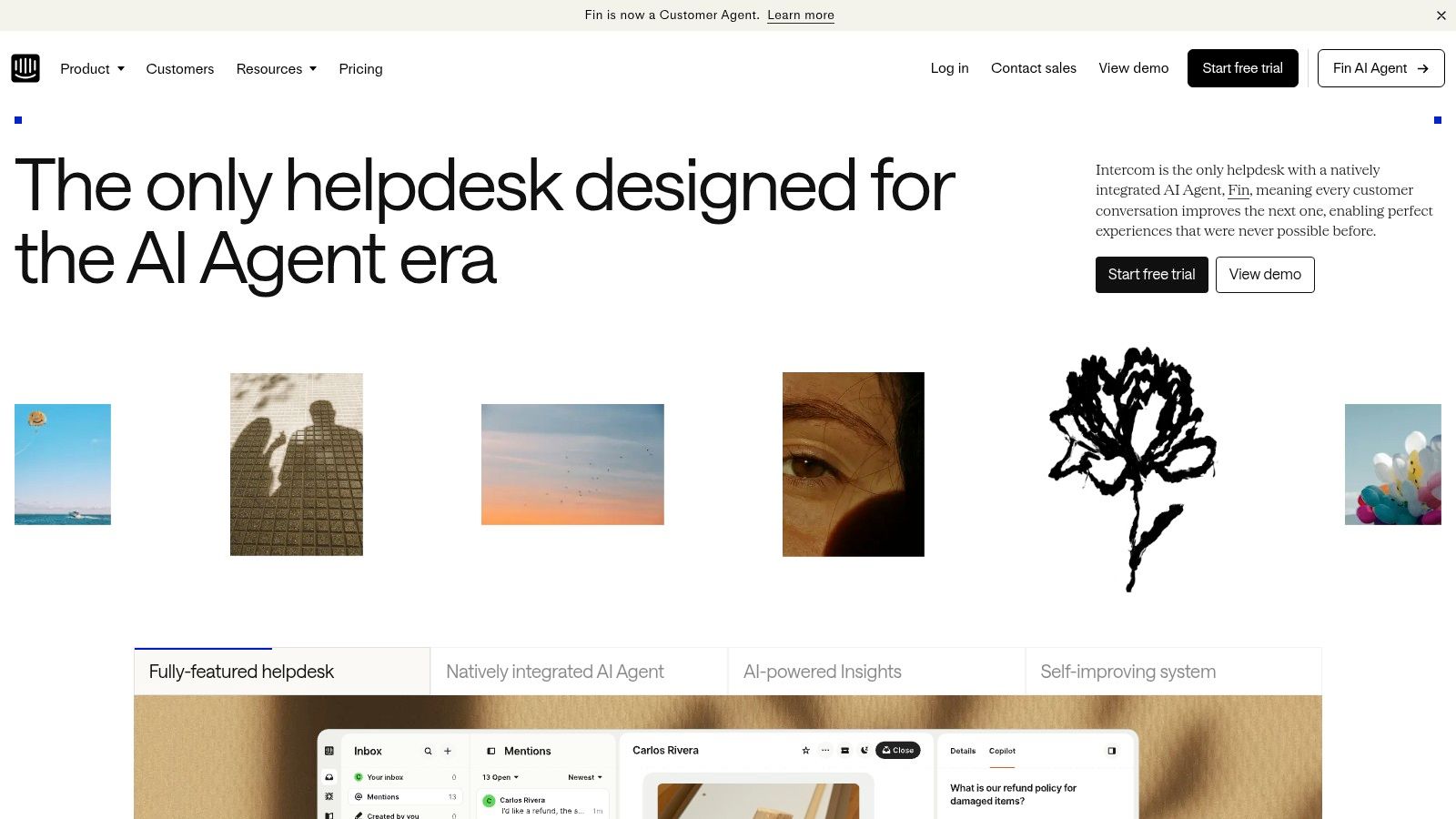
Intercom Fin is the tool I’d put at the top of the shortlist if your goal is real resolution, not a chatbot that looks clever in a demo and dumps hard tickets back on your team. I see founders get distracted by low entry pricing all the time. Then implementation drags, handoffs break, and the “cheap” option costs more in labor and missed response SLAs.
Intercom makes a cleaner business case than a lot of competitors. On its Fin AI overview, the company says Fin resolves a large share of support conversations autonomously across chat, email, voice, SMS, and social, and it prices Fin at $0.99 per resolved conversation. I like outcome-based pricing here because you can model it against ticket volume, average handle time, and headcount pressure instead of guessing what “AI included” really means.
Why I recommend it
Fin fits businesses that want support AI to sit inside an actual operating system, not on top of one. Intercom combines inbox, automation, customer history, and AI in the same environment, which cuts a lot of failure points during rollout.
That matters in practice.
When a small team fails with support AI, the model is rarely the weak point. The bot cannot pull the right article, cannot trigger the right action, or cannot hand the conversation to a human without forcing the customer to repeat everything. Fin is stronger than many small-business options on that operational layer.
If you want to understand the build-versus-buy trade-off before you commit, read my guide on how to build AI agents for real support workflows.
My rule is to pay for resolved conversations only if the agent can answer accurately, take actions, and hand off with context.
Best fit
I recommend Fin most often for SaaS companies, subscription businesses, and ecommerce brands with enough ticket repetition to justify a more capable system. It works especially well when support and customer messaging already overlap, because Intercom keeps those functions close together.
The trade-off is straightforward. Intercom can get expensive once you stack seats, AI resolution fees, and extra platform needs. If your business only needs a basic web chatbot and a simple inbox, Fin is more system than you need and more cost than you should accept.
My blunt take is simple. Fin is one of the best picks for small businesses that have real support volume, decent documentation, and a clear need to reduce repetitive tickets fast. If your budget is tight and your operation is still simple, look lower on this list. If you want stronger ROI over the next 12 to 24 months, Fin deserves serious consideration.
2. Zendesk AI Agents
Zendesk is the tool small businesses pick when they are done improvising. I like it for that reason. If your support stack already has cracks between channels, handoffs, and reporting, adding a lightweight AI bot on top will not fix the underlying mess. Zendesk gives you a system first, then adds AI inside it.
That is the primary trade-off I see in the field. You are buying process control, channel coverage, and a platform that can handle more complexity later without forcing a migration. It won’t be the cheapest path to automation.
Best fit
I recommend Zendesk for small businesses that expect support to get harder, not simpler. If you are adding new channels, setting approval rules, routing by team, or tracking service quality more seriously, Zendesk earns its cost by keeping those moving parts in one place.
The pricing question is where owners get sloppy. Zendesk’s own pricing pages show that costs rise fast once you add higher-tier plans, AI features, and extra seats across support roles. Model the full operating cost before you commit, not just the entry plan on day one.
If you are still deciding which support tasks AI should handle, my breakdown of practical AI agent use cases for customer-facing teams will help you separate real ROI from feature-list theater.
My blunt take
Zendesk is a better operating system than it is a quick win.
That is why I would not hand it to a founder who wants a chatbot live by Friday and no admin work after that. I would use it when the business needs discipline. You get stronger governance, cleaner routing, better reporting, and more room to shape workflows around the business instead of around a single chat widget.
If you’re planning a more customized support layer, my guide on how to build AI agents will help you think beyond default settings and into real workflow design. Zendesk gets expensive when teams buy the platform first and only later decide what the AI should resolve, escalate, or pass to a human.
- Use Zendesk if you want one support system with tighter controls, broader channel support, and room to standardize operations.
- Skip Zendesk if you need the lightest setup possible and your support volume does not justify the admin burden.
- Watch plan upgrades, AI feature pricing, implementation time, and any app dependencies that turn a simple rollout into a bigger project.
My recommendation is straightforward. Choose Zendesk when you want durable support infrastructure and can justify the higher total cost with better retention, faster handling, and fewer process failures. If you just need a basic bot and inbox, keep looking.
3. Freshdesk Freddy AI
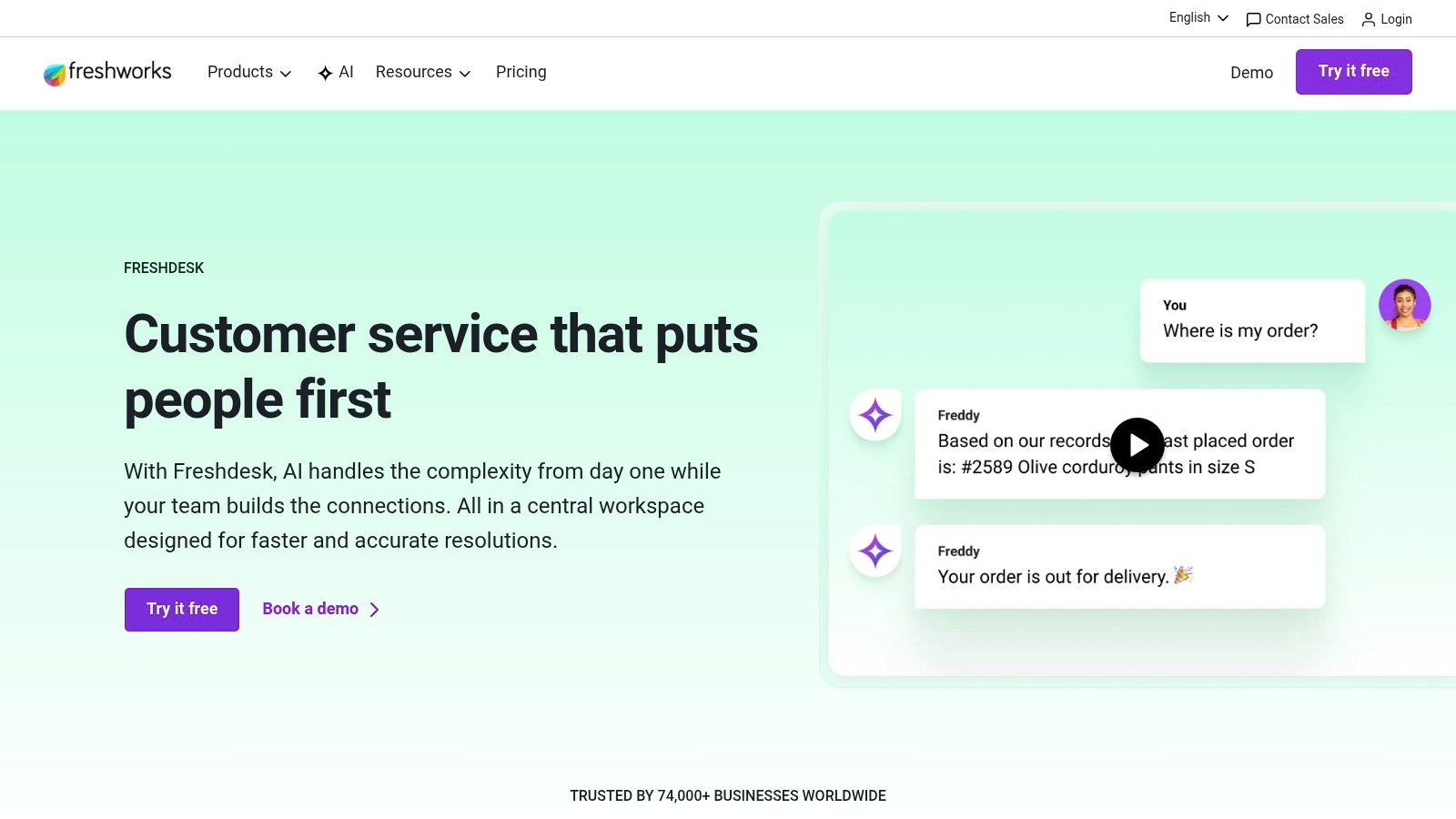
Freshdesk is the practical middle ground. Not flashy. Not weak. Just sensible for a lot of small businesses that need an actual helpdesk with usable AI support layered in.
That’s why I bring it up often for teams making their first real move into AI-assisted support. Freddy AI helps with summarization, suggestions, intent detection, routing, and self-service through knowledge base and chatbot workflows. For many teams, that’s enough to yield substantial benefits before they need a more agentic platform.
Where Freshdesk earns its keep
Freshdesk works well when your support team still needs humans heavily involved, but wants those humans moving faster. Ticket summaries, routing help, and better self-service can clean up a messy queue without forcing a total process overhaul.
This is also one of the easier products to justify internally because the logic is straightforward. Your agents save time. Your inbox gets cleaner. Your customers get faster initial responses. You don’t need to redesign the company to make it useful.
Most small businesses don’t need the most autonomous system first. They need the fastest path to fewer repetitive tickets and better agent throughput.
When not to use it
I wouldn’t position Freshdesk as the best ai agent for customer support small business if your real goal is transactional automation across multiple systems. If you want the bot to pull account-specific data, trigger workflows, and complete multi-step actions with minimal human intervention, Freshdesk can feel more assistive than autonomous.
That’s a realistic scope. For some support teams, it’s exactly the right level.
If you’re weighing where AI assist ends and true AI workflow begins, my breakdown of AI agent use cases will help you map the difference. Use that lens before you overbuy.
Freshdesk is a strong choice when you want speed, simplicity, and a smoother workspace. It’s a weaker choice when you want your support bot acting more like an operator than a copilot.
4. Tidio Lyro AI Agent
A lot of small businesses overbuy AI support software. I wouldn’t.
Tidio gets my attention because it fits the way smaller teams operate. You want live chat, a shared inbox, and an AI agent you can get running quickly without paying for a long implementation cycle. Tidio delivers that better than a lot of vendors with louder marketing.
I like Lyro most in businesses where support sits close to revenue. Ecommerce is the obvious case, but it also works for service businesses that get the same pre-sale and post-sale questions every day. Product questions, shipping updates, appointment details, refund policies, and basic troubleshooting are exactly the kind of volume you should automate first.
Why founders buy it
The pitch is simple, and that’s a strength. You train Lyro on your website and help content, connect the channels you already use, and start deflecting repetitive conversations fast.
That matters to me more than flashy demos.
In the field, the best early AI wins usually come from reducing low-value contact volume, not from chasing full autonomy on day one. Tidio is good at that first stage. You can put it in front of customers quickly, learn where it fails, tighten the knowledge base, and get a usable ROI signal without dragging your team through a heavy rollout.
Tidio’s own pricing page also makes the buying motion easy to understand, which is rare in this category. You can review current plan structure directly on Tidio pricing.
The trade-offs I’d call out
Tidio is a fit for straightforward support environments. If your operation depends on deep workflows across billing platforms, account-level permissions, internal tools, and complex exception handling, you will outgrow it faster than you would a larger service suite.
That trade-off is the point.
You buy Tidio when speed to value matters more than maximum system depth. If you need a practical front-line agent that can answer common questions and reduce basic ticket load, it’s a smart buy. If you expect the AI to act like a fully connected support operator across multiple systems, you should look higher upmarket.
Tidio also positions Lyro around handling a large share of repetitive customer questions, which lines up with how I see teams use it successfully in practice. The best results come when you keep the scope narrow, feed it clean help content, and measure deflection against real labor savings instead of vanity metrics. You can review that product positioning on Tidio’s Lyro AI Agent page.
- It’s best for ecommerce brands, service businesses, and small teams that need fast deployment with clear cost control.
- It’s not ideal for customized B2B support environments with complex backend actions.
- What I like most is that you can test real support ROI quickly, without hiring a consultant or rebuilding your process.
Tidio is one of the few options here that matches small-business buying logic. Low setup friction. Fast time to value. Clear limits. That honesty makes it easier to recommend.
5. Gorgias AI Agent
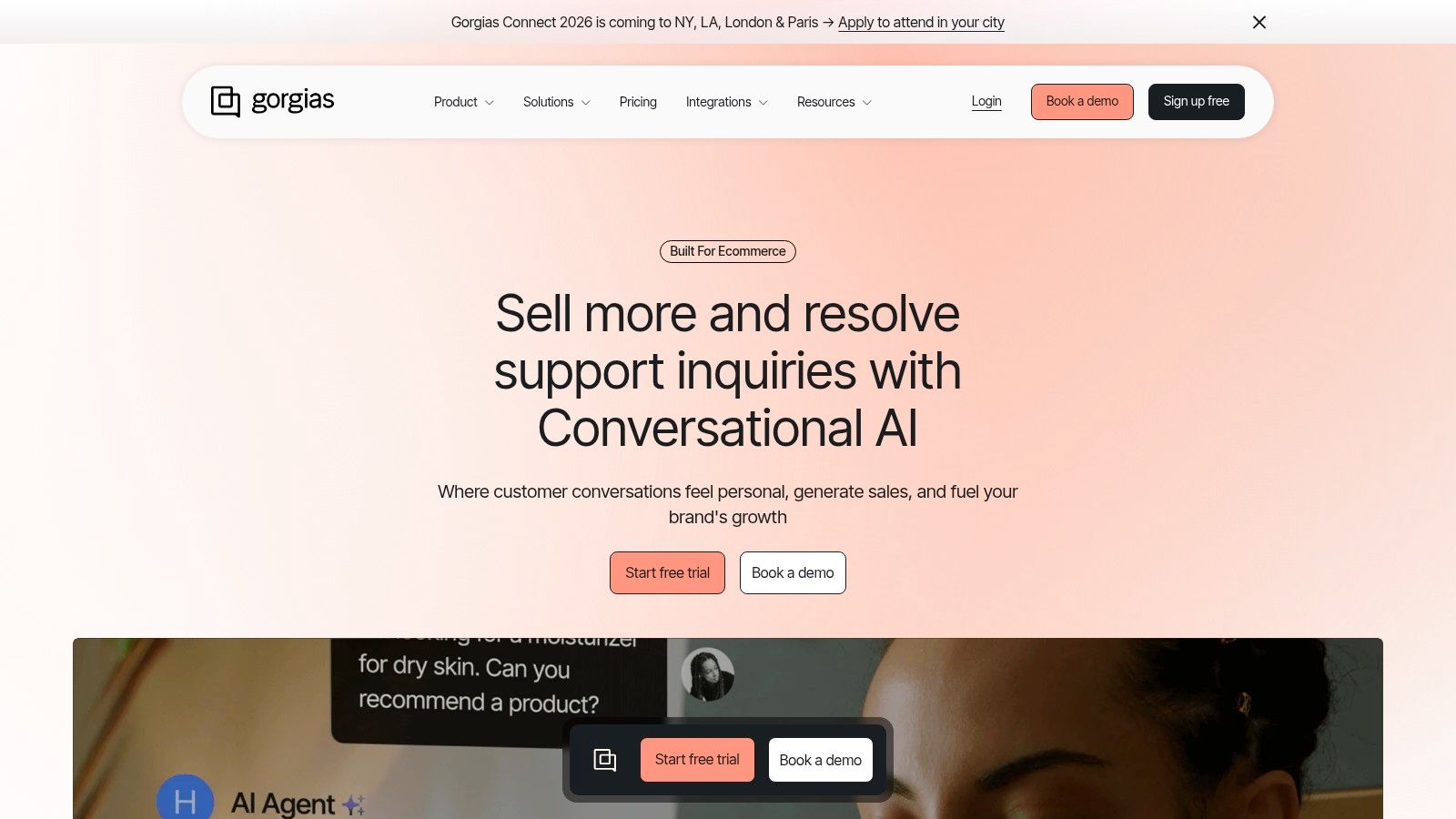
I recommend Gorgias for one type of small business first: ecommerce brands that live and die by post-purchase support speed. If that is you, do not overcomplicate the decision. A general support platform can look stronger in a demo and still produce worse ROI once your team spends all day handling order status, returns, cancellations, shipping issues, and discount questions.
That specialization is the core product.
Gorgias works because it is built around commerce events, not generic ticket theory. You get more value when the AI can act inside the systems that already drive support volume, especially Shopify-centric operations where support and revenue sit close together. A delayed return, a missed shipping answer, or a clumsy exchange flow creates a ticket and also puts repeat purchase rate at risk.
I care less about feature lists here and more about cost structure. Gorgias prices its AI around automated resolutions, which is the right way to evaluate it for a store with predictable repetitive contact types. You can review that pricing model on Gorgias pricing. It isn’t cheap, but you can model value cleanly against avoided tickets, saved agent time, and recovered sales.
Here is the trade-off I see in the field. Gorgias gets stronger as your support queue looks more like ecommerce operations and weaker as your support environment starts looking like account management, technical troubleshooting, or multi-step B2B service logic.
I would use it for a Shopify brand with a lean team and a high volume of repetitive buyer questions. I would not choose it first for a services company, a SaaS business with product support complexity, or a B2B team that needs the AI to reason across permissions, contracts, and exception-heavy workflows.
If your inbox is full of order and return questions, buy the tool built for commerce support economics, not the one with the broadest marketing pitch.
That is why Gorgias earns a spot here. It is narrower than some alternatives. Narrow wins when the workflow matches the business model, the implementation stays light, and the AI saves labor without forcing you into a bigger platform project than the business needs.
6. Ada AI Customer Service Agent
Ada is what I look at when a small business wants AI to own the first response layer instead of bolting a bot onto a helpdesk and hoping for the best.
That distinction matters for ROI. If the agent is your front door, it can reduce repetitive tickets, improve response speed, and protect agent time. It also raises the cost of a bad setup. When Ada is wrong, it is wrong at the top of the funnel where customer trust gets won or lost.
Where Ada earns its place
I recommend Ada for teams that already have usable knowledge content and want automation to do more than deflect a few FAQs. It can pull answers from your content, work across channels, and pass the conversation to a human with context intact.
I would seriously consider it for a lean support team that needs stronger automation without committing to a full helpdesk replacement project right away. That is its core benefit. You can put an AI layer in front of your current stack and test whether containment and handoff quality improve enough to justify the spend.
Ada also comes up in multilingual buying decisions. I would not treat that as a box-checking exercise. Ada markets multilingual support, but the broader SMB review ecosystem still gives buyers limited hard evidence on non-English performance. You can see Ada’s own positioning on language coverage in its multilingual AI support page. That is useful product context, not proof of production quality in your environment.
The trade-off I see in the field
Ada gets expensive fast if your knowledge base is messy.
I see teams buy an AI-first platform before they fix the content underneath it. That is backward. If your policies conflict, your help articles are outdated, or key answers live in Slack threads and agent heads, Ada will answer quickly with inconsistent logic. Fast wrong answers create more cleanup work than a slower human queue.
This is also where implementation cost gets hidden. The software fee is only part of the bill. You also pay for content cleanup, workflow design, testing, transcript review, and ongoing governance. If you skip that work, what you have is an automation liability.
- Choose Ada if you want AI to handle the first interaction, your knowledge sources are in decent shape, and you are willing to manage quality actively.
- Be careful if your documentation is fragmented, your policies vary by region, or your support team handles exception-heavy cases.
- Focus the pilot on containment rate, escalation quality, language accuracy, and whether the handoff gives agents enough context to close the issue faster.
My bottom line is simple. Ada is a strong fit for businesses that want an AI-first service model and will invest in the operating discipline that model requires. If you want a quick install with minimal cleanup, pick something narrower. If you want AI to become the front line, Ada deserves a hard look.
7. Forethought Support Automation
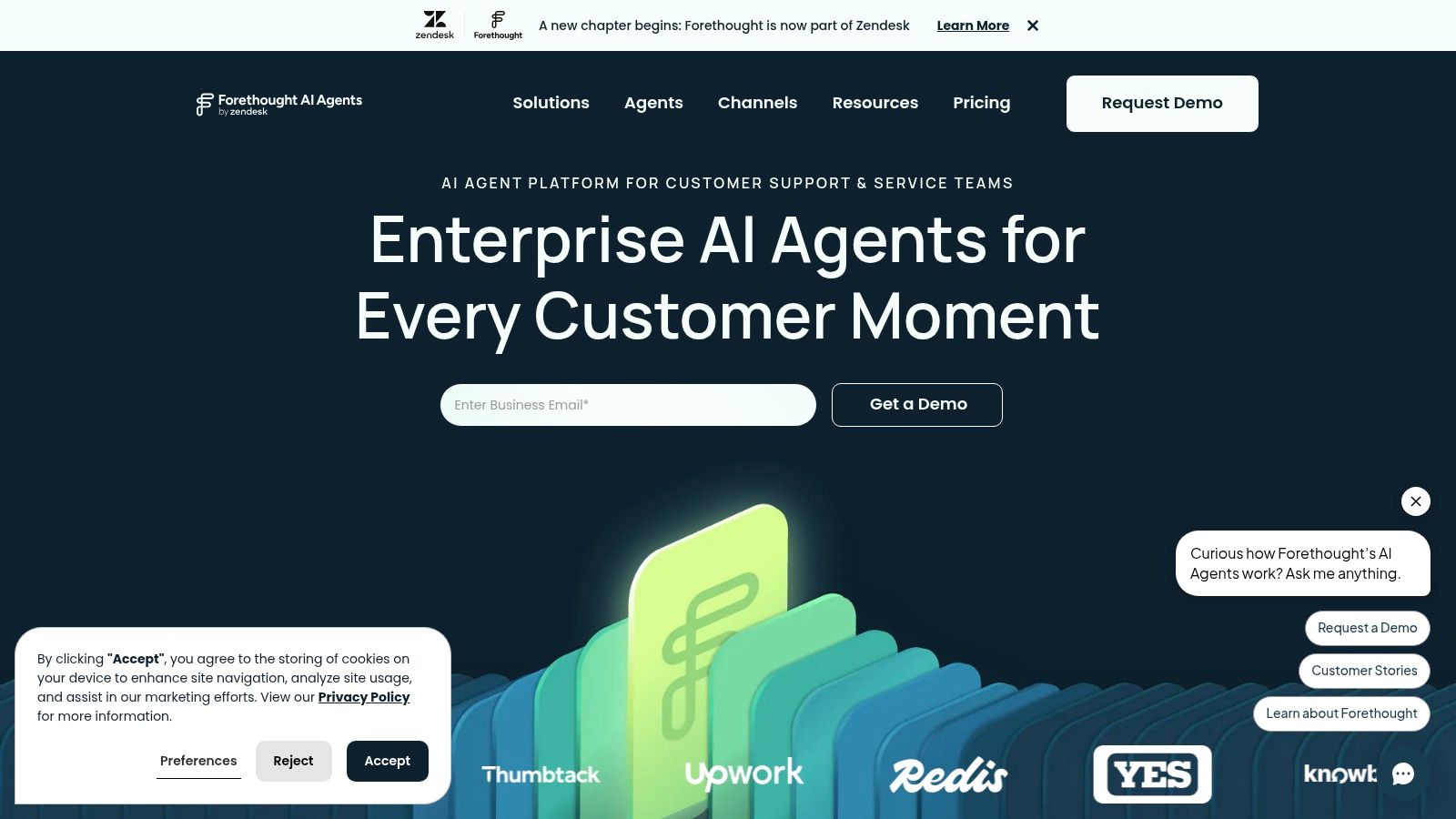
I recommend Forethought to small businesses that want better automation without paying the full price of a platform switch. That is its real advantage. You keep your current helpdesk, layer AI on top, and test whether automation improves containment and agent efficiency before you commit to a bigger rebuild.
That makes Forethought a practical buy for operators who care about ROI more than product theater. In the field, I see too many teams chase feature lists and ignore the actual cost of ripping out workflows that already work. Forethought usually fits best when the goal is narrower and smarter. Reduce repetitive tickets, improve routing, and make handoffs cleaner inside the system your team already knows.
Where Forethought earns its place
The strongest part of the Forethought pitch is implementation logic. A small support team doesn’t have to learn an entirely new operating model on day one. You test automation in the actual environment where your agents already work, which lowers rollout risk and shortens the path to proof.
That implementation barrier is real for SMBs. Analysts at Salesforce note in their Small & Medium Business Trends report that small businesses regularly struggle with limited time, staff, and budget when adopting new technology. I see the same pattern with support AI. The winner is usually the agent your team can launch, measure, and maintain, and rarely the flashiest one.
The trade-off I want you to price in
Forethought can look operationally light at first because it sits on top of your stack. The hidden work shows up in workflow tuning, knowledge cleanup, escalation design, and commercial terms. If pricing is sales-led, I want you to get specific early. Ask about minimums, usage thresholds, onboarding scope, and what happens when ticket volume changes.
That is the trade-off. You avoid a painful migration, but you still need discipline to make the pilot pay off.
Don’t let architecture ambition slow down a pilot that could prove value in 30 days.
My view is simple. Choose Forethought if you already like your helpdesk and want a measured way to push more conversations through automation. Be careful if your ticket volume is low, your budget is tight, or you have not cleaned up the support flows the AI will sit on top of.
8. Help Scout AI Answers and AI Resolutions
A lot of small businesses do not need a bigger AI stack. They need fewer moving parts.
That is why Help Scout keeps showing up in real buying conversations. If your team wants fast replies, a clean inbox, a usable knowledge base, and AI that supports agents instead of forcing a process overhaul, Help Scout is one of the safer bets on this list.
I would not buy it for ambitious automation plans. I would buy it for operational discipline.
Where Help Scout earns its keep
Help Scout works well for small support teams that care about speed and consistency more than flashy orchestration. AI Answers, AI Resolutions, Docs, Beacon, and the shared inbox fit together in a way that is easy to roll out and easy to maintain. That lowers implementation drag, which is one of the biggest hidden costs I see in the field.
That cost is real. Every extra workflow, integration, and training step delays payback.
Help Scout gives you a cleaner path to value if your support model is straightforward. You answer common questions, route edge cases to humans, and want the team working inside one calm system instead of stitching together five tools.
The trade-off you need to price in
The ceiling is lower.
If you need the AI agent to take complex actions, handle multi-step support logic, or operate across a messy stack with heavy customization, Help Scout starts to look tight. This is not the tool I would choose for a support org trying to automate deep back-office processes or build a highly customized AI layer around service operations.
Language coverage also deserves a hard look before you sign. Help Scout documents AI Answers language behavior in its own support material, and you should verify how well it handles your actual support mix before rollout, especially if your queue includes multilingual conversations or region-specific phrasing. Do not assume a polished English experience will carry over cleanly to every market.
Help Scout is the right choice for a business that wants lower admin overhead and faster adoption. It is a weaker choice for a business chasing aggressive automation breadth.
My recommendation is simple. Pick Help Scout if simplicity will get you live faster and keep your team using the system. Pass on it if your ROI depends on complex workflows, multilingual precision at scale, or deep cross-platform automation.
9. Zoho Desk Zia
Zoho Desk is a cost-conscious operator’s platform. If you already live in the Zoho ecosystem, or you want a more affordable path into AI-assisted support without paying premium-suite pricing, Zia is worth a serious look.
I recommend Zoho because some small businesses need decent AI and solid operational fit more than they need the market leader. Its AI story is not the loudest.
Where Zoho can be the smart buy
Zia brings agent assist, generative replies, sentiment analysis, auto-tagging, and prediction features into a helpdesk product many SMBs can stomach financially. Pair that with Zoho CRM and the rest of the Zoho stack, and you’ve got one of the cleaner low-fragmentation setups in the market.
That’s especially useful when the alternative is overpaying for a premium ecosystem you won’t fully use. If your current stack is already fragmented and your budget is tight, Zoho can reduce both pain points.
What you need to watch
The downside is ecosystem gravity. Zendesk and Intercom often have broader third-party depth and more mindshare in the support AI market. Zoho can feel less cutting-edge, and some newer generative features may vary by region or rollout timing.
For a lot of SMBs, that’s fine. You don’t need to win an AI beauty contest. You need a support operation that runs cleanly, keeps costs under control, and helps your team answer faster.
- It’s a strong fit for existing Zoho users and cost-sensitive SMBs.
- It’s a weak fit for teams that need the broadest ecosystem or the most advanced support AI roadmap.
- Its real advantage is operational cohesion at a more accessible level.
Zoho Desk isn’t sexy. It can still be the right call.
10. Crisp AI Chatbot and Shared Inbox
I recommend Crisp for one type of company: the tiny team that needs support coverage now, not a six-week AI rollout.
If you run a business with a handful of people, Crisp is often the more profitable choice than a bigger-name platform. You get chat, shared inbox, knowledge-base-driven answers, and basic automation in a setup your team can maintain. That usually beats buying a heavier system with stronger AI on paper and then leaving half of it unused.
Best use case
Crisp fits businesses with steady inbound questions, low process complexity, and no dedicated support ops owner. You want to respond across chat and messaging channels, pull answers from existing docs, and keep the whole thing manageable without an admin living in the tool every day.
I see this trade-off constantly with teams under 10 employees. Their problem is rarely feature scarcity. It is implementation drag, tool sprawl, and wasted founder time. Crisp works because it keeps the operating cost low enough that the automation can pay for itself faster.
My honest recommendation
Choose Crisp if speed to value matters more than advanced orchestration.
I would not put it at the center of a complex support stack with heavy ticket routing, deep back-office actions, or ambitious autonomous resolution goals. Crisp is better as a lightweight service layer for small teams that need coverage, consistency, and a shared inbox that does not become a mess.
That is the core buying decision here. Do you need an AI agent with broad operational depth, or do you need a practical system your team will fully deploy this month? For many small businesses, Crisp wins on ROI because the setup is simpler, the adoption curve is shorter, and the implementation bill stays under control.
Top 10 AI Agents for Small-Business Customer Support
| Product | Core features | Best for | Pricing model | Unique selling point | Key limitation |
|---|---|---|---|---|---|
| Intercom, Fin AI Agent | Outcome‑priced AI; omnichannel (chat/email/phone); no‑code automations; Procedures for external actions | SMBs wanting modern inbox + scalable automation | Outcome ("outcomes") + per‑seat + add‑ons | Predictable outcome unit; mature messenger ecosystem | Per‑seat + outcomes can scale cost; add‑ons raise TCO |
| Zendesk, AI Agents (Suite) | AI across messaging, email, voice, forms; admin/dev controls; marketplace extensibility | Organizations already on Zendesk or needing governance | Per‑seat + AI add‑ons + usage | Enterprise governance, deep ecosystem & apps | Pricing complexity; can be costly for SMBs |
| Freshdesk (Freshworks), Freddy AI | Copilot: ticket summaries, suggestions, routing; KB + chatbot; modern agent workspace | SMBs seeking straightforward entry pricing and agent assists | Entry pricing; advanced features at higher tiers | Easy onramp; useful out‑of‑box AI assists | Advanced automations often need higher tiers |
| Tidio, Lyro AI Agent | Lyro answers from site/docs; live chat + shared inbox + flows; ecommerce/social integrations | Lean SMBs and ecommerce stores wanting quick setup | Conversation quotas / starter bundles on entry plans | Low barrier to entry; predictable conversation caps | Not ideal for complex multi‑system workflows |
| Gorgias, AI Agent | Ecommerce intents (order lookups, returns); deep Shopify macros; multichannel | Ecommerce brands on Shopify / Shopify Plus | Usage‑priced AI (not bundled) | Shopify‑native with ROI on order tasks | Less flexible outside ecommerce or for B2B flows |
| Ada, AI Customer Service Agent | Multichannel AI with human hand‑off; integrates with KB/apps; governance controls | SMBs wanting an AI front layer for self‑service | Usage‑oriented, sales‑driven pricing | Strong self‑service DNA; scales without replatforming | Sales‑driven pricing; needs clean source content |
| Forethought, Support Automation | Autonomous resolutions; CRM/helpdesk connectors; deflection analytics | Teams piloting AI overlays focused on deflection ROI | Outcome/deflection pricing; contact‑sales | Pricing aligned to deflection outcomes; easy pilots | Contact‑sales model; overlap with existing AI suites |
| Help Scout, AI Answers / Resolutions | Shared inbox + Docs + Beacon; agent drafts & summaries; per‑resolution AI | Lean teams wanting simple inbox + KB with AI help | Per‑resolution billing after trial + per‑seat | Resolution‑based pricing; minimal admin overhead | Lighter automation depth; variable per‑resolution cost |
| Zoho Desk, Zia | Generative replies, sentiment, predictions, auto‑tagging; multichannel | SMBs wanting cost‑effective Zoho ecosystem integration | Competitive per‑agent pricing; some features early/region‑limited | Tight integration with Zoho apps at low cost | Cutting‑edge features may be limited by region/early access |
| Crisp, AI Chatbot + Shared Inbox | AI chatbot from KB/articles; omnichannel (web, WhatsApp, social); flows & API | Very small teams / micro‑teams needing flat pricing & fast setup | Flat per‑workspace pricing | Flat, predictable pricing; quick implementation | More assistive chatbot than full agent; fewer advanced features |
Your Next Move From Agent to System
Choosing the tool is only the first move.
The ultimate win comes when you stop treating customer support AI as a chatbot purchase and start treating it as an operating system for customer intelligence. Every resolved conversation, every failed answer, every escalation pattern, every repeated objection. That’s signal. If you capture it properly, support stops being a cost center and starts feeding product, sales, retention, and messaging.
That’s where small businesses can punch above their weight. Big competitors often move slowly because their systems are bloated and their teams are siloed. You can build faster loops. Your AI agent handles repetitive front-line work, your team reviews what the agent couldn’t solve, and that insight gets pushed back into documentation, product fixes, offer positioning, and lifecycle campaigns.
This is why I don’t obsess over “which bot sounds smartest” in a demo. I care about operational fit. I care about whether the system reduces repetitive load, preserves context, and creates better business decisions downstream.
If you want the shortest version of my recommendations, here it is:
- Choose Intercom Fin if you want the strongest all-around support AI with proven resolution economics and a modern support environment.
- Choose Zendesk if governance, channel coverage, and process control matter more than speed of setup.
- Choose Freshdesk if you want practical AI assistance without overcomplicating the operation.
- Choose Tidio or Gorgias if ecommerce is central and repetitive order questions fill most of your queue.
- Choose Ada or Forethought if you want an AI-first or overlay approach and you’re willing to pilot carefully.
- Choose Help Scout, Zoho Desk, or Crisp if simplicity, lower admin load, and operational clarity matter more than cutting-edge automation depth.
The wrong way to do this is to buy based on branding, copywriting, or a polished sales demo. The right way is to pick the tool that matches your current team capacity, channel mix, and support economics. Then launch narrow. Train from real conversations. Expand only after the system proves it can carry real load.
That’s how you build a moat. Faster support. Better retention. Lower service cost. Cleaner insight loops than your competitors can manage.
If you’re ready to go beyond a standalone tool and build the full intelligence system around it, including support workflows, knowledge design, escalation logic, and feedback loops into growth, I can help.
